See who changed what, and when
Every change saved to a transaction is recorded: when it was made, who made it, and what it was before and after. It works whether or not you sync or share.
Every change you save to a transaction is recorded. Select a transaction, and its History, under Transaction Details, shows each save, the newest at the top: when it was made, who made it and what it did.
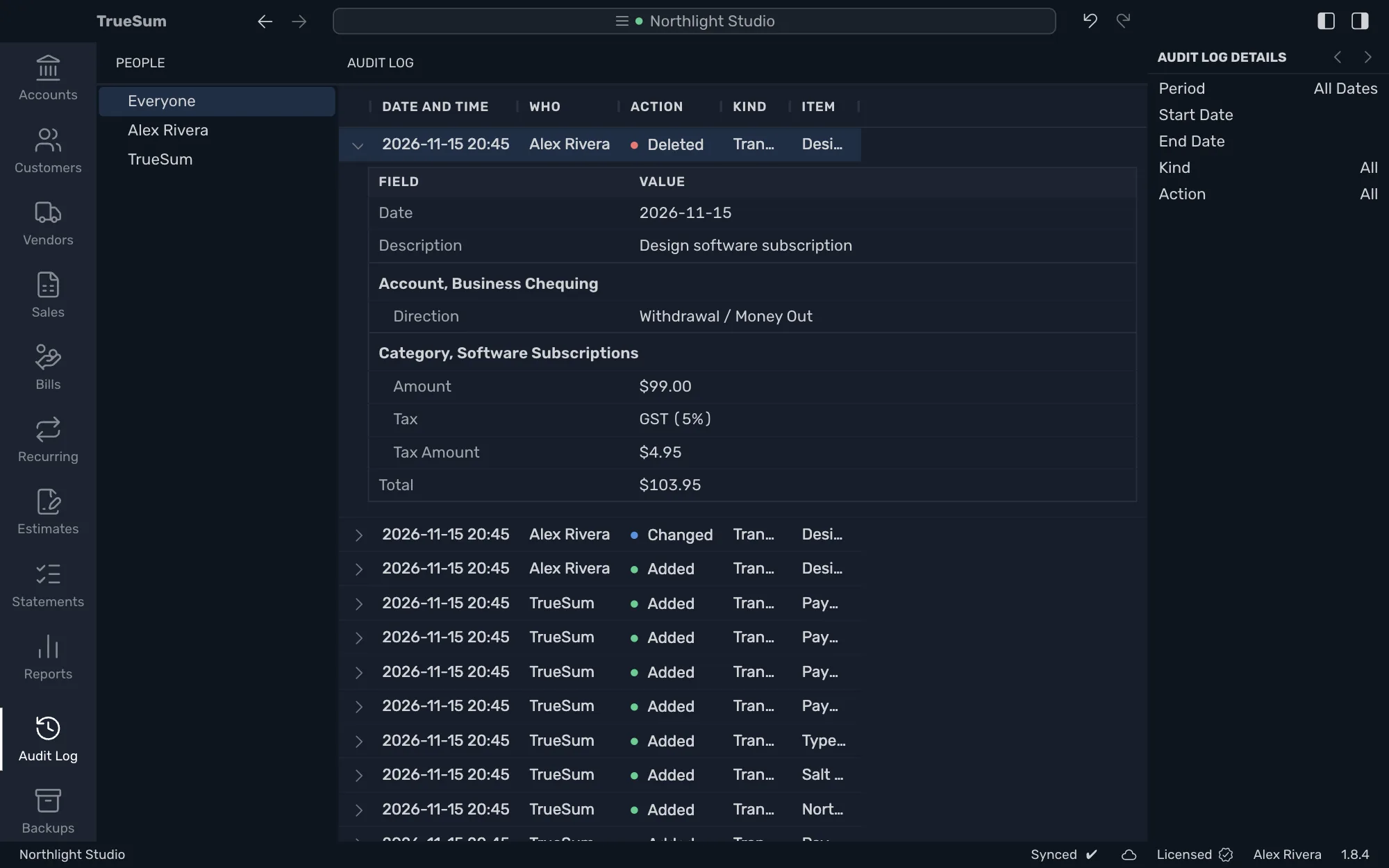
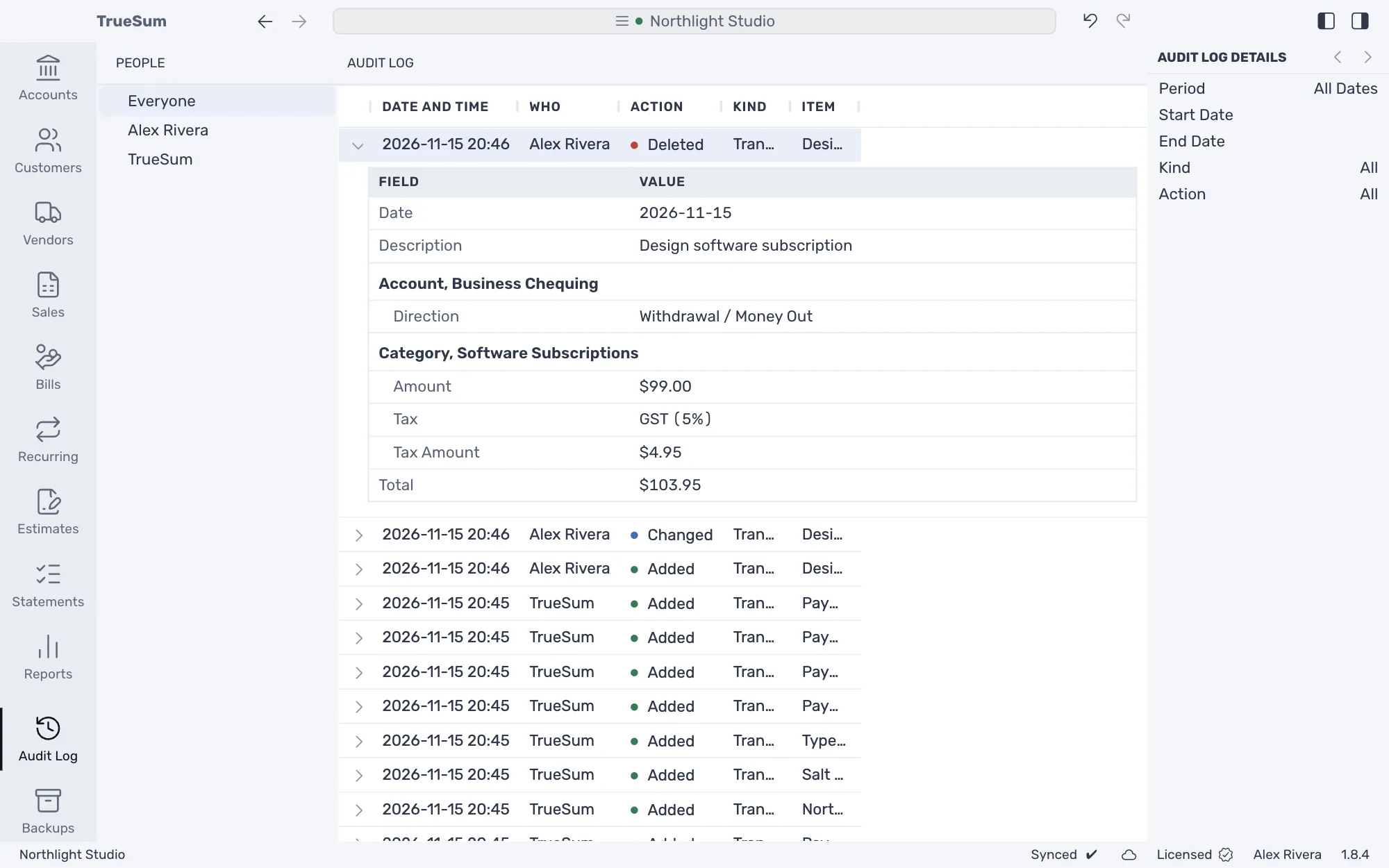
The Audit Log, near the bottom of the activity bar, puts every change to your transactions in one list. Select a person in People, on the left, to see only their changes.
A deleted transaction stays in the Audit Log with everything it held. Select its row to see what was there. If you deleted it just now, Undo brings it back.
A History for each transaction
Select a transaction and scroll to History, under Transaction Details. Each row is one save, with its date and time, who saved it, and whether it added, changed, deleted or put back the transaction. Open a row to see each field before and after. Invoices, bills and payments have a History too.
Every change in one list
The Audit Log lists every change to your transactions, the newest at the top, with the kind of thing that was changed and which one. Select a person in People to see only their changes.
Deleted transactions included
A deleted transaction is still in the Audit Log, even though it's gone from your accounts. Select its Deleted row to see everything it held. If you deleted it just now, Undo brings it back.
When two people change the same thing
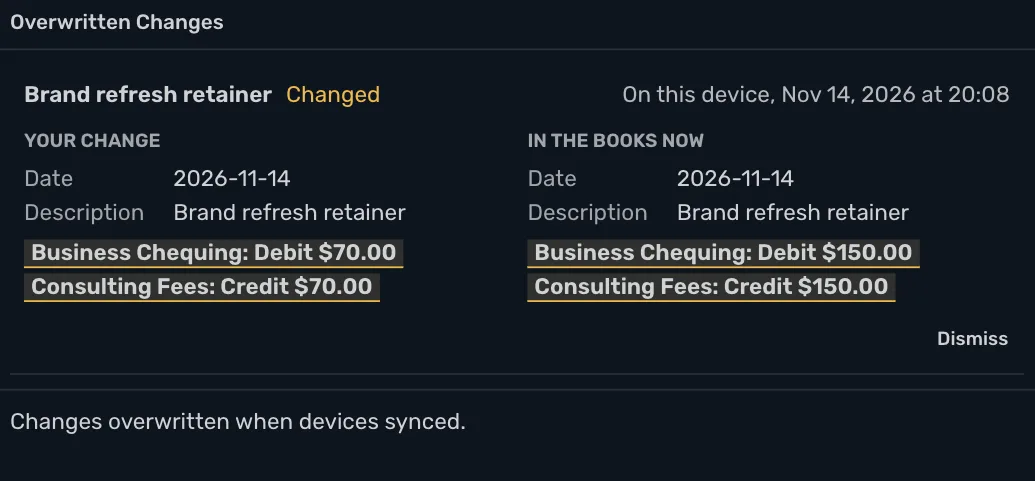
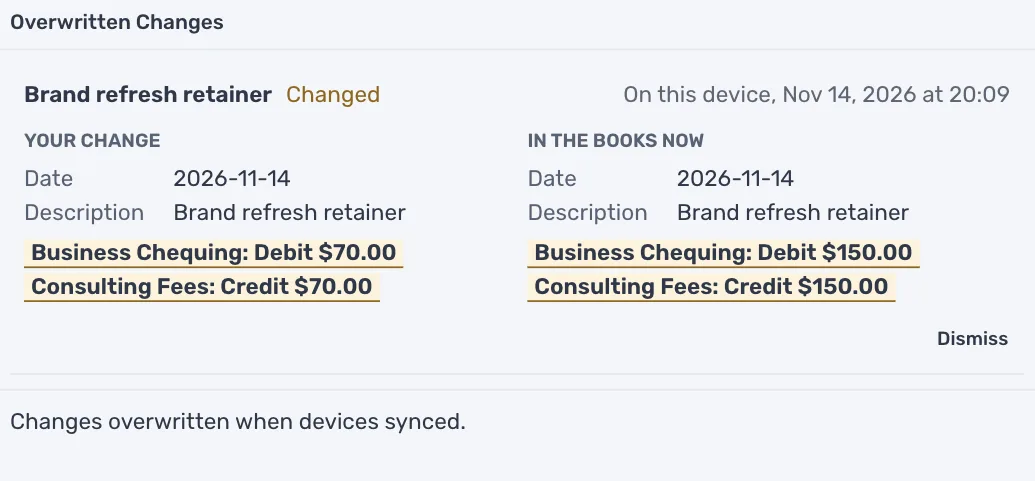
If you and someone you share with both change the same transaction, whoever syncs first wins, and the other person gets a warning. Show Me puts their change beside what is in the books now.
30 days free, no account or credit card required.