When two devices change the same thing
TrueSum keeps the first change to reach the cloud, and tells you when yours was not kept.
You can use a business on two devices at once. Changes to different transactions never clash, and both are kept. When two devices change the same transaction before either has synced, TrueSum keeps the first change to reach the cloud, whole, and tells the other device.
The warning
After the sync that finds the clash, a warning appears that reads A change you made was overwritten. It says what you changed and when, and that another device's version was kept.
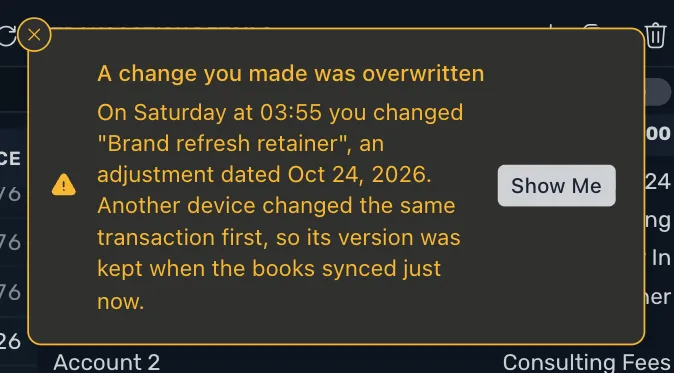
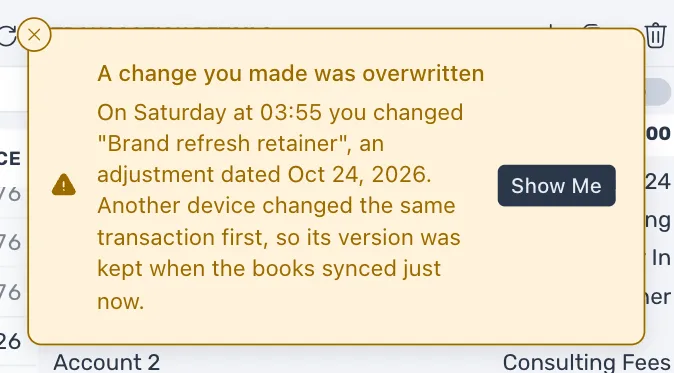
Press Show Me to see both versions.
The Overwritten Changes window
Show Me opens it. You can also open it any time. In the Help menu, choose Overwritten Changes…. It lists the open business's overwritten changes, newest first. Each one has the transaction's name, what was done (Changed, Deleted or Put back), and whether it was on this device or another, with the day and time.
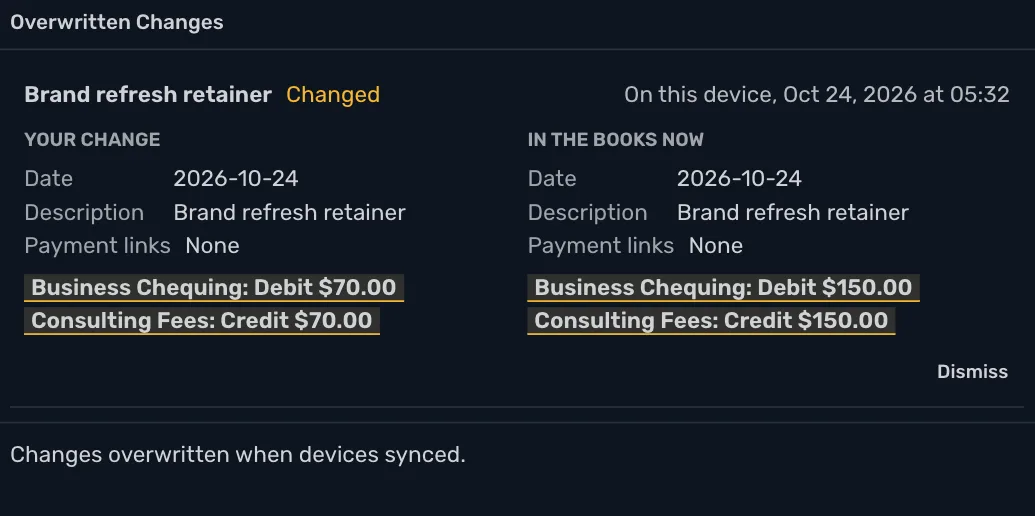
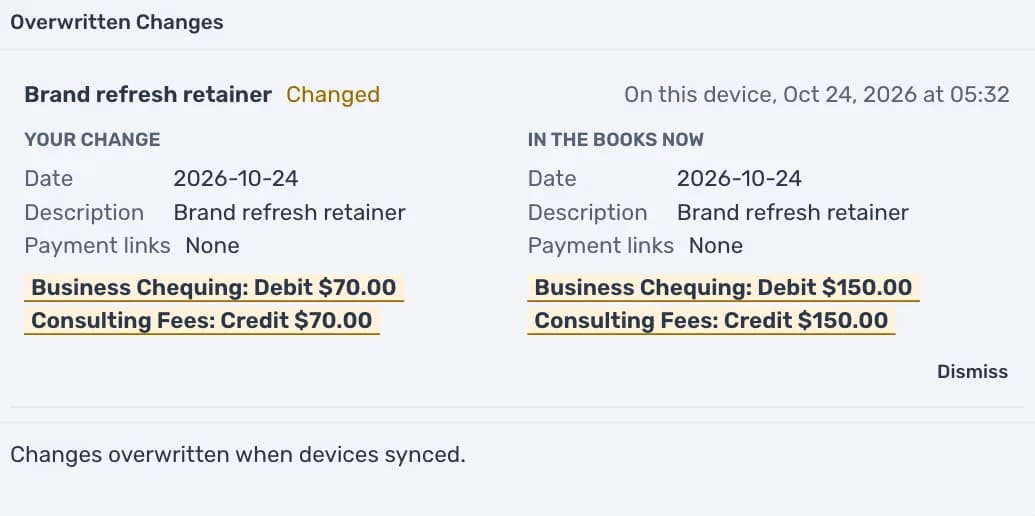
Under each change, Your change is beside In the books now, and every part that differs is marked. Each amount is shown as a debit or a credit, whatever Use Friendly Names is set to (see How TrueSum keeps the books). If another device deleted the transaction, the books side says "This transaction no longer exists."
What to do
Read the two sides. If the books are right, press Dismiss. If your change still matters, make it again on the transaction as you would any edit.
Dismiss closes the change on every device. A change stays in the window until you dismiss it. When none are left, it says "All changes from every device are in the books."
Closing a year
A fiscal year can clash too. If you close a year while another device adds, changes or deletes a transaction in it, the close is not applied. The warning says Closing 2025 was overwritten, and you close the year again. If another device closed the year first, a change you made to a transaction in it is not applied, and the warning says to reopen that year to change it.