Start your trial or enter a license key
What the trial does, where to enter a license key, and what the status bar says.
The first time TrueSum opens, your 30-day trial starts on its own. There is nothing to enter. You need a license key once the trial is over, and you can enter one any time before that too.
During the trial
Everything in TrueSum works except sync, which needs a subscription (see below), and Privacy Mode, which needs a license (see Privacy Mode). The status bar counts down the days. It reads Trial · 30 days left, Trial · 29 days left, and so on.
When the trial ends the status bar says Trial ended. Your books stay open. You can read them, run reports and export. What stops is adding, changing and deleting transactions, until you buy a license or subscribe.
Enter a license key
You get the key in the email that comes with your purchase. Buy a license from the Pricing page, or, in the Help menu, choose Purchase License…. A license works on one device at a time, and can be moved to another device up to three times a year.
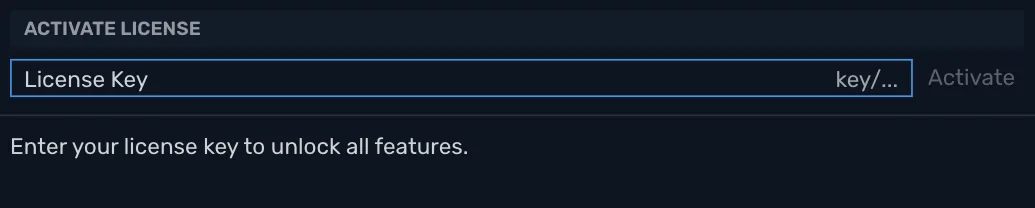
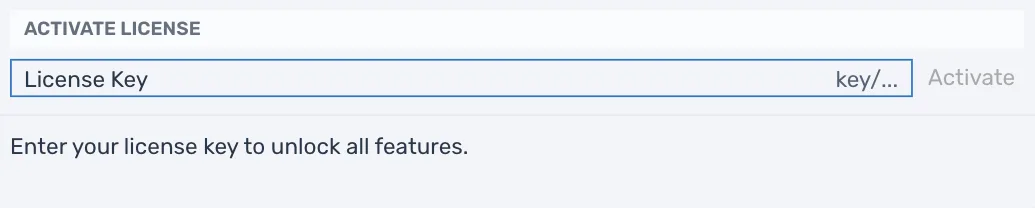
TrueSum must be online, and Privacy Mode off, to check a key. Open Activate License in any of these ways:
- Press the trial in the status bar.
- In the Help menu, choose Enter License Key….
- Press the business's name in the title bar, choose Account, then Enter license key.
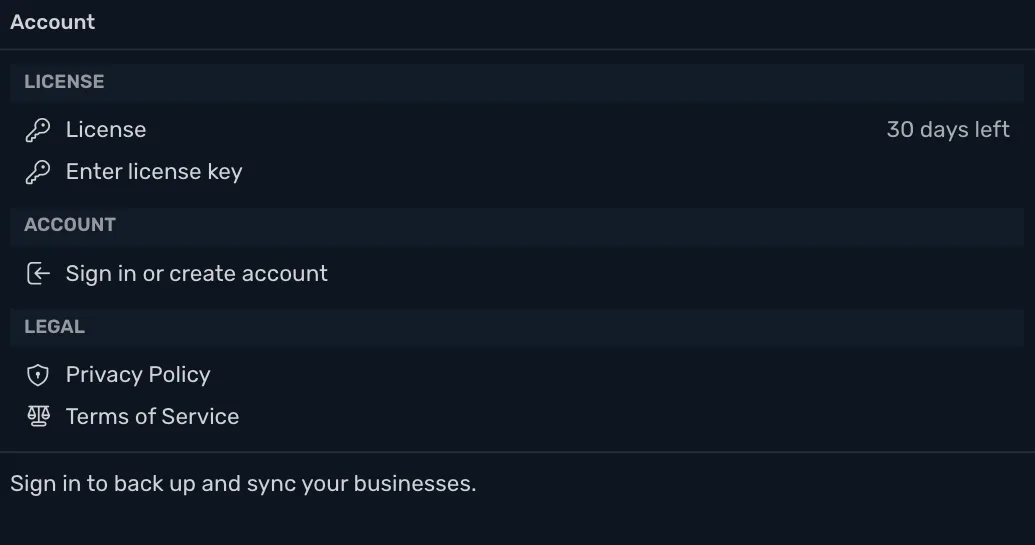
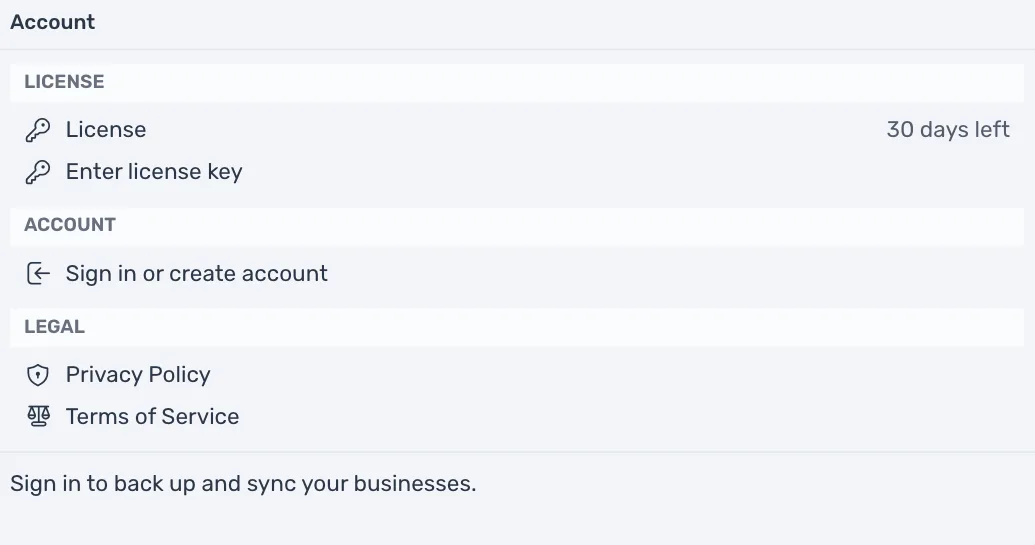
Paste the key into License Key and press Activate.
The status bar then says Licensed, and Enter License Key… and Purchase License… in the Help menu are dimmed. If a key is refused, the window says why, such as "This license key is not valid. Check it and try again." If it says the license is in use on another device, press Use the License on This Device.
What the status bar says
| Status bar | What it means |
|---|---|
| Trial · 30 days left | The trial is running. Press it to enter a key. |
| Trial ended | The trial is over and there is no key or subscription. |
| Licensed | A license key is active. |
| Subscribed | A sync subscription is active. |
| On another device | The key is in use on another device. Press it, then press Use the License on This Device to move it here. |
| Subscription ended | The subscription ended and there is no key. |
Subscribe to sync
Sync keeps your books in step across your devices, with a cloud backup. It is a separate monthly subscription. Sign in (or create a TrueSum account), then buy it on your account page. While a subscription is active you can keep editing transactions without a key. See Turn on sync.
Pricing has the prices.