Privacy Mode
Stop TrueSum from using the internet at all, and what stops working when you do.
Your books live on your device. TrueSum uses the internet only to update itself, check your license, sign in, sync, load exchange rates and send anonymous usage analytics. With Privacy Mode on, TrueSum makes no request to the internet at all.
Turn it on
- Press the business's name in the title bar and choose App Settings.
- Under Privacy, turn on Privacy Mode (Disable Internet Access).
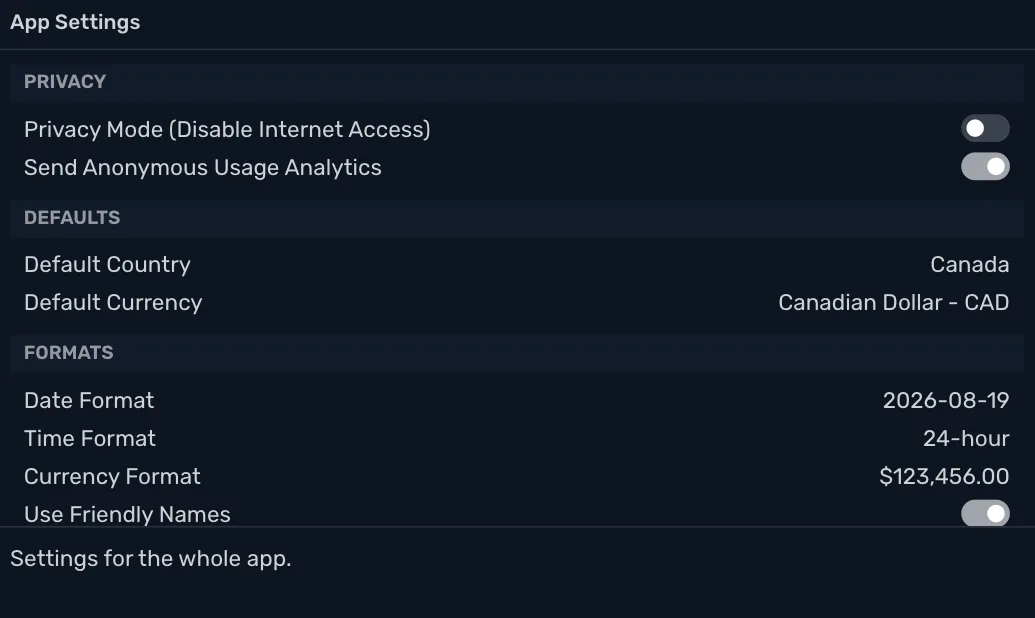
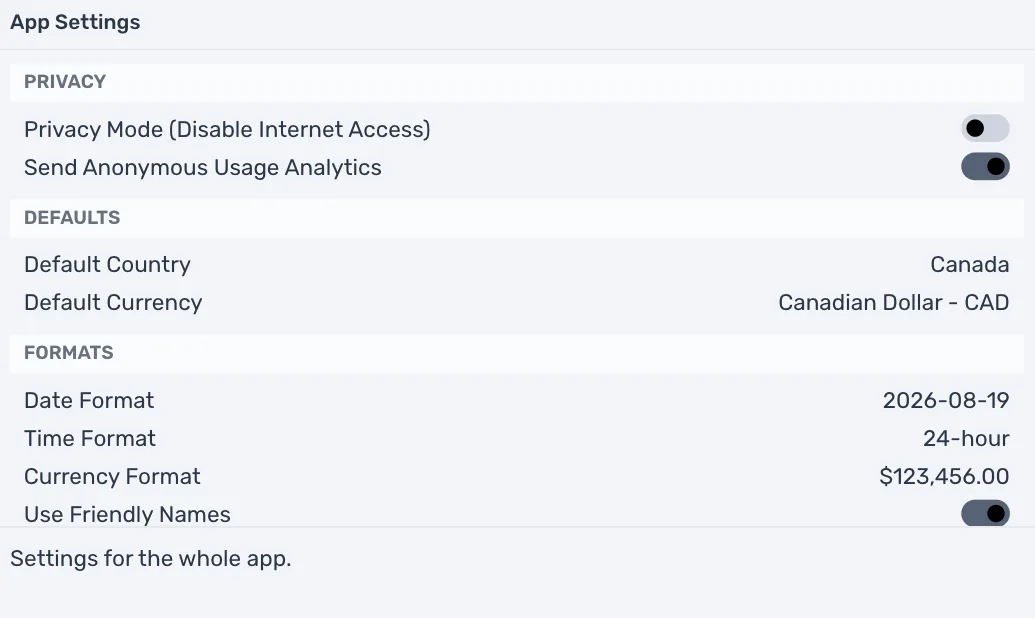
Privacy Mode needs a license. During the trial, or with only a sync subscription, the switch moves back and TrueSum says "Privacy Mode needs a license." See Start your trial or enter a license key.
Privacy Mode signs you out. If you are signed in, TrueSum asks "Privacy Mode signs you out. Continue?" Press OK to go on. Turning Privacy Mode off does not sign you back in.
Turning Privacy Mode off is always allowed, with or without a license.
While it is on, the connection icon in the status bar changes, and says "Privacy Mode is on" when you point at it.
What stops
| What | While Privacy Mode is on |
|---|---|
| Updates | TrueSum does not check for updates or download them. It checks again when you turn Privacy Mode off. |
| Sign in | Nobody can sign in. The Account window shows only your license and the legal links. |
| Sync | A business that syncs shows Sync paused and says "Turn off Privacy Mode in App Settings to sync this business." Your changes stay on this device and are sent once you turn Privacy Mode off. Turn on sync and Add a business from cloud are dimmed, with the same reason. |
| Exchange rates | Rates are not loaded. A line in another currency says no rate could be loaded. Type both amounts, and TrueSum works out the rate. The button that resets a rate is dimmed. |
| License checks | TrueSum does not ask the website about your license. To enter a license key, turn Privacy Mode off first. |
| Usage analytics | Nothing is sent. Send Anonymous Usage Analytics shows as off. |
Everything else works as usual. That includes your books, reports, invoices, backups, and saving files. Contact Support… saves a file for you to email, so it works too.
If you need sync again, turn Privacy Mode off, then sign in if TrueSum says Sign in in the status bar.