Your first transaction
Record one expense from your bank account, from the empty list to the saved transaction.
A transaction is money moving from one account to another. In TrueSum an account is any place money sits or goes. It can be your bank account, but also a category such as Office Supplies or Sales. So buying printer paper from your bank account moves money from Business Chequing to Office Supplies. How TrueSum keeps the books explains this idea in full.
This page records one expense. It is office supplies paid from your bank account. Record an expense goes through every field.
Record the expense
- In the sidebar, under Bank accounts, press your bank account. A new business starts with two, such as Business Chequing and Business Savings. Press the one the money comes out of.
- Press the + at the top of the list (its name is Add new transaction). New Transaction opens in the right sidebar.
- Press Date, then Today.
- Press Direction and choose Withdrawal / Money Out. The form starts on Deposit / Money In, so change it.
- Press Description and type what you bought, such as "Staples, printer paper and toner".
- Press Account 2, which is where the money went. Type "Office" and choose Office Supplies.
- Press Amount and type 86.40.
If the form has a Tax field, leave it as it is for now. Tax on a sale or a purchase explains it.
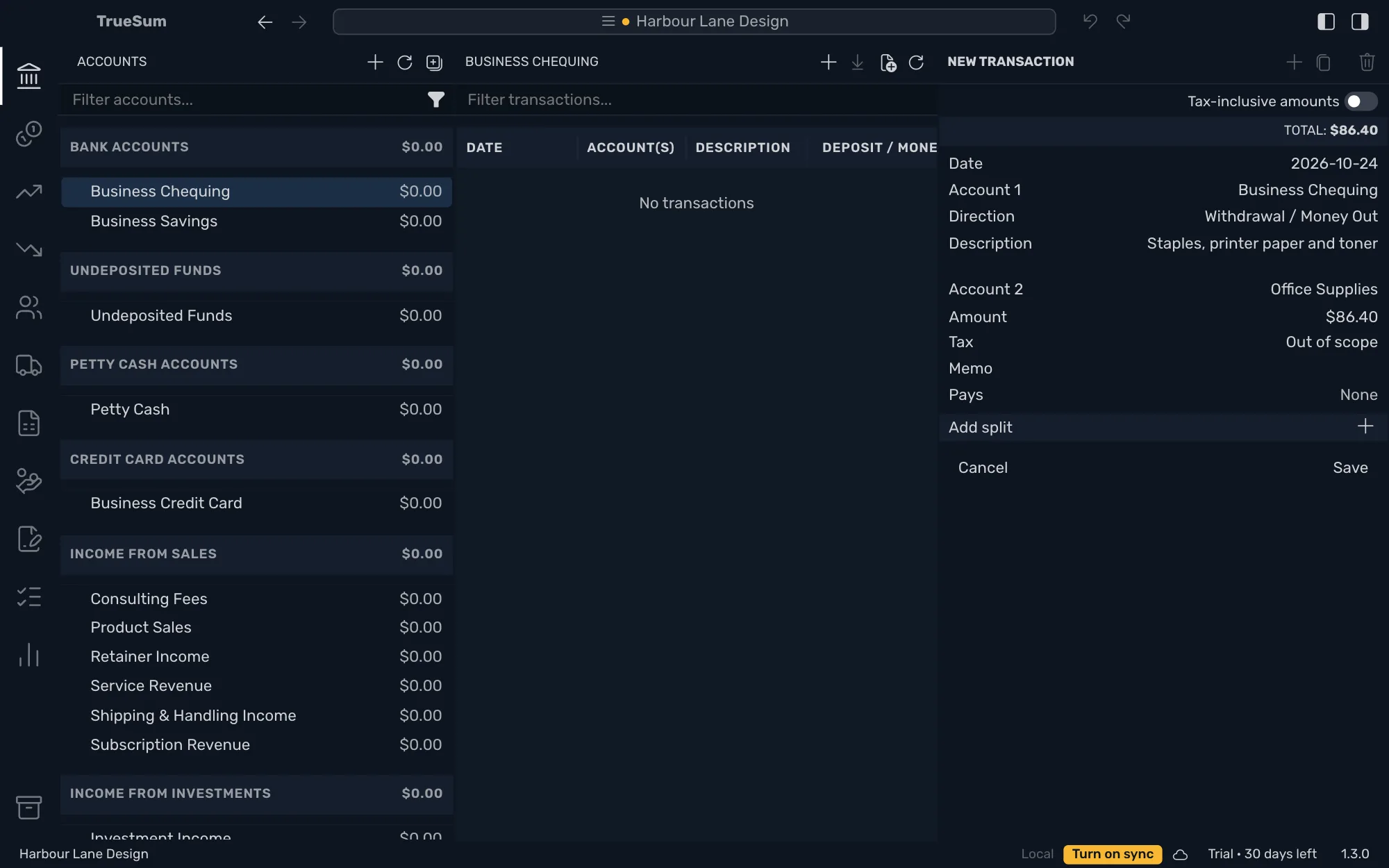
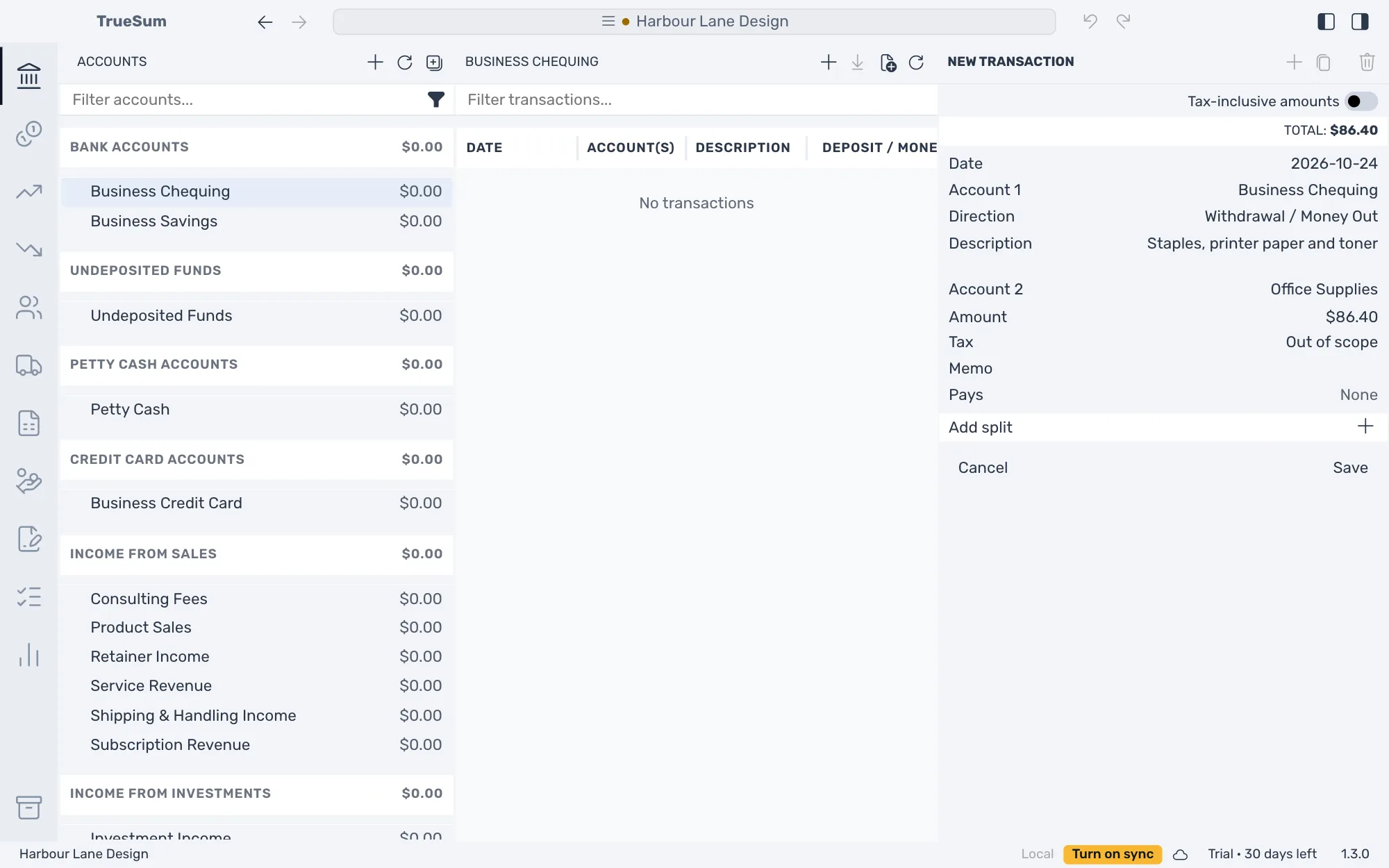
Press Save.
What you see now
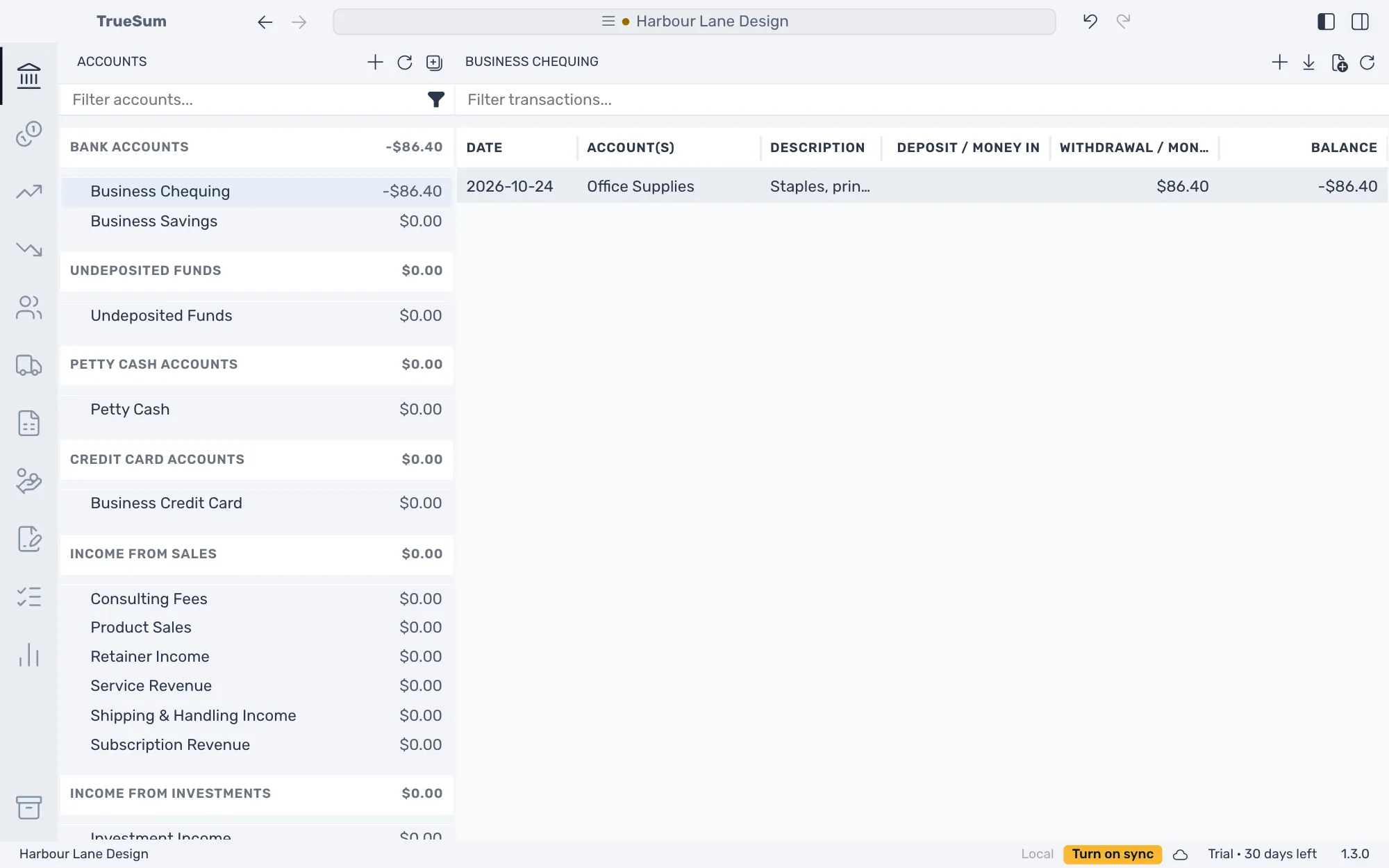
The transaction is in the list, and the bank account's balance reads -$86.40, because the account started at zero. Once you enter what was really in the account on your start date, the balance will be right (see Opening balances). In the picture the right sidebar is hidden with Toggle Right Sidebar so the list has more room.
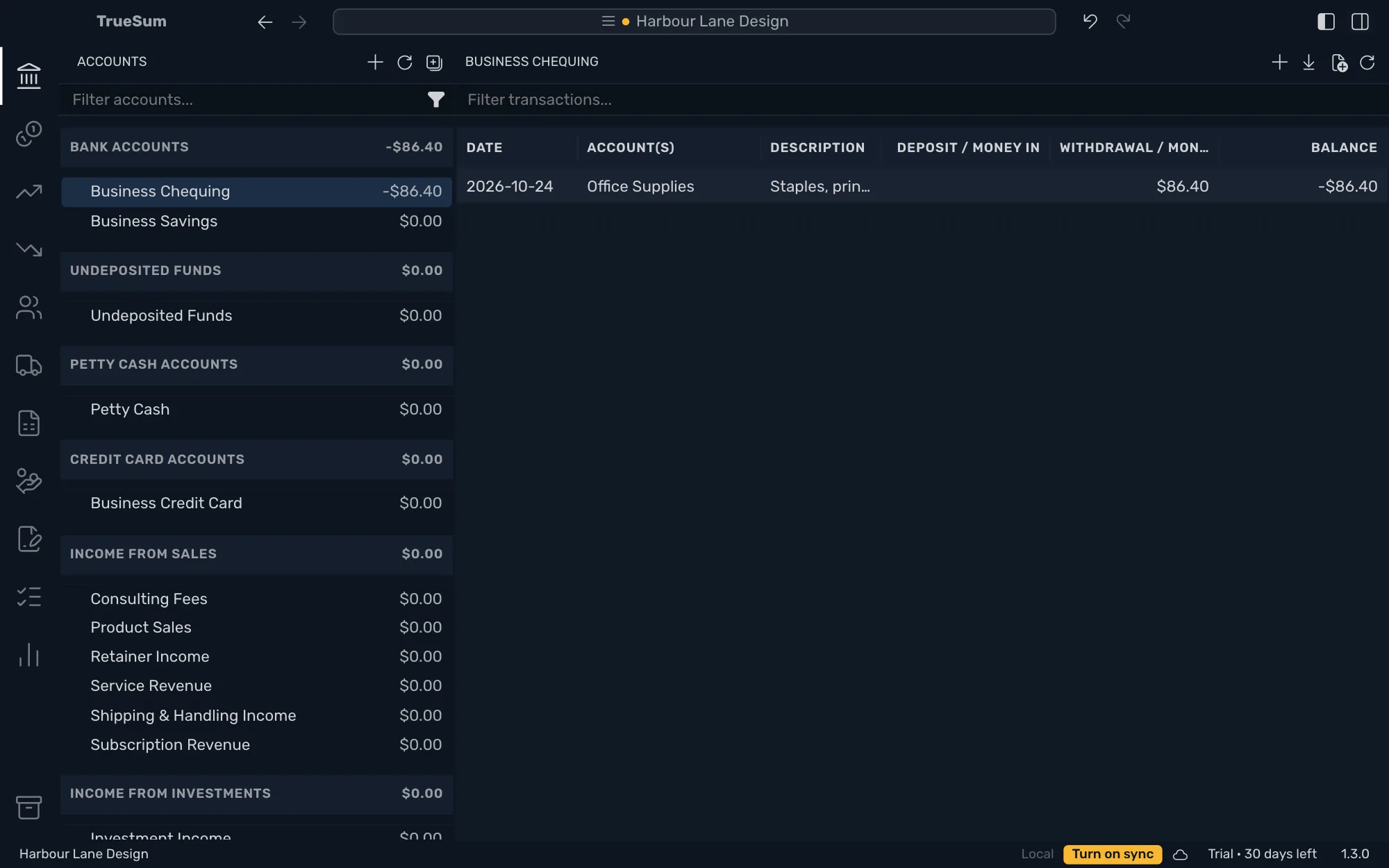
Press the transaction to open it again and change it. If it was a mistake, press Undo in the title bar or choose Edit, then Undo (see Undo a change).