Install TrueSum
Download and install on a Mac or Windows PC, and open it for the first time.
What you need
- Mac: a Mac with Apple silicon (M1 or later), running macOS 13 (Ventura) or later. To check, choose About This Mac from the Apple menu. A Chip line that starts with Apple means Apple silicon.
- Windows: a 64-bit PC running Windows 10 or later.
On a Mac
- Open the Download page and press Download for Mac.
- Open the downloaded file from your Downloads folder.
- Drag TrueSum onto the Applications folder.
- Open TrueSum from Applications.
On Windows
- Open the Download page and press Download for Windows.
- Open the downloaded file from your Downloads folder. It installs TrueSum and opens it. There are no options to choose.
The first time it opens
TrueSum opens on the New Business form. Your 30-day trial starts on its own, and the status bar at the bottom counts its days. There is nothing to enter now. If you already have a license key, you can enter it any time (see Start your trial or enter a license key).
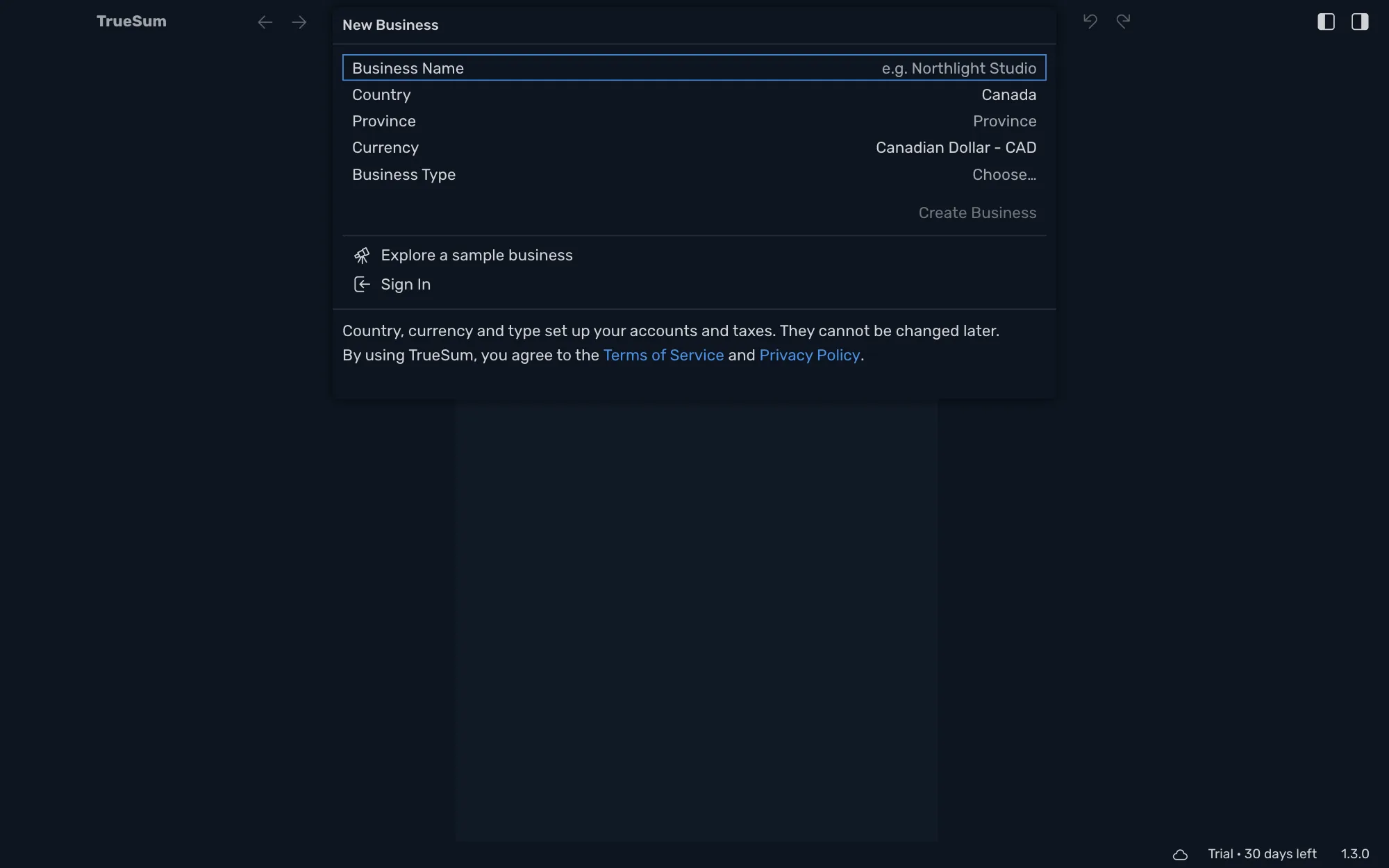

From here, create your first business. To look around a finished set of books first, choose Explore a sample business under the form (see Explore the sample business).