Get help
Contact support from TrueSum, read what's new, and keep TrueSum up to date.
The Help menu is at the top of the screen on a Mac. On Windows, press the Application Menu button at the left of the title bar and choose Help.
| Menu item | What it does |
|---|---|
| What's New | Shows what changed in the version you are running. It also opens on its own, once, after an update. |
| Contact Support… | Saves your message, and optionally a copy of your books, to a file you email to support. See below. |
| What Happened… | Lists what TrueSum did, newest first. That includes what you did, what changed in your books, what sync did and what went wrong (see What Happened). |
| Overwritten Changes… | Lists changes that were overwritten when your devices synced (see When two devices change the same thing). |
| Learn More | Opens the TrueSum website. |
| Enter License Key… | Takes the key you bought (see Start your trial or enter a license key). |
| Purchase License… | Opens the website to buy a license. |
Contact support
Choose Contact Support…. It works with no business open, which helps when a business will not open.
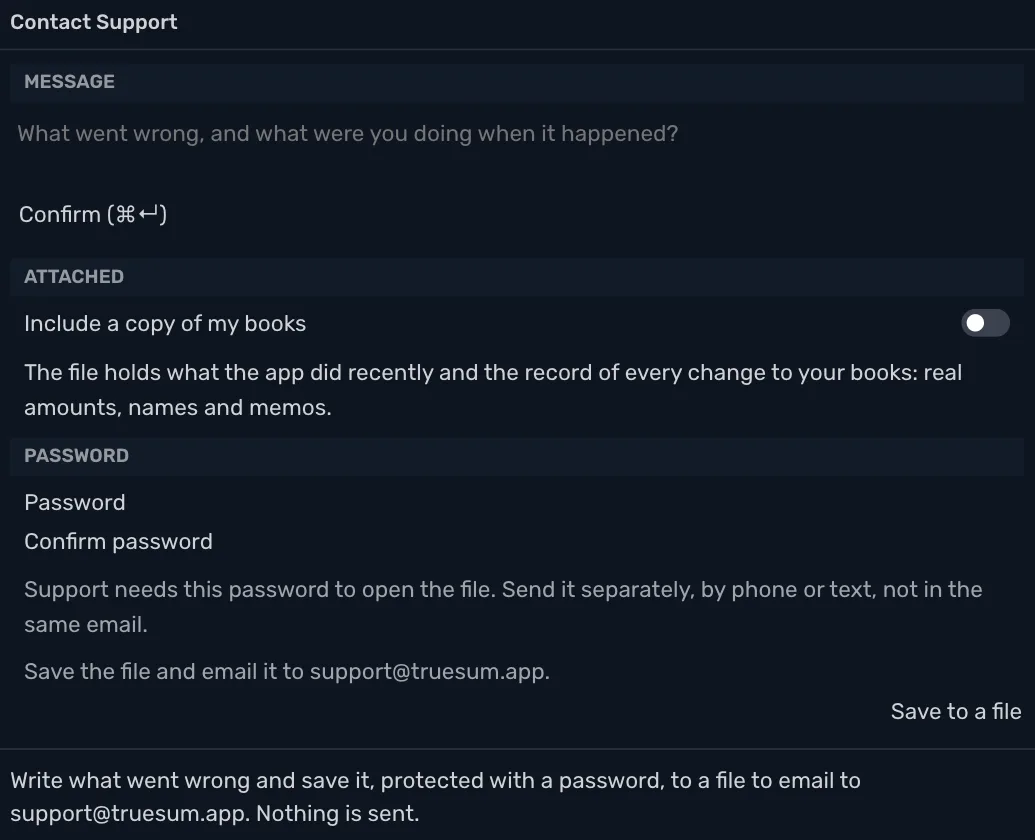
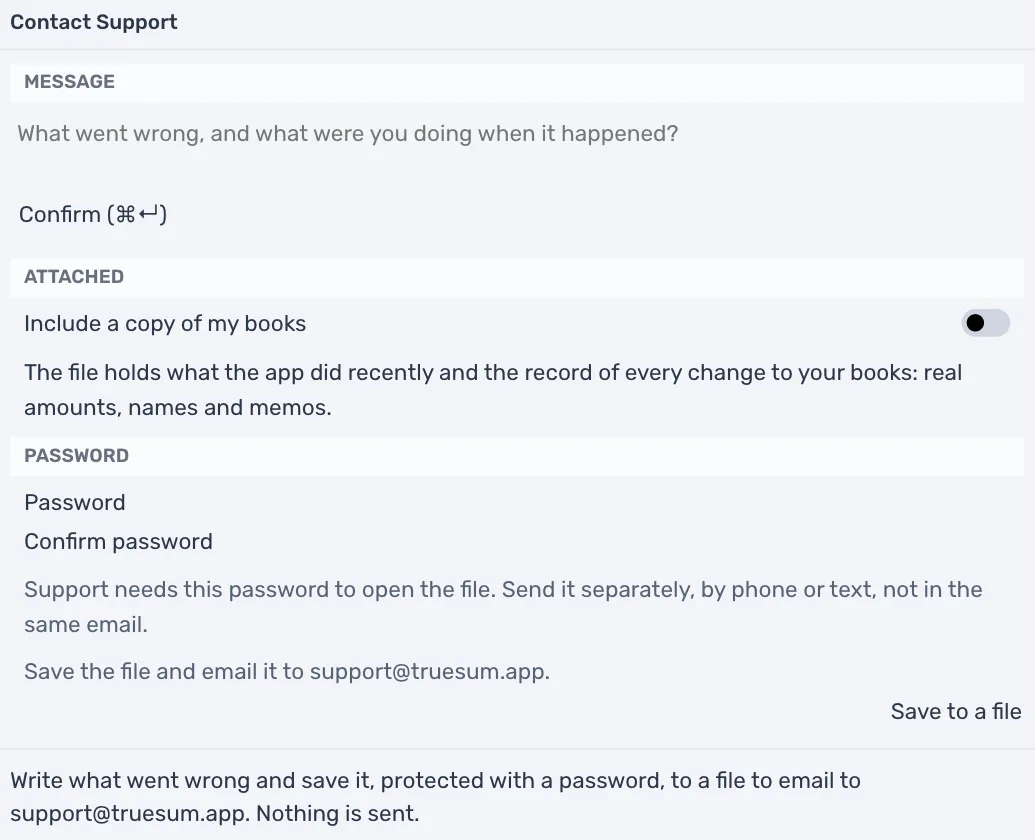
- In Message, write what went wrong and what you were doing when it happened.
- Leave Include a copy of my books off unless support asks for it. With it off, the file still holds your message, what TrueSum did recently and a record of every change to your books, with real amounts, names and memos. Turning it on adds a full copy of your books.
- Type a password of at least 12 characters in Password and again in Confirm password.
- Press Save to a file and choose where to save it.
- Email the file to support@truesum.app. Send the password separately, by phone or text, not in the same email, so the file and its password never travel together.
TrueSum itself sends nothing. You choose when to email the file. For a plain question, email the same address without a file.
Keep TrueSum up to date
TrueSum keeps itself up to date. When a new version is ready, an Update button appears in the title bar. Press it to restart into the new version. The version you run is at the right end of the status bar.
TrueSum does not check for updates while Privacy Mode is on.