App Settings
Every App Settings option, including privacy, the defaults for new businesses, how dates and amounts are written, and appearance.
App Settings change how TrueSum looks and behaves on this device. They apply to every business on this device. This page lists each one.
Open App Settings
- Press the business's name in the middle of the title bar.
- In the Settings window, choose App Settings.
On a Mac you can also, in the TrueSum menu, choose Settings…, or press Command and the comma key.
Privacy
| Option | What it does |
|---|---|
| Privacy Mode (Disable Internet Access) | Stops TrueSum from using the internet at all. Needs a license. See Privacy Mode. |
| Send Anonymous Usage Analytics | Sends anonymous counts of which features are used, and nothing you type. Turning it off needs a license. |
Defaults
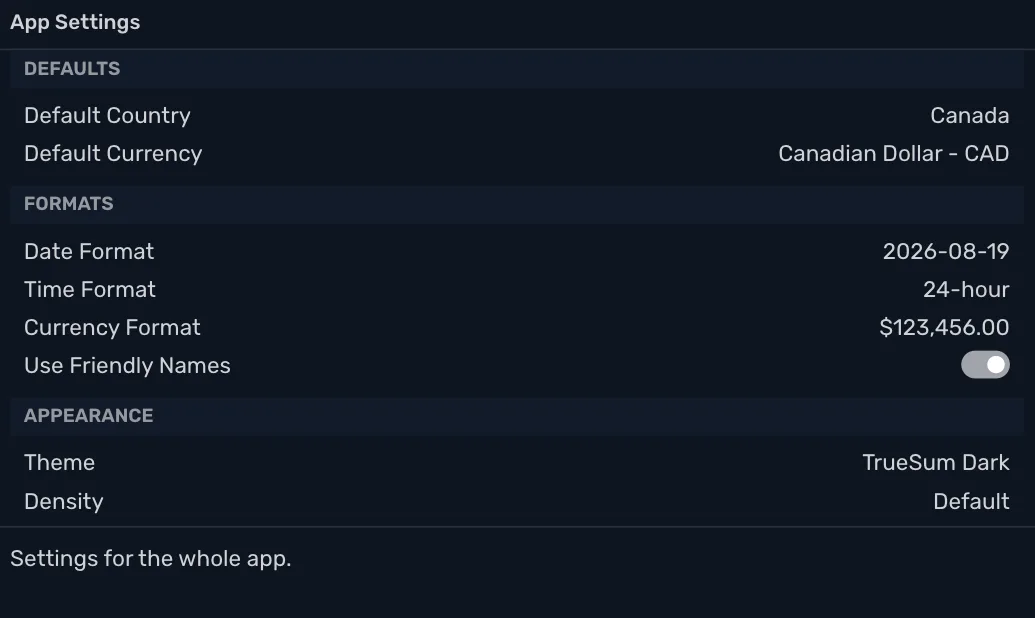
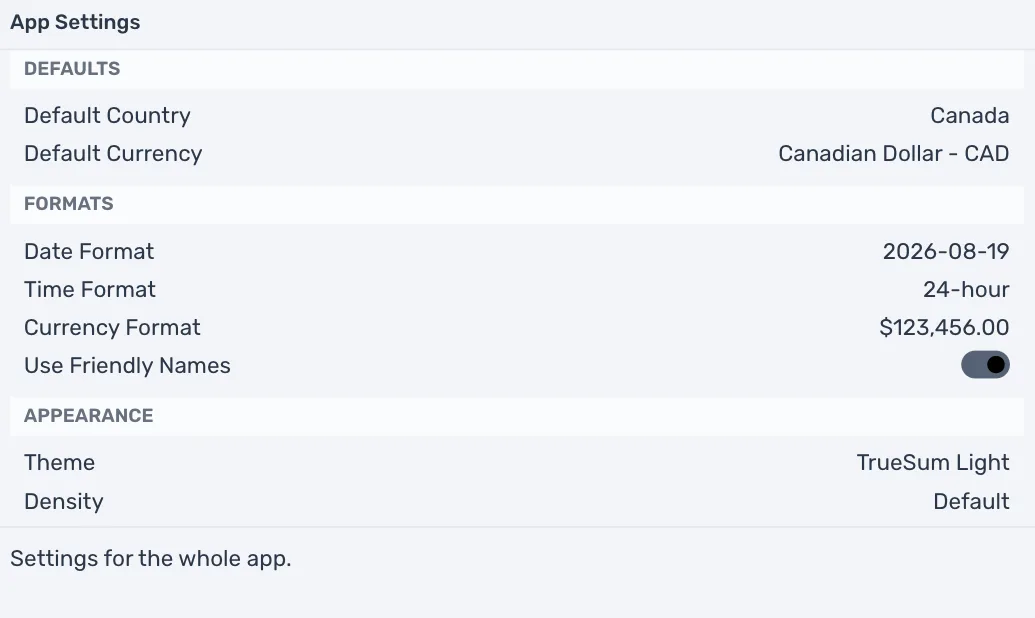
Default Country and Default Currency are what the New Business form starts with. Until you choose, TrueSum uses your device's region. They do not change a business you already have. Its country and currency were set when you created it.
Formats
| Option | What it does |
|---|---|
| Date Format | How dates are written, such as 2026-08-19, 8/19/26 or 19.08.2026. The choices are shown with an example. |
| Time Format | 12-hour (AM/PM) or 24-hour. |
| Currency Format | How amounts are written, including the separators and where the symbol goes. Each choice shows 123456 in your Default Currency. |
| Use Friendly Names | On, each list names its columns for the kind of account. A bank account's say Money In and Money Out, and a customer's say Sale, Payment and Owed to You. Off, every list says Debit, Credit and Balance, and the debt reports use their accounting names. |
Lists and reports change at once.
Appearance
Theme and Density are on Make TrueSum yours. Activity Bar Icons opens the list of icons on the left that you can hide (see Choose the icons on the left).
App Settings and Business Settings
App Settings belong to TrueSum on this device. They are not in a business, so they do not sync and a backup does not hold them. A new device starts with its own.
A business's name, fiscal year and invoice details are Business Settings, and each business has its own (see Business Settings).