Business Settings
Change a business's name, number and fiscal year, and see which settings cannot change.
Business Settings are the details of one business. Create your first business explains what the form asks when you make it. This page is for changing them afterward.
Open Business Settings
- Press the business's name in the title bar.
- In the Settings window, choose the line named for the business, such as Northlight Studio Settings.
To open the settings of a business you are not in, open the Businesses window, point at the business, and press Business settings.
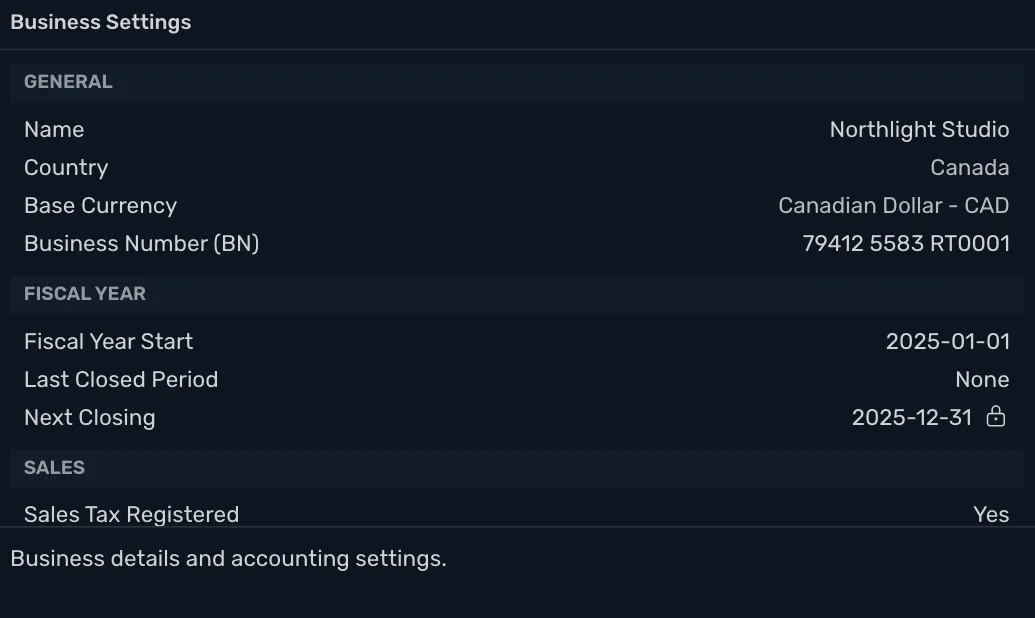
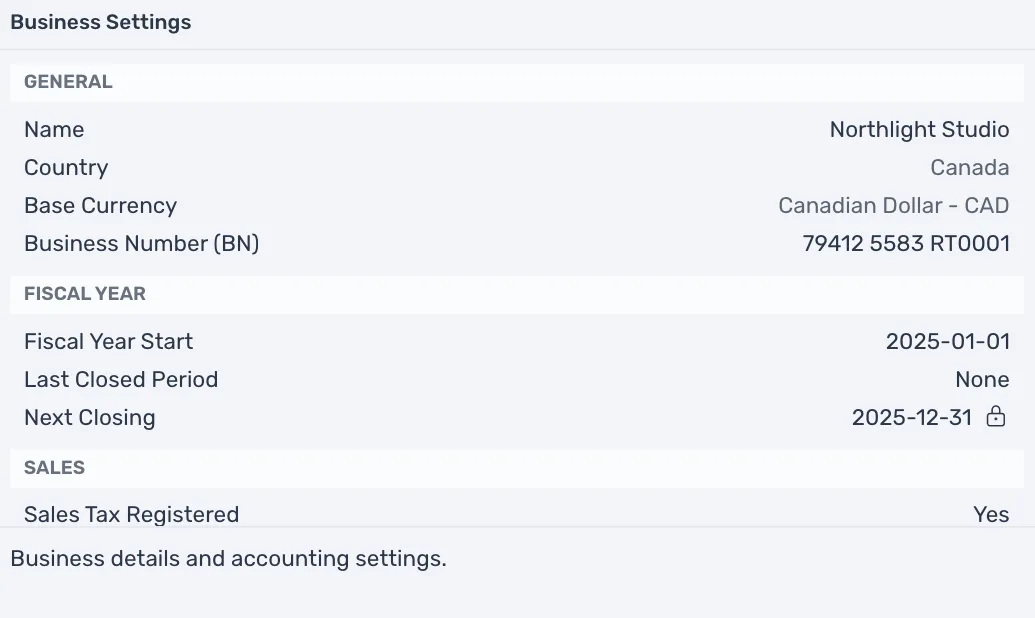
TrueSum saves a change as soon as you finish it.
What you can change
| Setting | Can you change it? |
|---|---|
| Name | Yes, at any time. |
| Business Number (BN) | Yes. The label is the country's own. It reads EIN in the United States. |
| Country and Base Currency | No. They are set when the business is created. Point at either to read "Set when the business is created. Create a new business to use another." |
| Fiscal Year Start | Yes, until you close a year. |
| Sales Tax Registered, Default Payment Terms (days) and Invoice Settings | Yes. See Turn on sales tax and Customize your invoices. |
Country and Base Currency cannot change because your accounts, your taxes and every amount in your books were set up in them.
The fiscal year
Your fiscal year is the twelve months your books and tax return cover. Fiscal Year Start is its first day. It starts as January 1 of the year you created the business, which is right for most small businesses. Reports use it for the fiscal year.
Two lines under it track closing a year:
- Last Closed Period is the end of the last year you closed, or None.
- Next Closing is the end of the next year that can be closed, or "Fiscal year has not ended yet".
Closing a year locks its transactions, and only a description or memo can still change. Point at the lock beside Next Closing to see Close period, and at the arrow beside Last Closed Period to see Reopen period. See Close a fiscal year.
While any year is closed, Fiscal Year Start cannot be edited. Point at it to read "Reopen every closed year to change the fiscal year start." For a business you are not in, the lines are replaced by Closed Periods, which says "Open this business to see or change them."