Turn on sales tax
Tell TrueSum your business charges sales tax, and see which rates it sets up for your country.
Set Sales Tax Registered to Yes if your business is registered with a tax agency to charge sales tax, for example you have a GST number in Canada or a VAT number in the United Kingdom. If you are not registered, choose No. A new business starts with it on. With it off, the Tax field disappears from your forms.
Turn it on or off
- Press the business's name in the middle of the title bar.
- In the Settings window, choose the line named after your business, such as Northlight Studio Settings.
- In the Sales section, press Sales Tax Registered and choose Yes or No.
The change is saved right away.
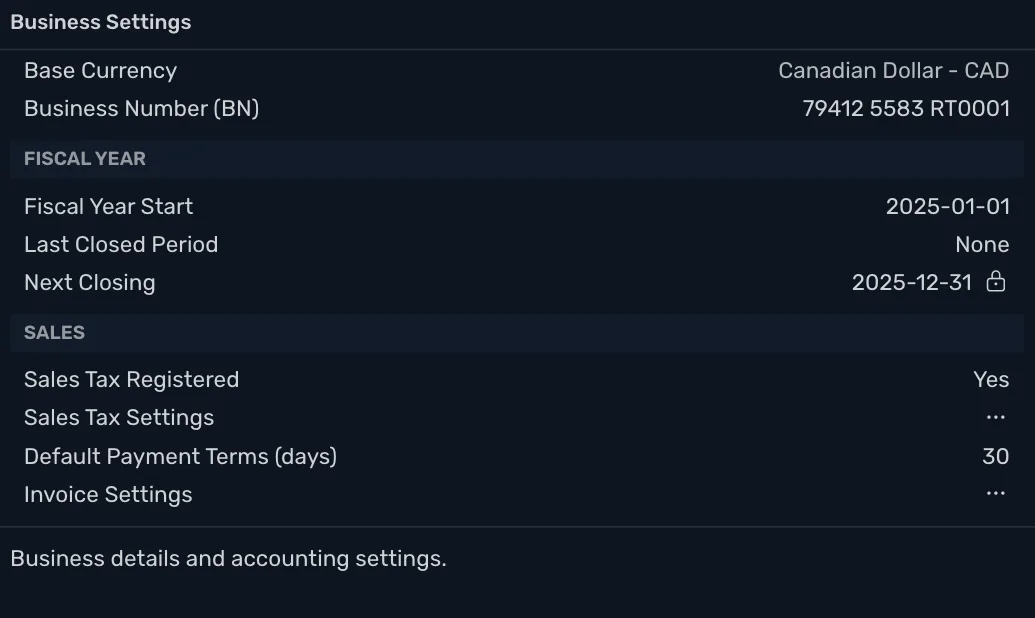
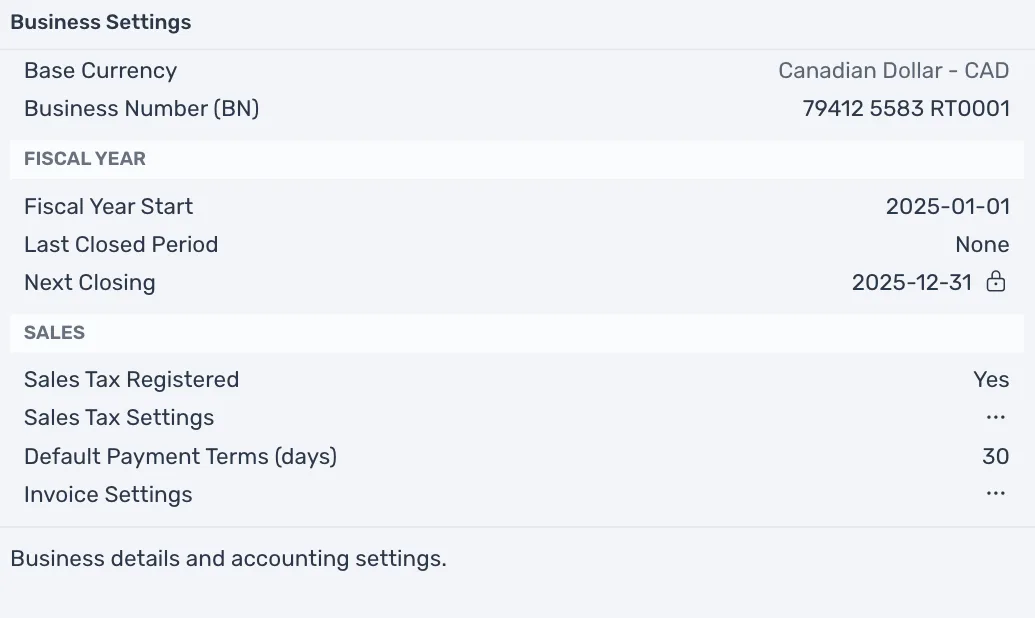
What the switch does
With Yes:
- Each line of a transaction or an estimate has a Tax field, when the line's account is an income or an expense account (see Tax on a sale or a purchase).
- Business Settings has a Sales Tax Settings row, where your tax agencies and rates are (see Tax rates and agencies).
With No, both are gone. Transactions you already saved keep their tax.
Which rates are set up
TrueSum sets up taxes when you create the business, from its country:
| Country | What is set up |
|---|---|
| Canada | The taxes of the province you chose, such as GST and PST BC in British Columbia, with the group rate GST/PST BC, or HST ON in Ontario. Every province also gets Exempt and Zero-rated, for sales that carry no tax but still have to be reported. |
| United Kingdom | The VAT rates HMRC uses (His Majesty's Revenue and Customs). They are VAT Standard, VAT Reduced, VAT Zero-rated, VAT Exempt and VAT Reverse Charge. |
| United States and every other country | None. Add your own. In the United States, that is your state's tax office and the combined state and local rate for your address (see Tax rates and agencies). |
In the United States, rates differ by city and change often, so TrueSum leaves them to you. Tax rates and agencies shows how to add one, with Texas as the example.