Change or combine tax rates
Start a new rate on a date, combine rates in a group, and turn a rate or an agency off.
Tax rates change, and some taxes are charged together. Both are in Sales Tax Settings (see Tax rates and agencies).
Change a rate from a date
When a rate changes, add the new figure rather than editing the old one.
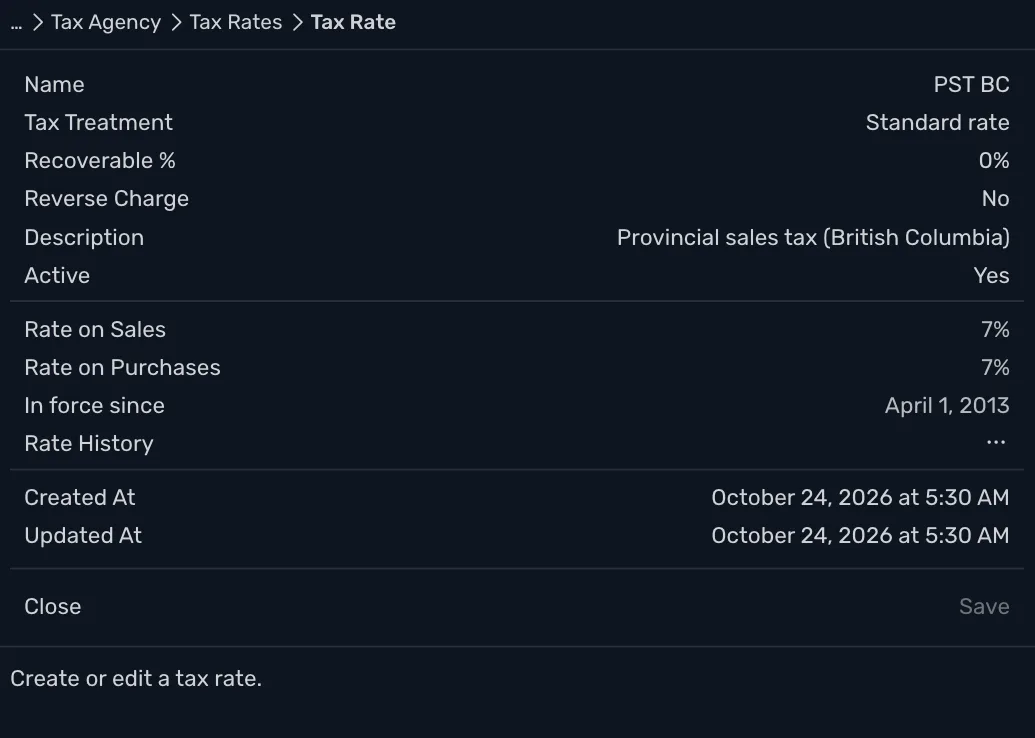
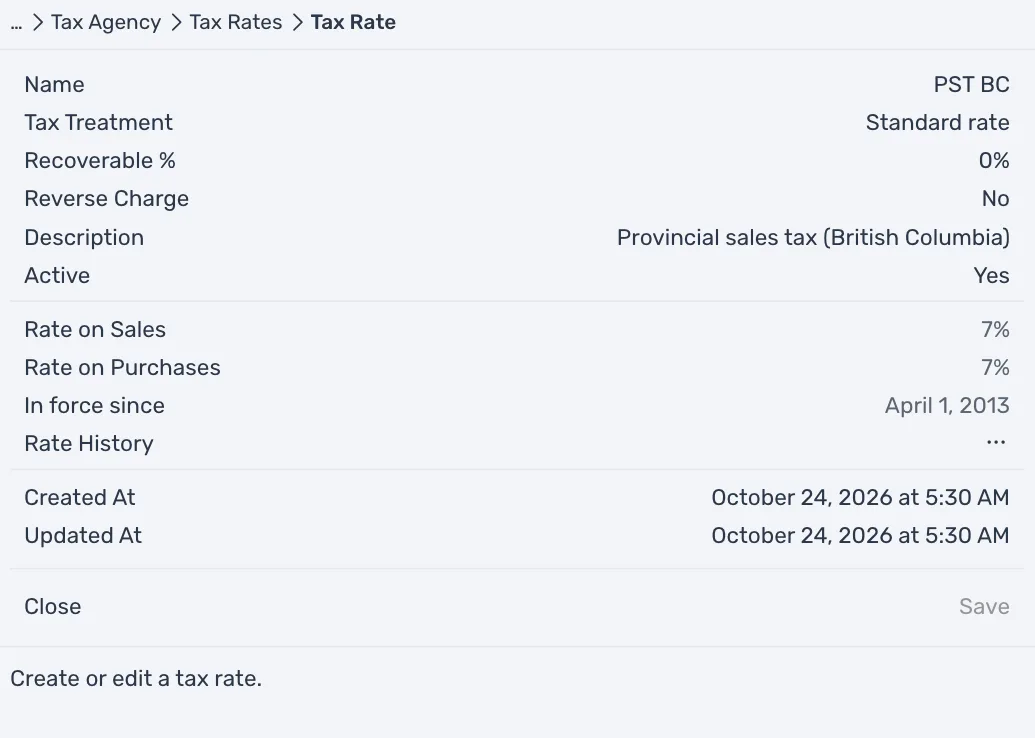
- Press Tax Agencies, the agency, Tax Rates and the rate.
- Press Rate History, then Add rate.
- Fill in Rate on Sales, Rate on Purchases and Effective From, and press Save.
Transactions before that date keep the old rate. A row of the rate history that saved transactions already use cannot be edited or deleted, because that would change the tax on them.
Combine rates in a group
A group rate charges several rates on one line, such as GST/PST BC. In Sales Tax Settings, press Group rates, then Add tax group rate. Type a Name, then add each rate to include with its Add button, such as Add GST.
The first rate is always charged on the net amount, the price before tax. Each rate after it starts on Net amount too, and you can choose Previous tax amount or Net + all previous taxes instead. Most groups charge every tax on the net amount, as GST and PST BC are in British Columbia. The other two choices are for a tax that is charged on top of another tax.
Once a group is saved, its rates cannot be changed. Only its name, description and Active can. To change the rates, make a new group.
Turn a rate off
Set Active to No on a rate, a group or an agency to stop offering it on new lines. Turning an agency off turns its rates off with it. Saved transactions keep their tax. An inactive rate or agency shows (inactive) in its list.