Tax rates and agencies
Add a tax agency and a tax rate, for a country where TrueSum sets up none, such as the United States.
Every tax rate belongs to a tax agency, the office you file with. In Canada and the United Kingdom TrueSum sets both up for you. Anywhere else, such as the United States, you add your own. This page adds the Texas Comptroller of Public Accounts and an 8.25% rate, the most a combined Texas state and local rate can be.
Open Sales Tax Settings
Open Business Settings (see Turn on sales tax) and press Sales Tax Settings. It is there only while Sales Tax Registered is Yes. It has two rows. Tax Agencies is where each agency has its rates, and Group rates is explained in Change or combine tax rates.
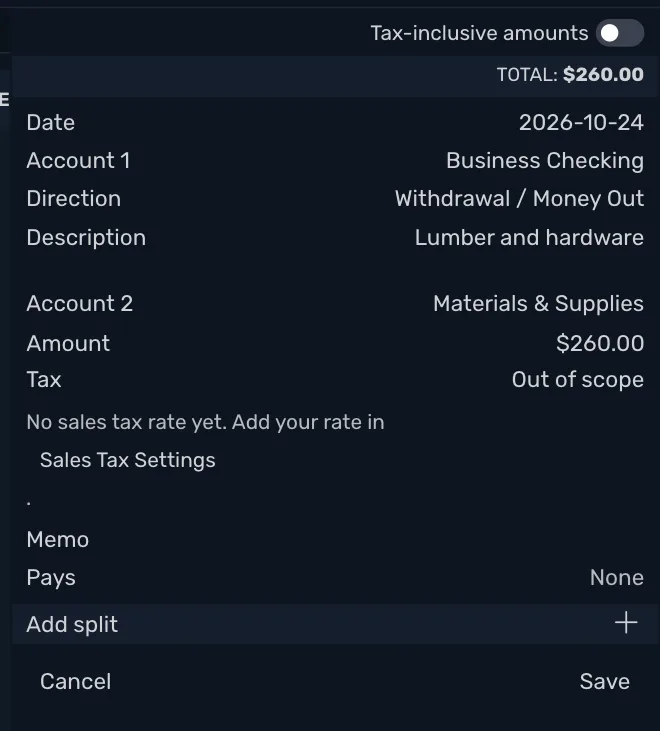
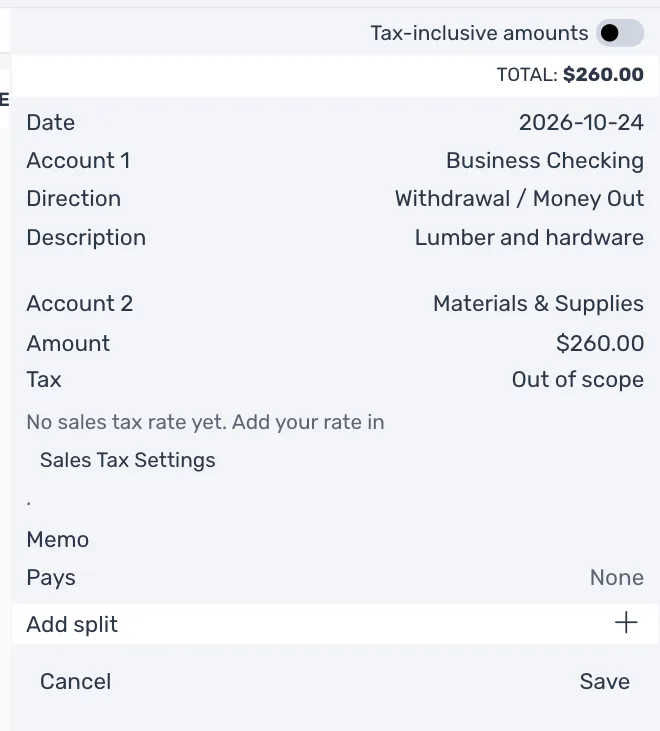
A line with no rate to choose says No sales tax rate yet. Add your rate in Sales Tax Settings. Press Sales Tax Settings in it to open the same window.
Add a tax agency
- Press Tax Agencies, then Add tax agency.
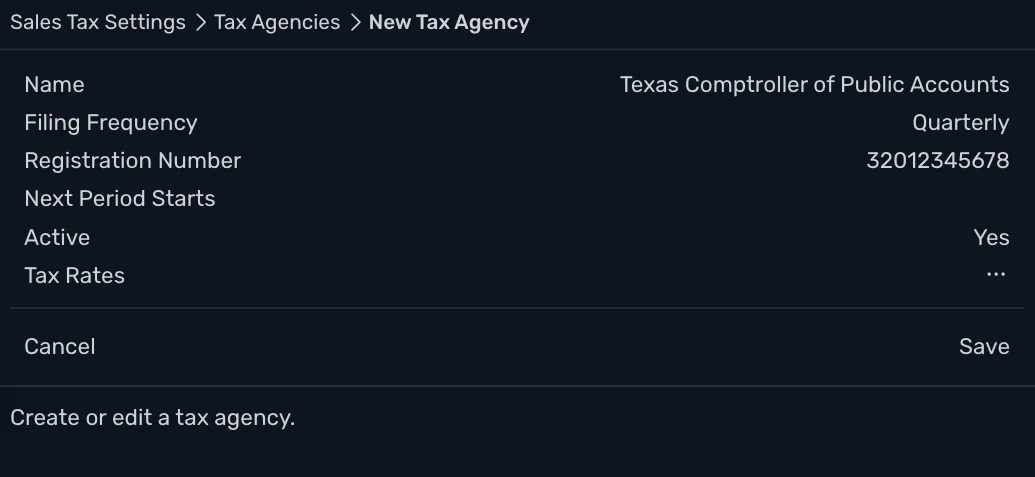
- Type its Name, such as your state's tax office, and press Save.
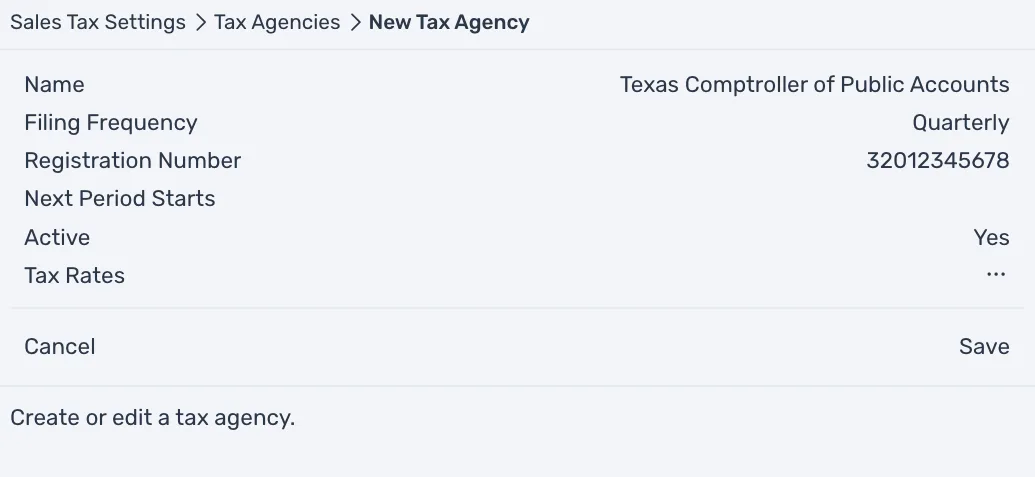
Filing Frequency and Registration Number come from your permit letter. In Texas, the Comptroller's letter tells you whether you file monthly or quarterly, and the taxpayer ID it gives you has 11 digits. They are for your own record and change no figure. Next Period Starts is optional.
Add a tax rate
- Press the agency, then Tax Rates, then Add tax rate.
- Fill in the fields below and press Save.
| Field | What to enter |
|---|---|
| Name | What the Tax field shows, such as Sales Tax. |
| Description | Optional, for you. |
| Tax Treatment | Standard rate, Zero-rated or Exempt. Exempt is for sales your state does not tax but you still report, such as bakery items sold without plates or utensils in Texas. |
| Recoverable % | The share of tax paid on purchases that you claim back from the agency. In the United States type 0. Texas does not refund sales tax paid on business purchases unless it was paid in error, so it is a cost, not a credit. In Canada it is 100 for GST and 0 for PST BC. |
| Reverse Charge | Yes for tax you work out and pay yourself on a purchase from abroad, such as VAT Reverse Charge. |
| Rate on Sales | The percentage you charge, such as 8.25. In the United States, type the combined state and local rate for your address. In Texas that is the 6.25% state rate plus up to 2% local, 8.25% at most. The Comptroller's Sales Tax Rate Locator gives the rate for an address. |
| Rate on Purchases | Comes filled in with the same figure. Change it only if purchases are taxed at another rate. |
| Effective From | The date the rate starts. A transaction dated before it does not offer the rate. |
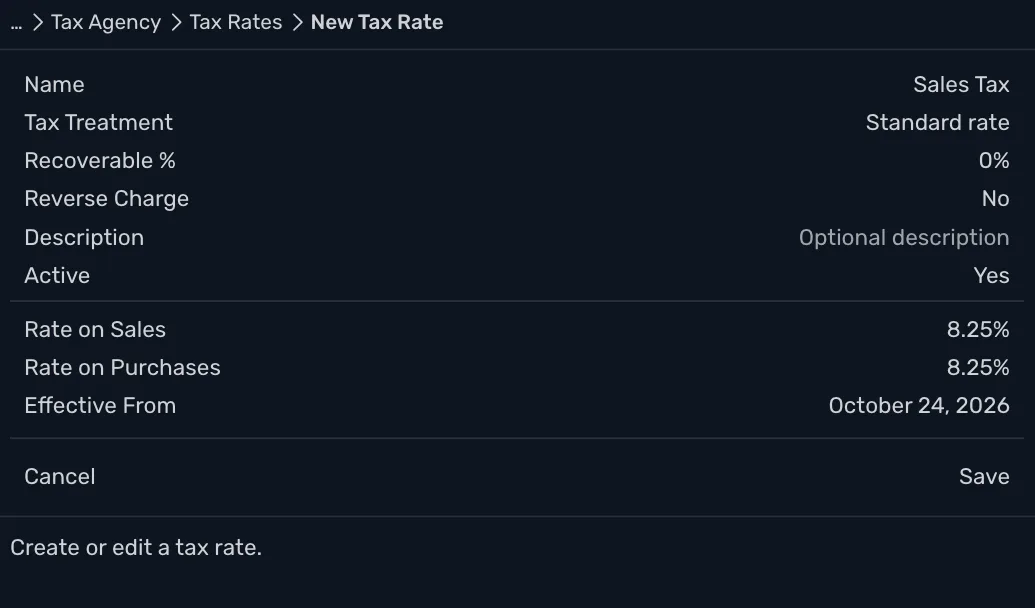
Saving a rate also adds two accounts. They are Sales Tax Collected (Texas Comptroller of Public Accounts) and Sales Tax Receivable (Texas Comptroller of Public Accounts). The rate is in the Tax list from then on.
Sales Tax Receivable stays at zero in the United States, because nothing is claimed back. It is there for countries that do claim tax back.