Export transactions
Save an account's transactions as a CSV file to open in a spreadsheet or send to your accountant.
To use an account's transactions outside TrueSum, export them. The file is a CSV, which a spreadsheet opens. To save a report instead, see Save a report as PDF or CSV.
Export an account
- Press the account in the Accounts sidebar.
- Press the download button at the top of the list, Export transactions to CSV.
- Your device asks where to save the file. Choose a folder and a name.
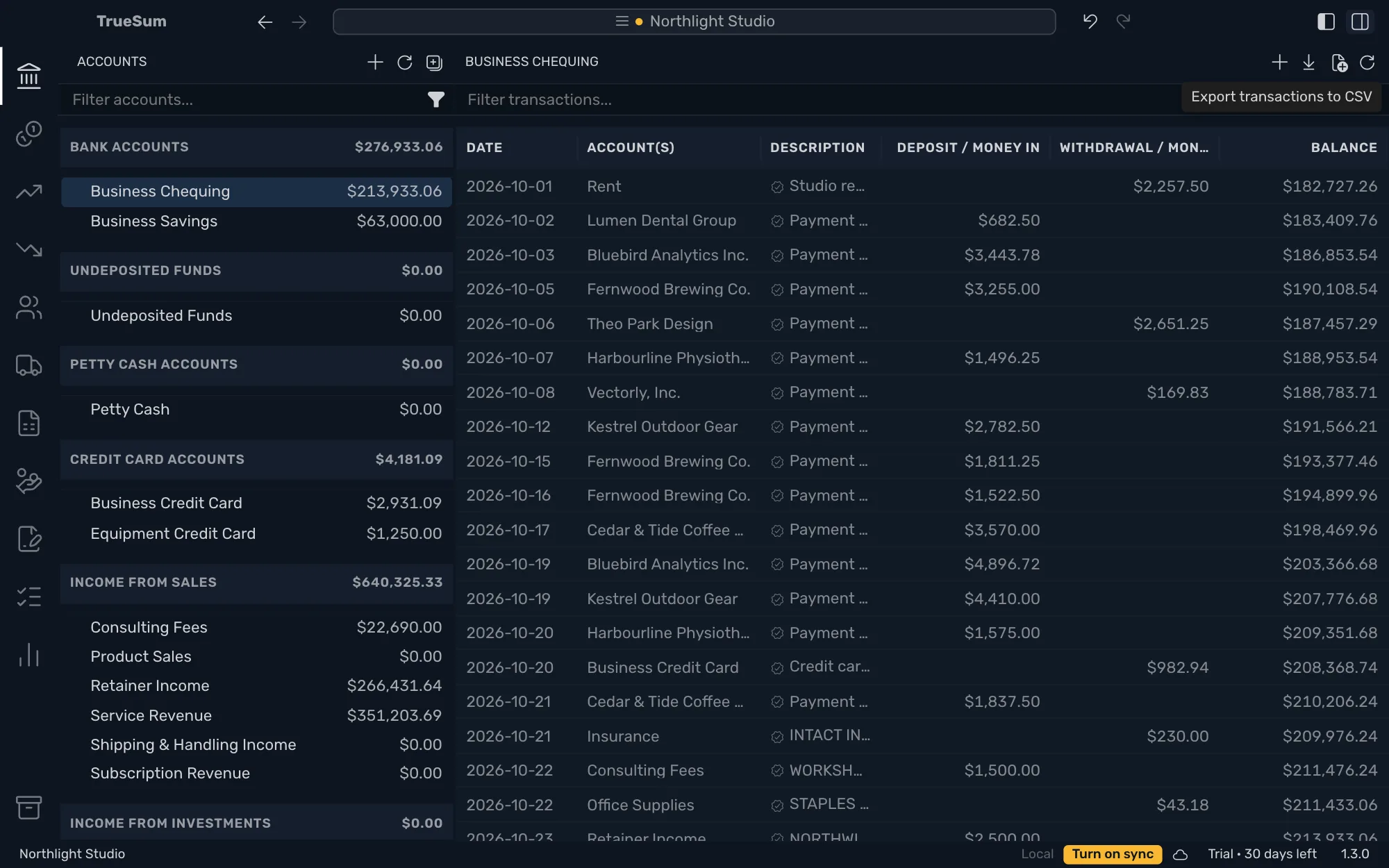
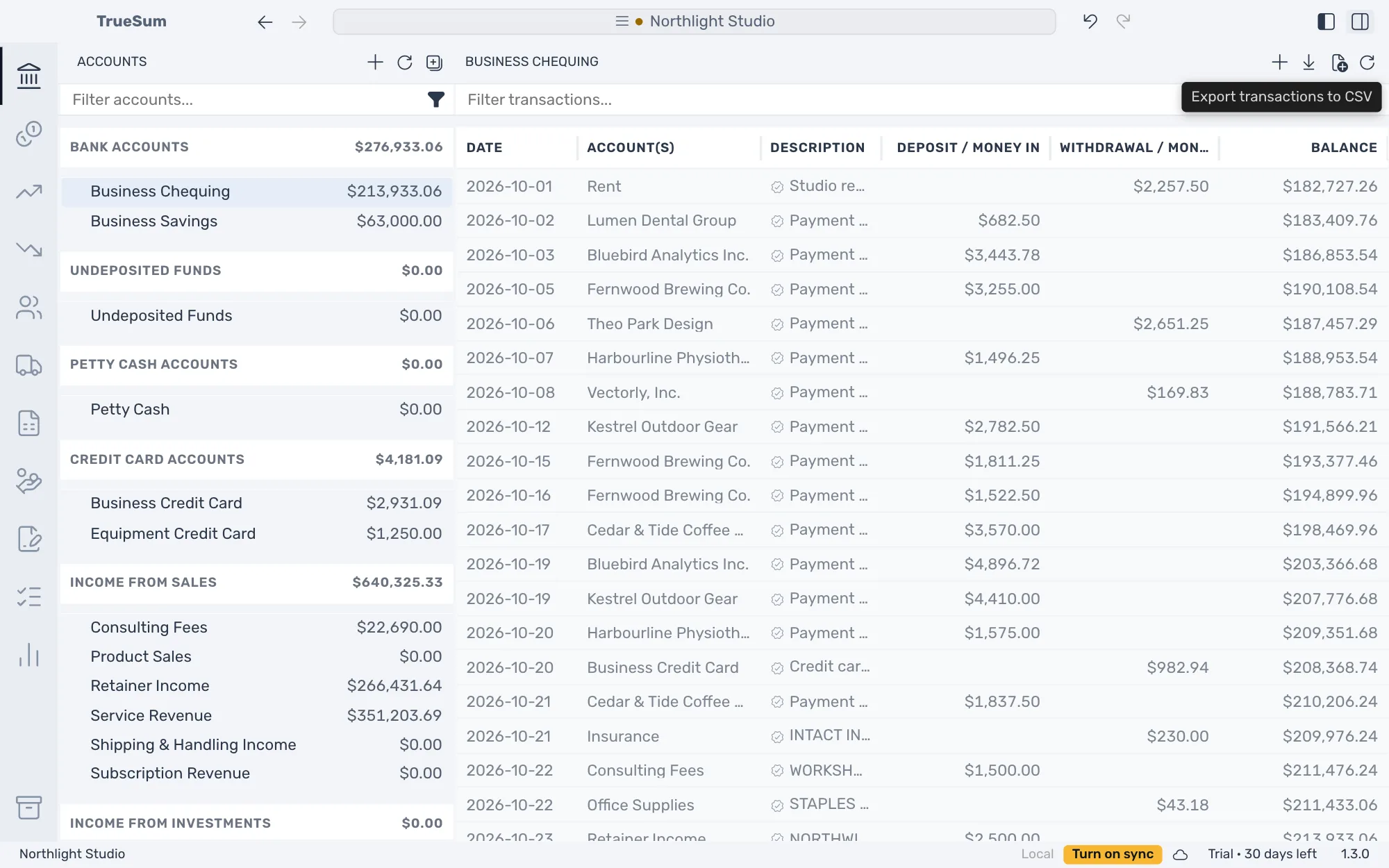
The button is dimmed while the account has no transactions. The file is named after the account and the date and time of the export.
What is in the file
The file has a row for every transaction in the account, from its opening balance on. Filter transactions... does not narrow it.
Debit and Credit are the bookkeeper's words for the two money columns. The table says which is which for your account.
| Column | What it holds |
|---|---|
| Date | The transaction's date, written as your date format in App Settings. |
| Description | The transaction's description. |
| Account | The other account in the transaction. |
| Debit | Money in for a bank account, a payment for a credit card. |
| Credit | Money out for a bank account, a charge for a credit card. |
| Balance | The account's balance after the transaction. |
Amounts are plain numbers in the account's currency, with no currency sign and no thousands separator. The columns are named Debit and Credit whatever Use Friendly Names is set to in App Settings.
Export more than one account
The same button is at the top of the other lists. A heading's list, such as Bank accounts, exports the same columns for every account under it, in the business's currency. The list of every transaction, which Accounts at the top of the sidebar opens, exports Date, Account, Account(s), Description and Amount, one row for each transaction.