Skip duplicate rows
See which rows of a bank file are already in your books, and choose to skip or import each one.
A bank file often overlaps what you have already entered. When you import it, TrueSum compares each row with your books, so a transaction is not recorded twice.
What the marks mean
A row with a mark is dimmed and struck through, and the import leaves it out. Point at the mark to read what it says. A note under the import button explains each mark that is on screen.
| Mark | Pointing at it says | The note says | When |
|---|---|---|---|
| A check | Already imported (will skip) | Intra-duplicate: row already exists in this account. | This account already has a transaction with the same date and amount, in the same direction. |
| Two checks | Possible transfer from another account (will skip) | Inter-duplicate: same date and amount found in another account. May be the other side of a transfer. | Another account has a transaction against this one with the same date and amount. It may be the other side of a transfer you entered. |
The note calls a row that is already in this account an intra-duplicate, and a possible transfer an inter-duplicate.
The description does not have to match, because your bank writes it its own way. One transaction in your books matches one row. If you were charged the same amount twice on one day and entered only one, one row is skipped and the other is imported.
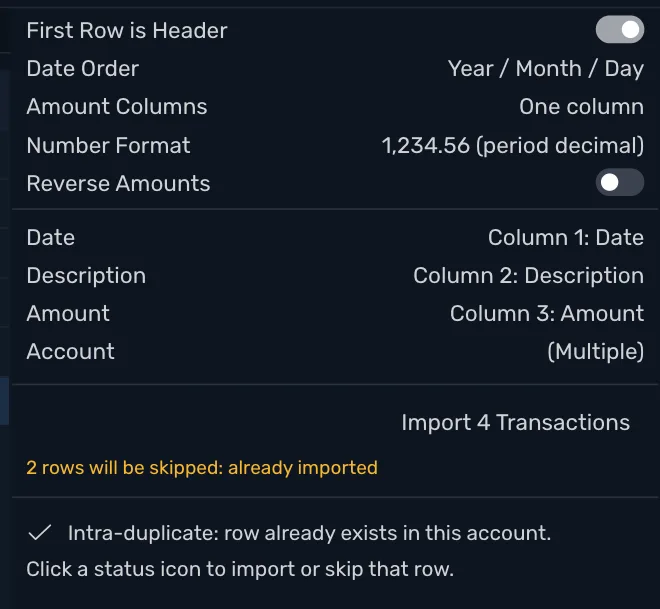
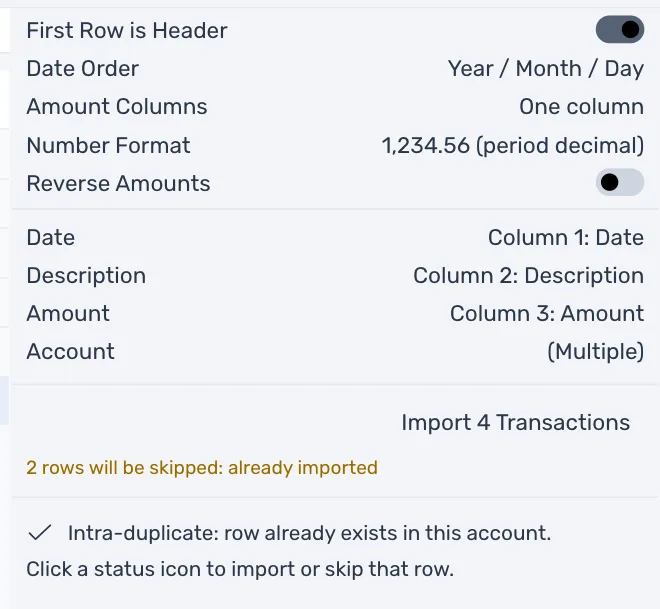
Under the import button, a line says how many rows are skipped and why, such as 2 rows will be skipped: already imported.
Import a marked row anyway
Press the mark. Its row is no longer dimmed, and pointing at it now says Already imported (will import). Press the mark again to skip it. A skipped row is only left out of this import. It stays in the file, and nothing in your books changes.
Show or hide rows
The buttons above the list show or hide the rows that can be imported, the rows you ticked, and each kind of marked row. They help in a long file, together with Filter rows....
After you import
The rows you imported now count as already imported. Drop the same file again and TrueSum skips them all. TrueSum compares with your books as they are now, so a row stops being marked when you delete its transaction.
Next, reconcile the account.