Close a fiscal year
Lock a finished year's transactions so only a description or memo can change, see what closing does, and reopen it if you must.
Closing a fiscal year locks it. Its transactions are locked, and only a description or memo can still change. Its profit moves into Retained Earnings, the account that keeps the profit of earlier years, so the next year's income and expenses start from zero. Close a year when its books are final, for example once your accountant has finished with it.
Before you close
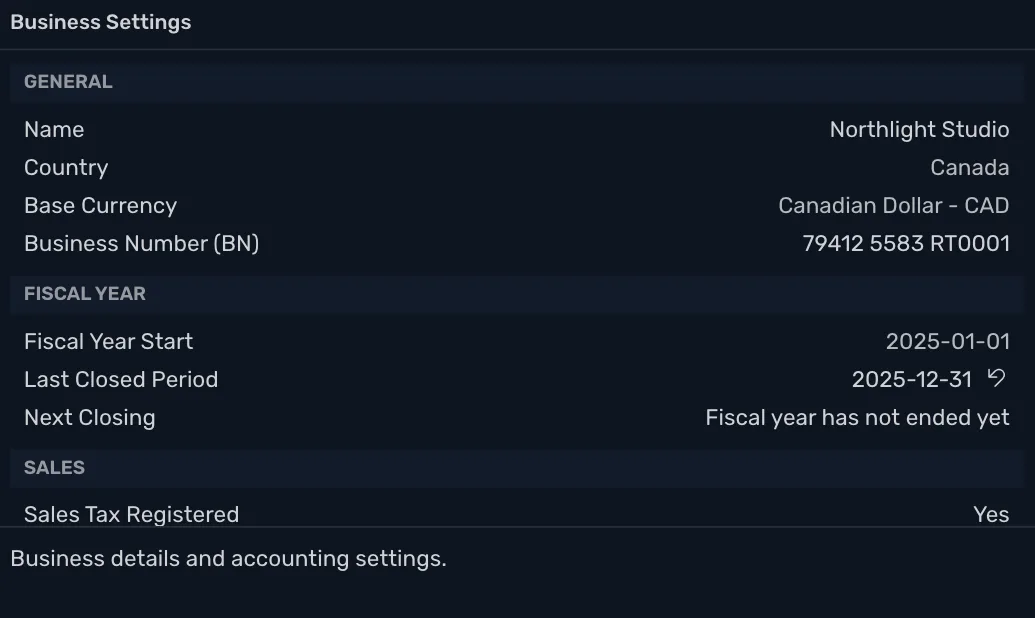
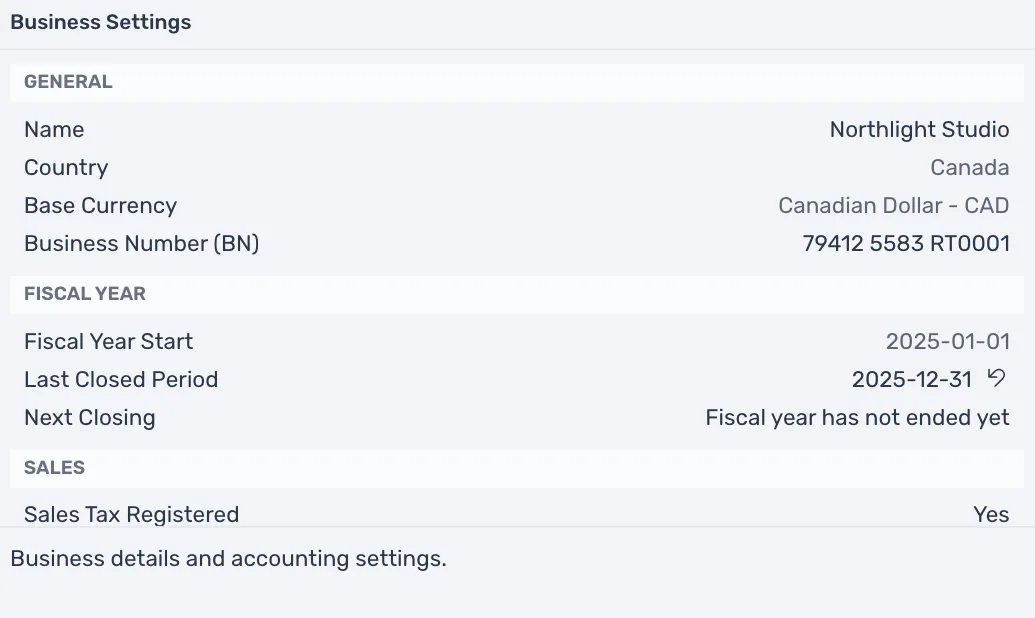
A year can be closed once it has ended, and in order, the oldest first. Business Settings shows where you are, under Fiscal Year. Last Closed Period is the end of the last year you closed, or None, and Next Closing is the end of the next year that can be closed. It reads "Fiscal year has not ended yet" when there is none.
Close the year
- Open Business Settings.
- Point at the lock beside Next Closing and press Close period.
- TrueSum asks "Close the year ending 2025-12-31?" and says what closing does. Press Close Year, or Cancel to leave the year open.
What closing does
- Closing entries. For each income and expense account with a balance, TrueSum adds a transaction dated the year's last day, such as "Closing entry for Rent, fiscal year ending 2025-12-31". It brings the account to zero and puts the amount in Retained Earnings.
- Opening Balance Equity. Its balance moves to Retained Earnings too.
- Locks. Every transaction in the year is locked.
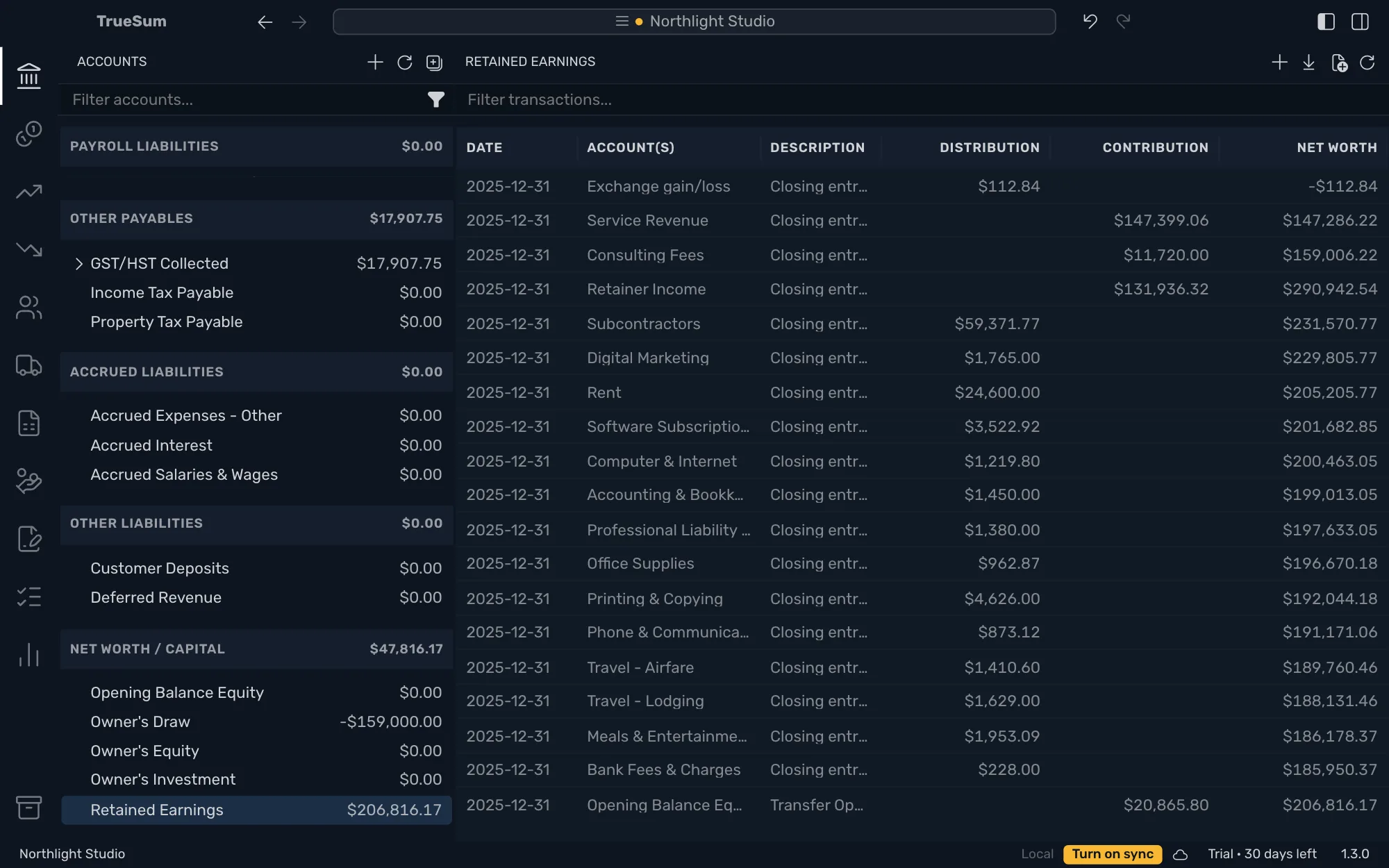
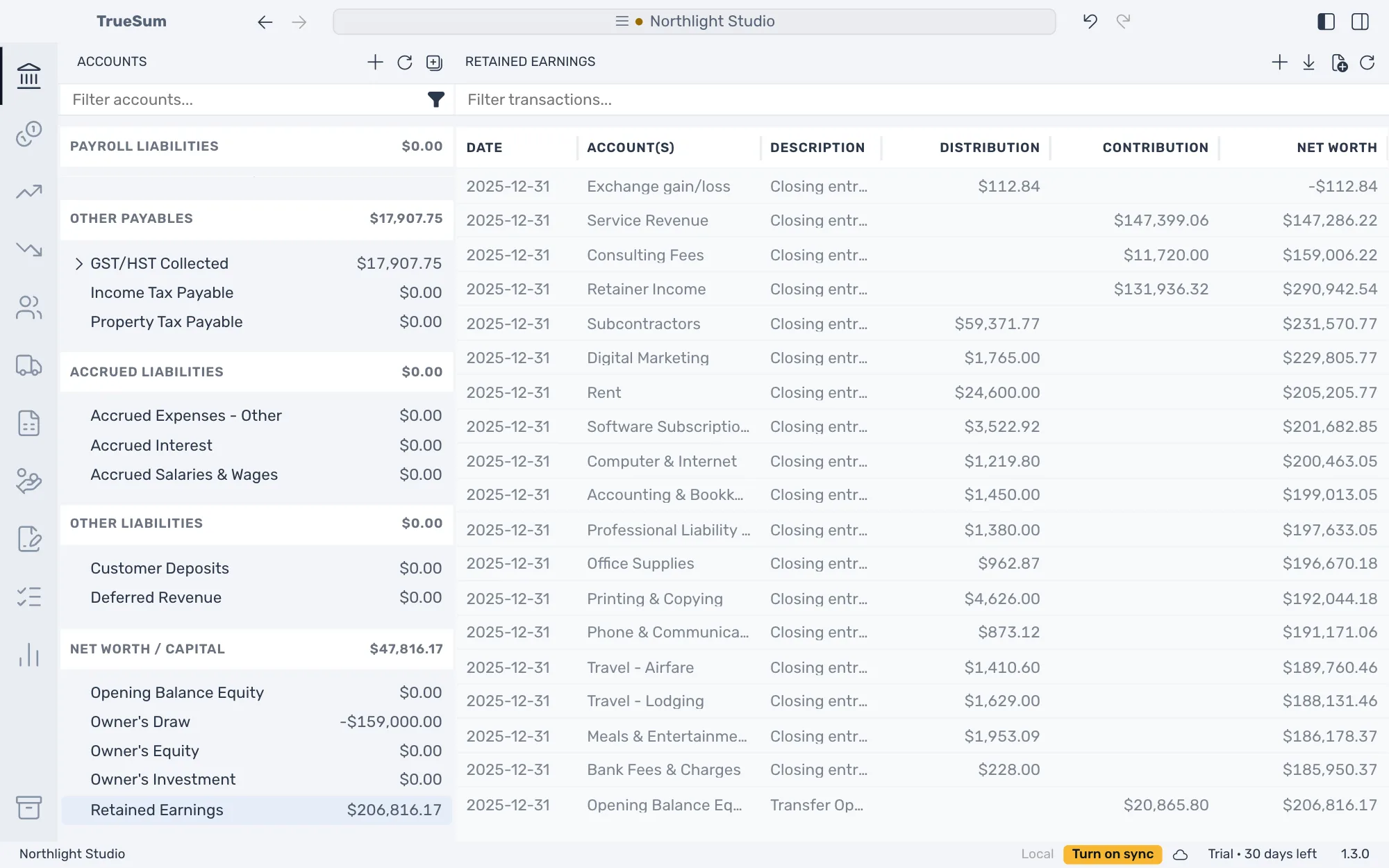
In the sidebar, income and expense accounts then show the new year only. The Profit & Loss for the closed year still shows its income and expenses.
What is locked
In a locked transaction you can change the Description and the Memo and nothing else (see Change or delete a transaction). A new transaction dated in the year is refused. TrueSum says "Cannot change a transaction dated 2025-06-15: the fiscal year ending 2025-12-31 is closed. Reopen that year to change it." Fiscal Year Start cannot change while a year is closed.
Reopen a year
Point at the arrow beside Last Closed Period and press Reopen period. TrueSum deletes the closing entries and unlocks the year. Only the last closed year can be reopened, so reopen from the newest back.
Undo takes back a close (Undo Close Year) or a reopen (Undo Reopen Year). Press the Undo button in the title bar, or in the Edit menu, choose Undo. Undoing a reopen closes the year again, so TrueSum asks the closing question again.
When two devices disagree
If you close a year while another device changes a transaction in it, the close is not applied. The warning reads Closing 2025 was overwritten. To close the year, close it again (see When two devices change the same thing).