Profit & Loss
See whether the business made money over a period, and what Net Income means.
The Profit & Loss answers one question. Did the business make money? It adds up what you earned and what you spent over a period. Use it at the end of each month or year.
Open the Profit & Loss
Press the Reports icon, then Profit & Loss under Financial Statements.
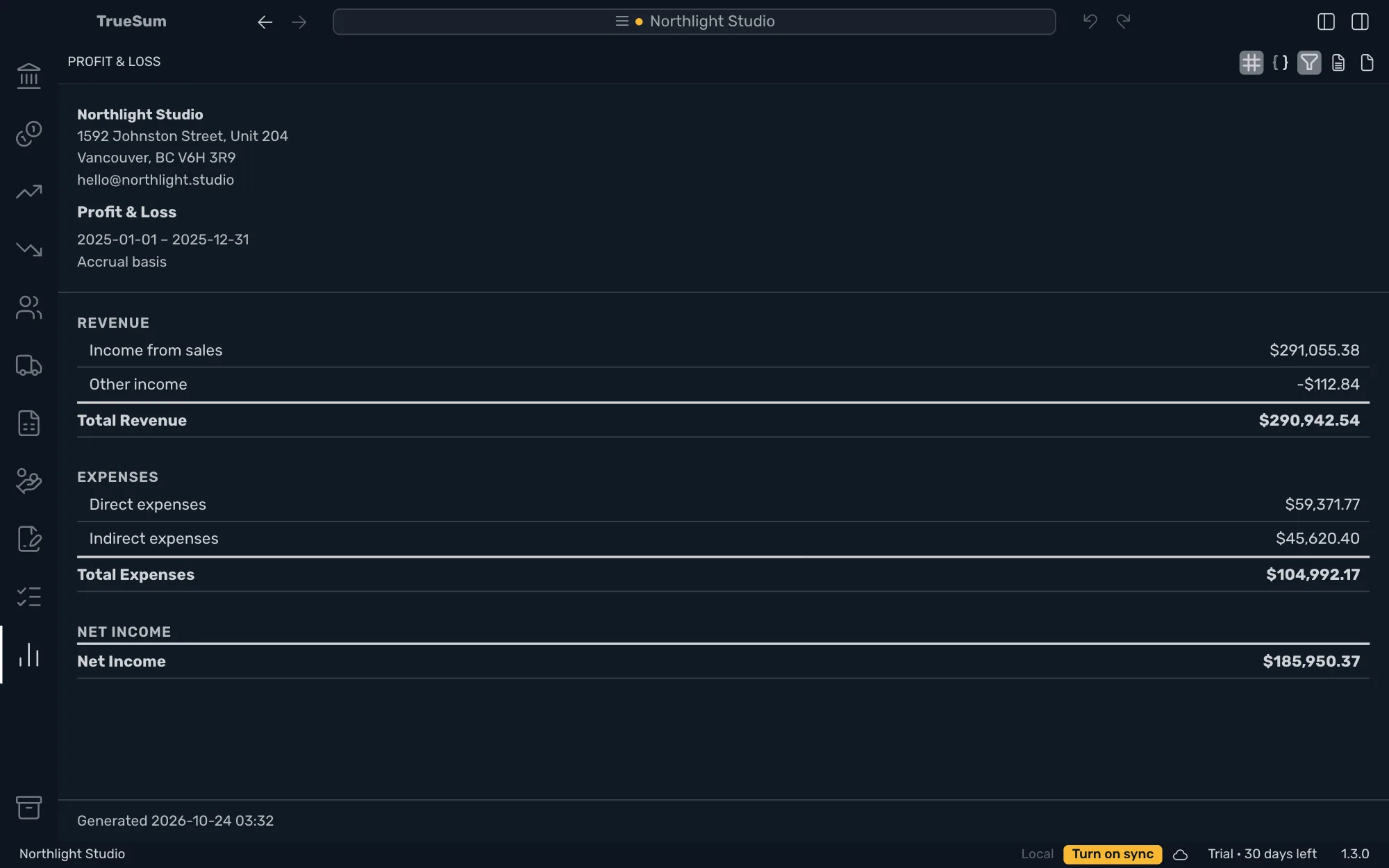
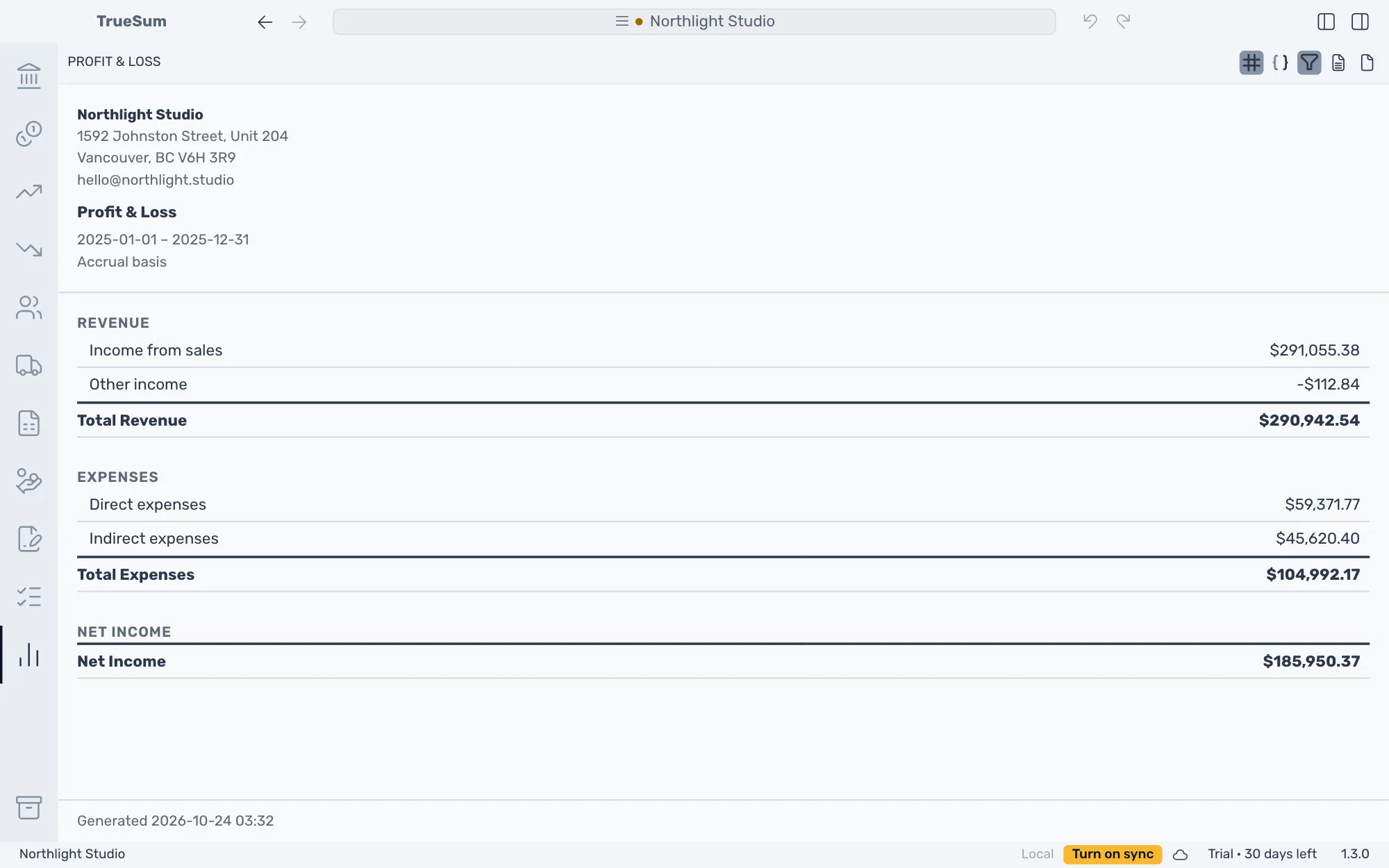
The picture shows last year, so its Period is Custom.
Read it
| Section | What it holds |
|---|---|
| Revenue | What you earned, which is sales and other income such as interest or an exchange gain. Total Revenue adds it up. |
| Expenses | What the business spent, in groups such as Direct expenses and Indirect expenses. Total Expenses adds it up. |
| Net Income | Total Revenue minus Total Expenses, the figure people usually call profit. Above zero is a profit. Below zero is a loss, written as a negative amount. |
The picture has Show individual accounts turned off, so each group is one row. Turn it on for a row for every account, such as Rent or Software Subscriptions.
Choose the period
Period is This Month, This Year, This Fiscal Year or Custom. It opens on This Year, from January 1 to December 31. The fiscal year starts on the Fiscal Year Start in Business Settings.
For another year, press Previous period in Report Details, or choose Custom and type the Start Date and End Date.
Compare two periods
Turn on Compare with previous period to put the period before this one beside it, with a Change column. A quarter set against the one before shows whether the business is growing.
Cash or accrual
A sale counts when you invoice it on Accrual, and when the customer pays on Cash. Expenses count the same way. Choose with Basis. For the settings and the buttons above the report, see Run a report.