Change or delete a transaction
Fix a date, an amount or an account, or remove a transaction you entered by mistake.
A transaction is not final when you save it. Open it to change any of its fields, or delete it. Undo takes either back (see Undo a change).
Change a transaction
- Press the transaction in an account's list. Transaction Details opens in the right sidebar, with the same fields as when you recorded it.
- Change what is wrong, such as the date, an account, the amount, the tax or a memo.
- Press Save. Press Cancel to put every field back as it was.
If you move to another transaction or screen with unsaved changes, TrueSum asks Leave without saving?. Choose Keep editing to stay, or Leave to drop the changes.
A change reaches every account the transaction touches. Change the amount of an expense and both the bank account and the expense account change.
Delete a transaction
- Press the transaction in the list.
- Press the trash button at the top right of the right sidebar, Delete Transaction.
TrueSum does not ask you to confirm. The transaction disappears from every account it was in, and you are back at the list you opened it from. If it was a mistake, press Undo.
Transactions in a reconciled month
When a bank statement is completed (see Reconcile with a statement), the transactions it matched are locked. Their rows are dimmed and show a check mark. Point at the check mark to see which statement locked the transaction.
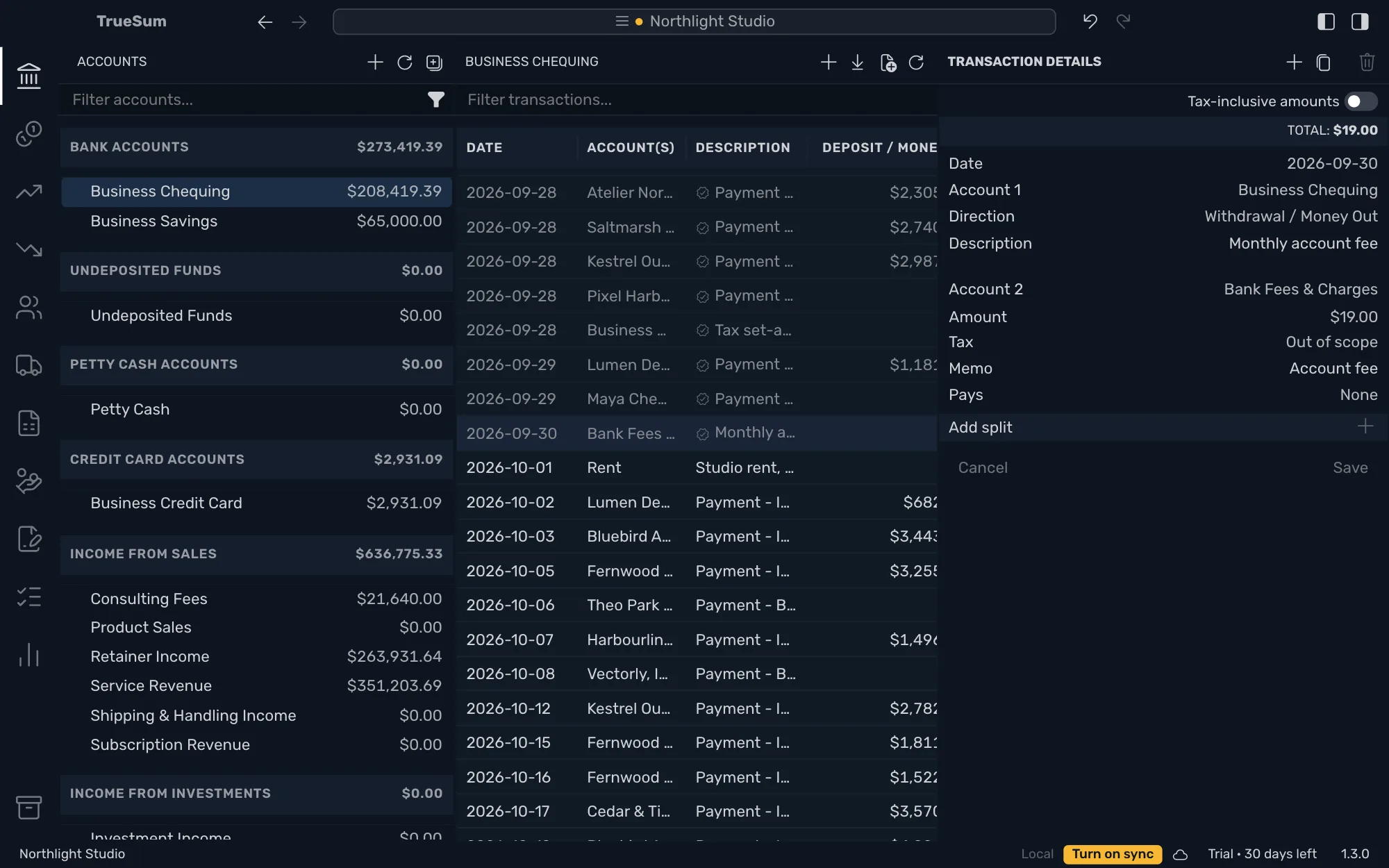
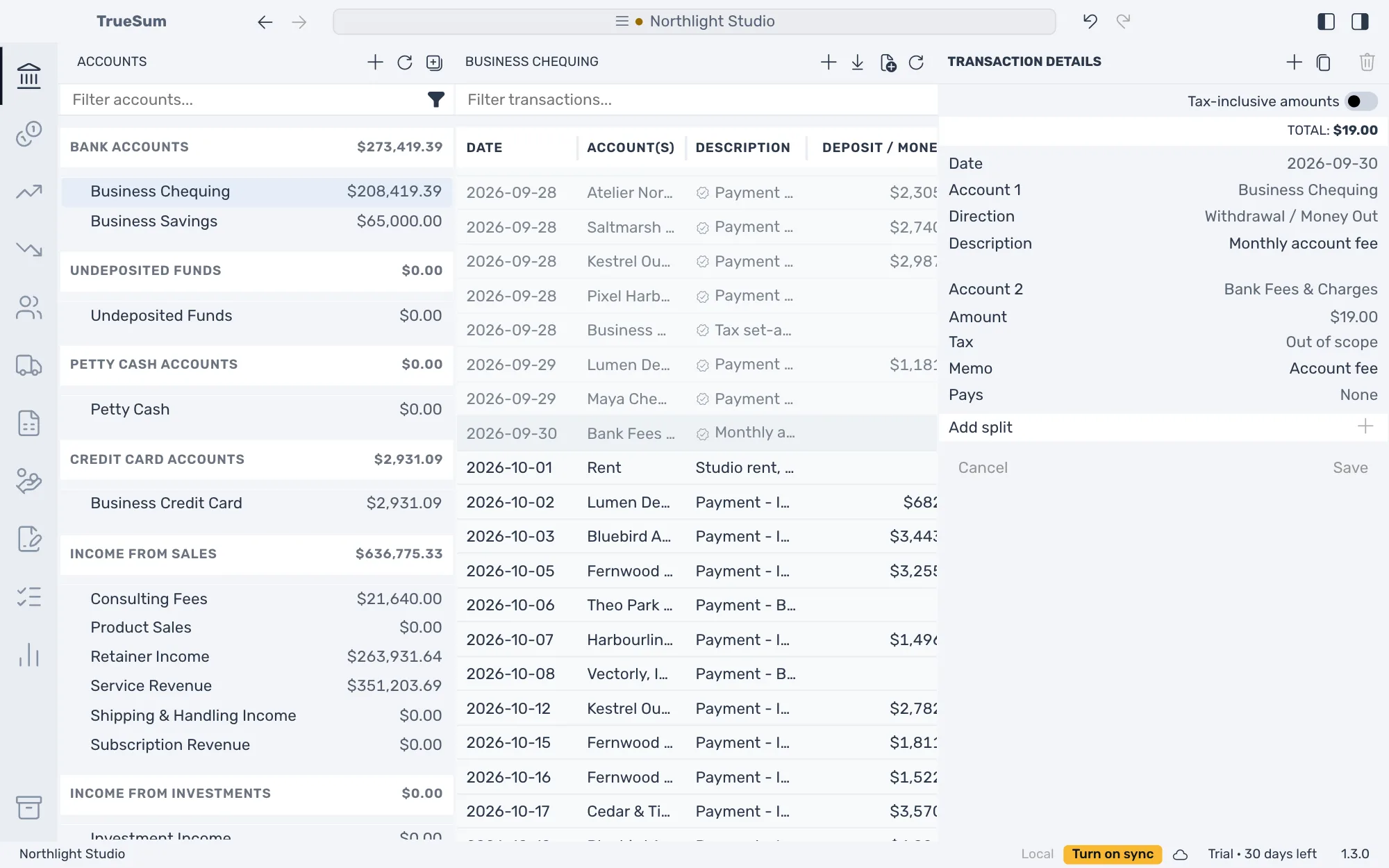
In the picture the right sidebar is open, so the list is cut at the right.
In a locked transaction you can change the Description and the Memo and nothing else. The Date, the accounts, the amounts and the tax are fixed. You cannot add, move or remove a split, and Delete Transaction is dimmed. A transaction in a closed fiscal year is locked in the same way (see Close a fiscal year).
To change more than that, first edit or delete the statement that locked it. Only the latest completed statement can change (see Reconcile with a statement). For a transaction in a closed fiscal year, reopen the year instead.
Only the transactions a statement matched are locked. You can still add a new transaction dated in a reconciled month. It is not on the statement, so it is not locked. You cannot add one dated in a closed fiscal year.