Find a transaction
Filter an account's list by a word or an amount, and see every transaction in one list.
Every account has a list of its transactions, newest at the bottom. When the list is long, filter it. To search across accounts, open a list that covers more than one.
Filter the list
Press Filter transactions... above the list and type. The list shows only the rows that match, as you type.
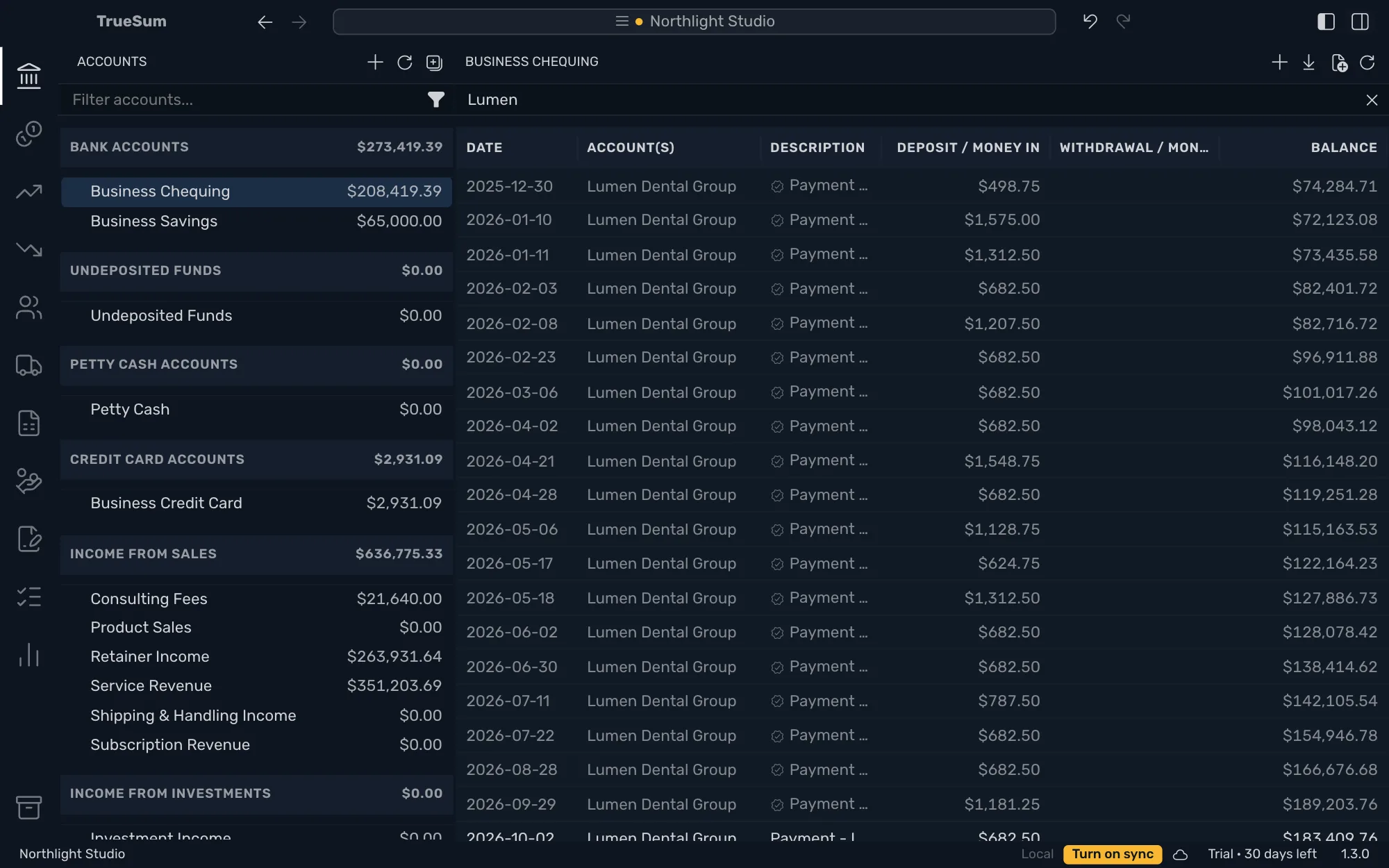
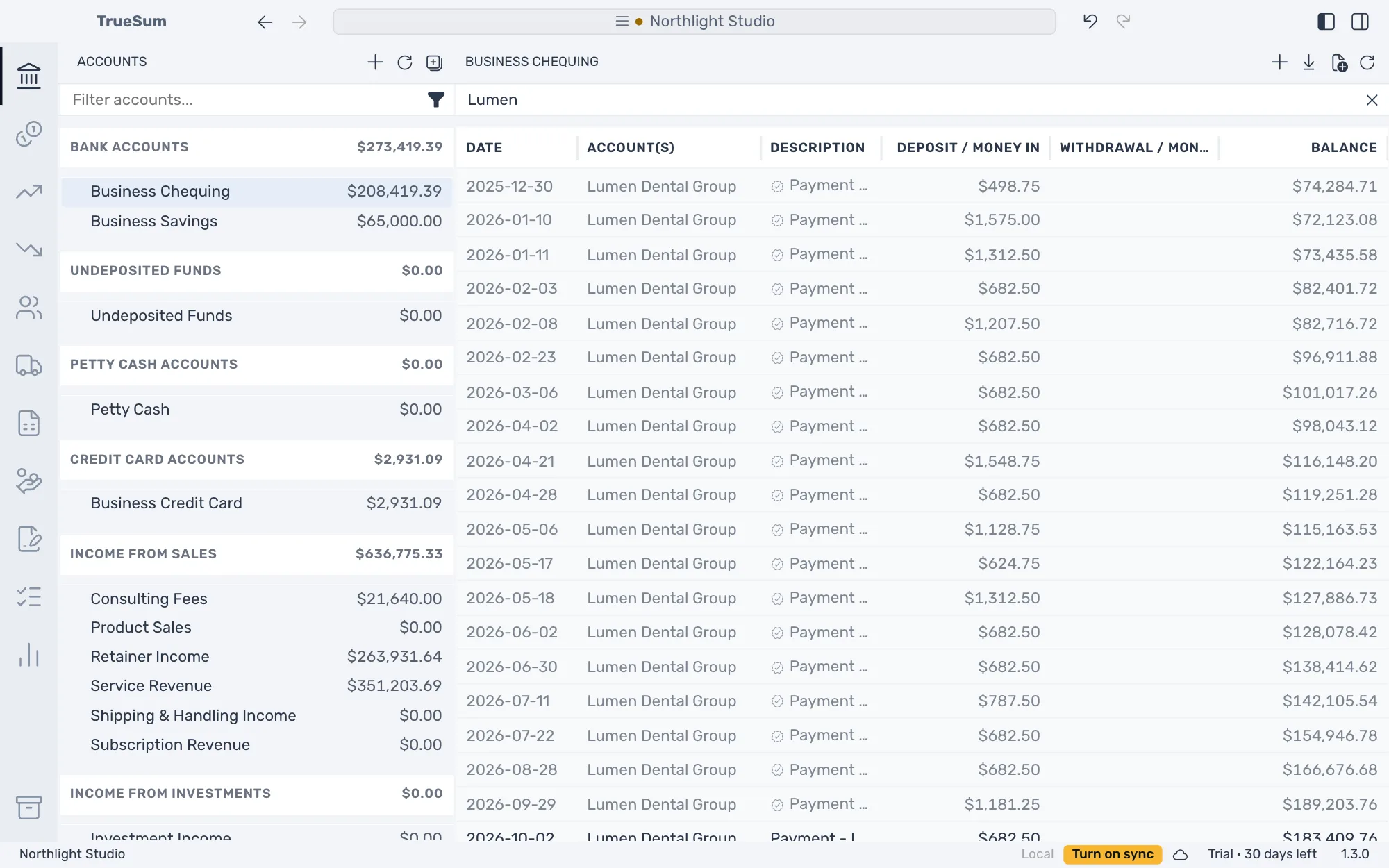
In the picture the right sidebar is hidden with Toggle Right Sidebar, so every column shows.
The filter looks at what the list shows. That is the date, the accounts, the description, the amounts and the balance. It does not look at memos. A date is matched as it is written in the list, so type it in your date format. To see the whole list again, press the x at the right of the box.
TrueSum keeps what you typed while you move around the business. Clear the box when you are done, or the next account you open is filtered too.
See more than one account
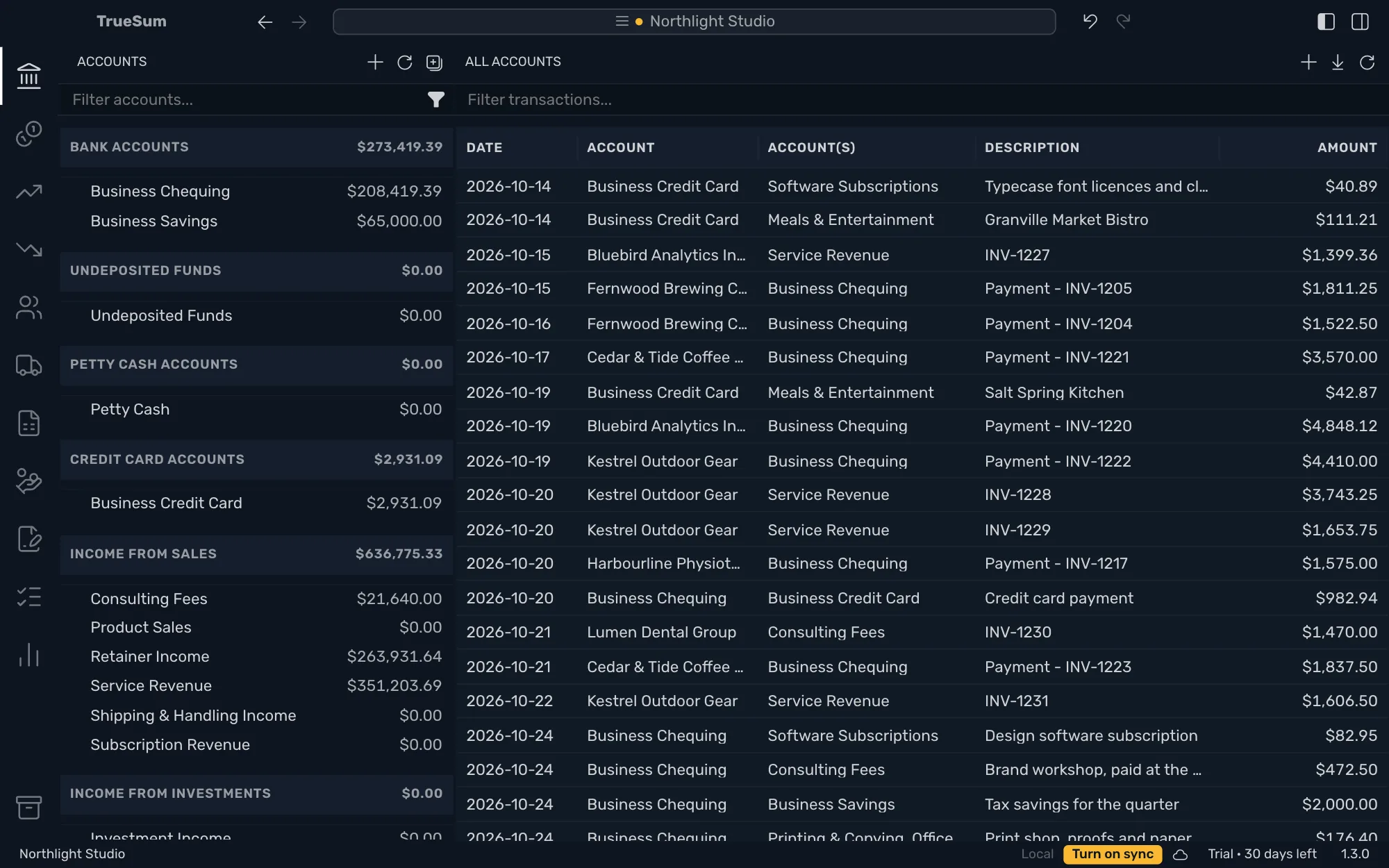
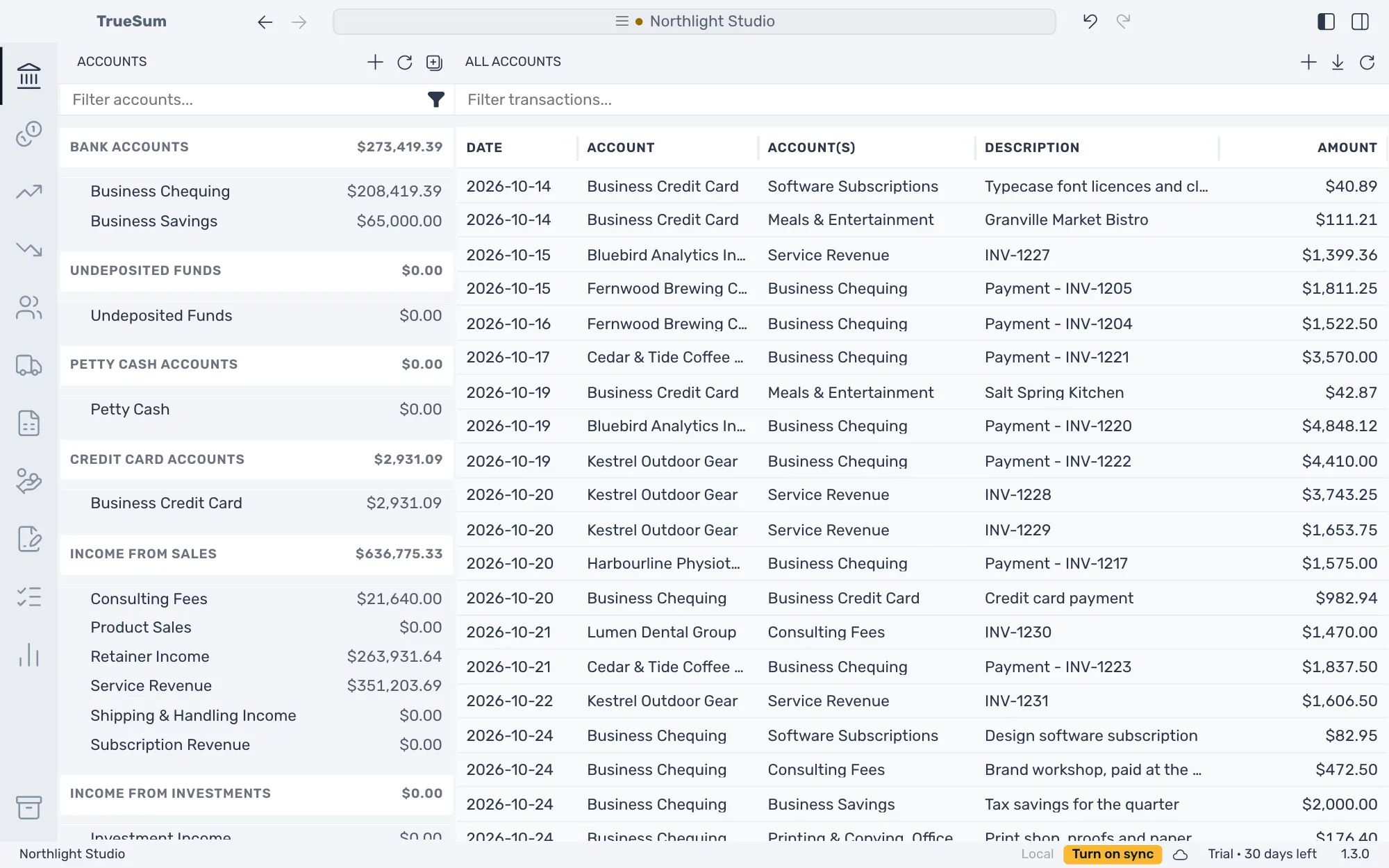
The Accounts sidebar opens lists that hold more than one account. The filter works in each of them.
- A heading. Press a heading, such as Bank accounts, to list every transaction of the accounts under it, with a column for the account.
- Every transaction. Press Accounts, the title at the top of the sidebar. The list, titled All Accounts, has one row per transaction with its two accounts and its amount.
Go back to where you were
Press a row to open the transaction beside the list. Go Back and Go Forward, in the title bar, move through the transactions and accounts you opened, as in a browser.