Transfer between accounts
Move money from one of your accounts to another, such as savings or a credit card payment.
A transfer moves money between two of your own accounts. It is not income and not an expense, so it leaves your profit as it was. Use it for money you put aside in savings, and for paying a credit card from your bank account.
Record a transfer
- In the sidebar, press the account the money leaves, such as Business Chequing, then the + at the top of its list.
- Press Direction and choose Withdrawal / Money Out.
- Press Date, then Today or the day it moved.
- Press Description and type what it is for.
- Press Account 2 and choose the account the money goes to, such as Business Savings.
- Press Amount and type the amount.
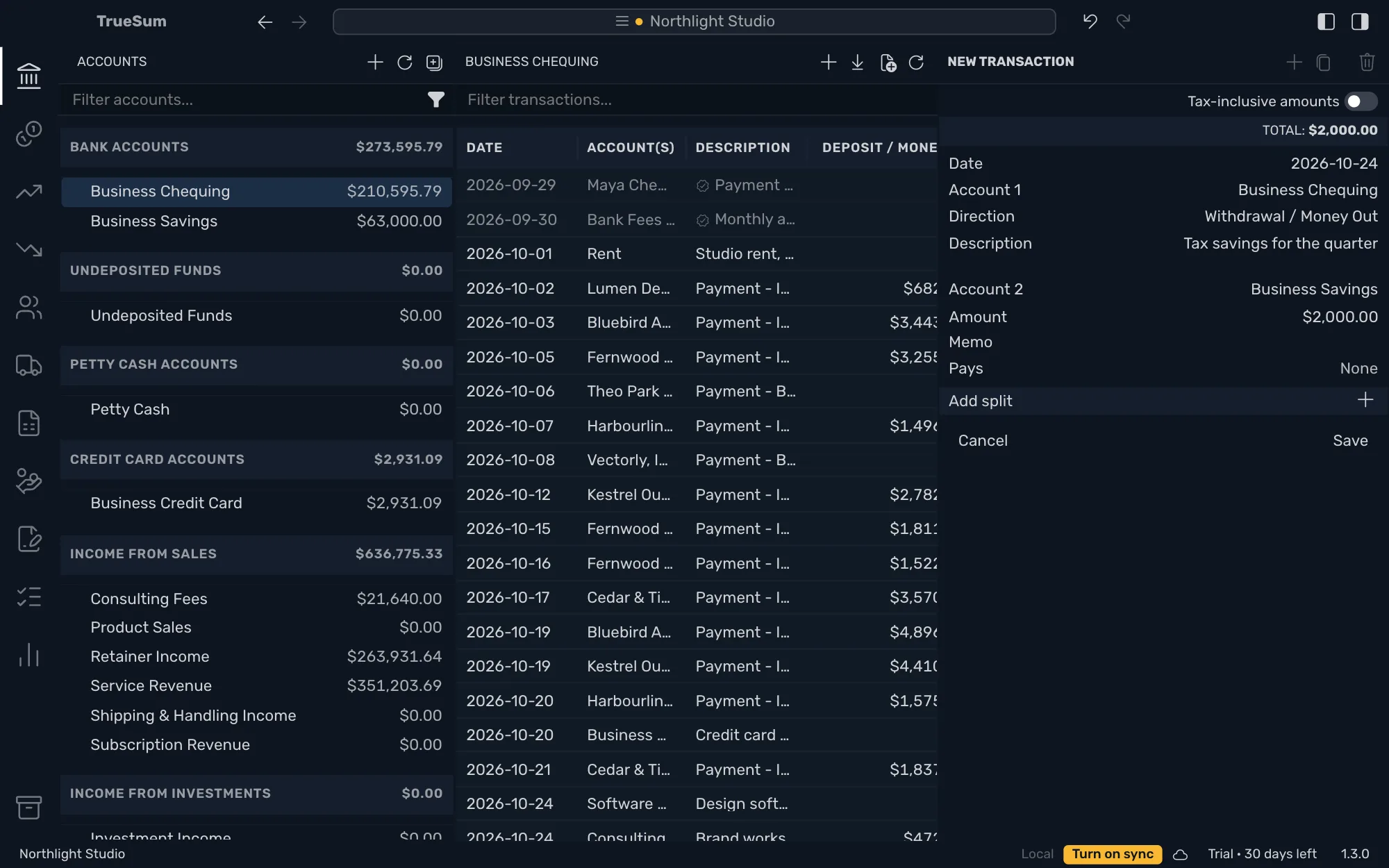
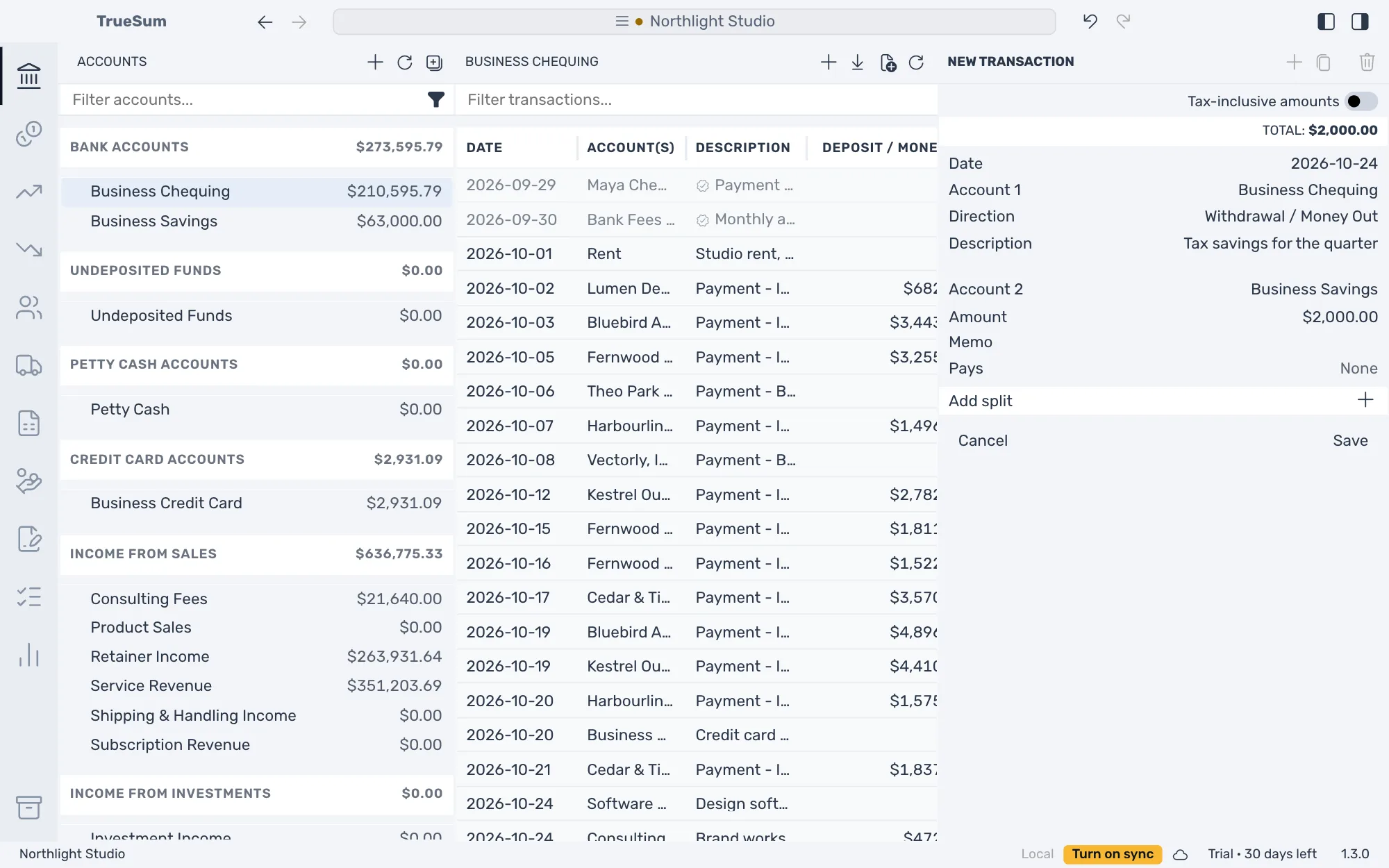
Press Save. The money is out of Business Chequing and in Business Savings, and the transaction is in the list of both accounts. There is no Tax line, because neither account is an income or expense account.
Pay a credit card
Paying the card from your bank account is a transfer too. Choose Withdrawal / Money Out in your bank account and the credit card as Account 2. The card's balance (what you owe) goes down by the amount, and your bank balance goes down by the same amount.
Start from the other account
You can record the same transfer from the account that receives it. Open Business Savings, leave Direction on Deposit / Money In, and choose Business Chequing as Account 2.
To move money between accounts in different currencies, see Accounts in another currency.