Record money you received
Income that did not come from an invoice, a refund, or money you put in yourself.
Record money you received when it is already in your account and no invoice is open. That covers a sale paid on the spot, a refund, or money you put into the business yourself. For a customer's payment of an invoice, see Record a payment from a customer.
Record it
- Press the account that received the money in the sidebar, then the + at the top of its list.
- Leave Direction on Deposit / Money In, which is where a new transaction starts.
- Press Date, then Today or the day the money arrived.
- Press Description and type where it came from.
- Press Account 2 and choose what the money is for, such as Consulting Fees.
- Press Amount and type the amount.
- If the business charges sales tax, press Tax and choose the rate. TrueSum adds the tax on top, and the total at the top of the form is what reached your account. If you know the total, turn on Tax-inclusive amounts first and type it as the amount.
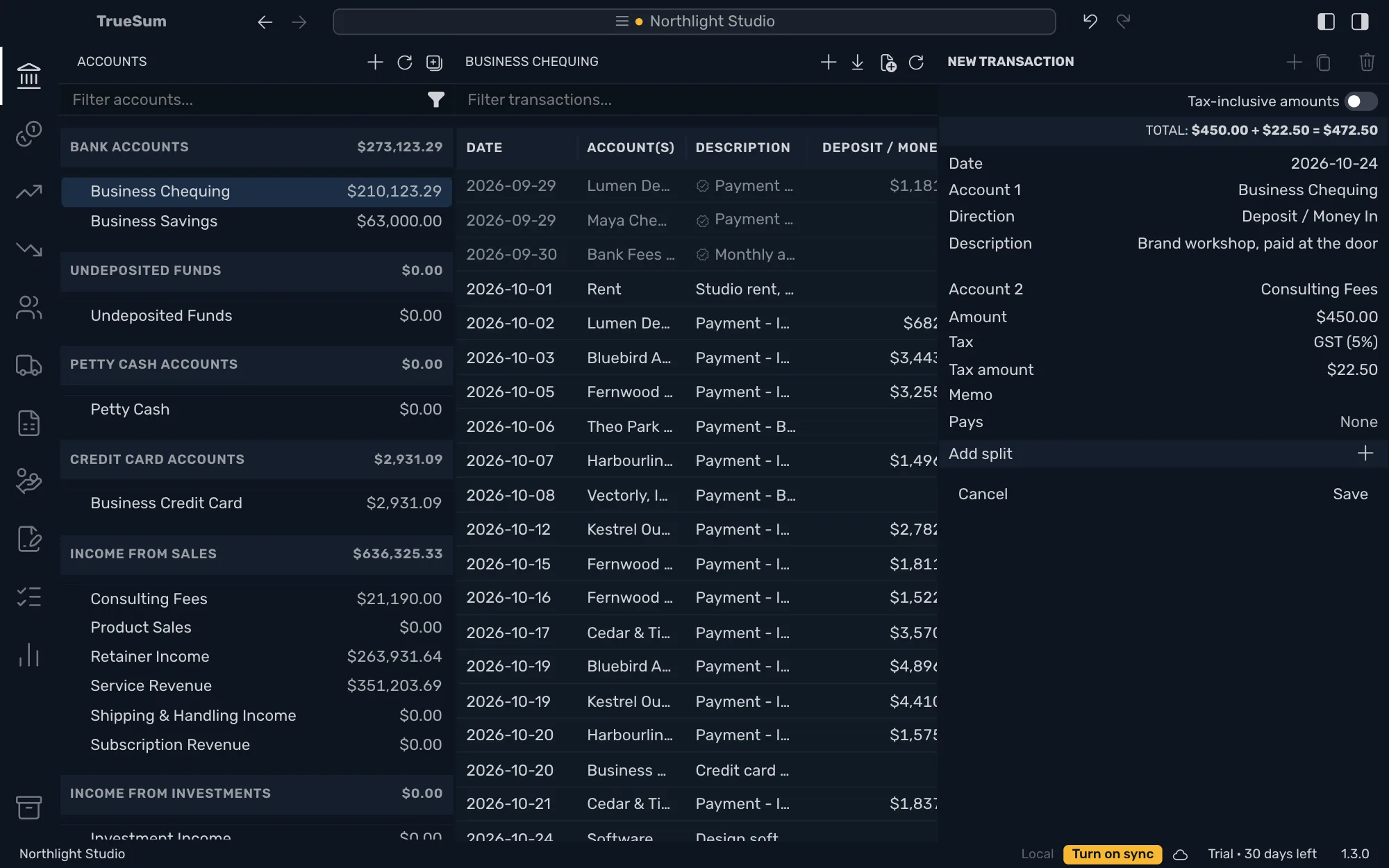
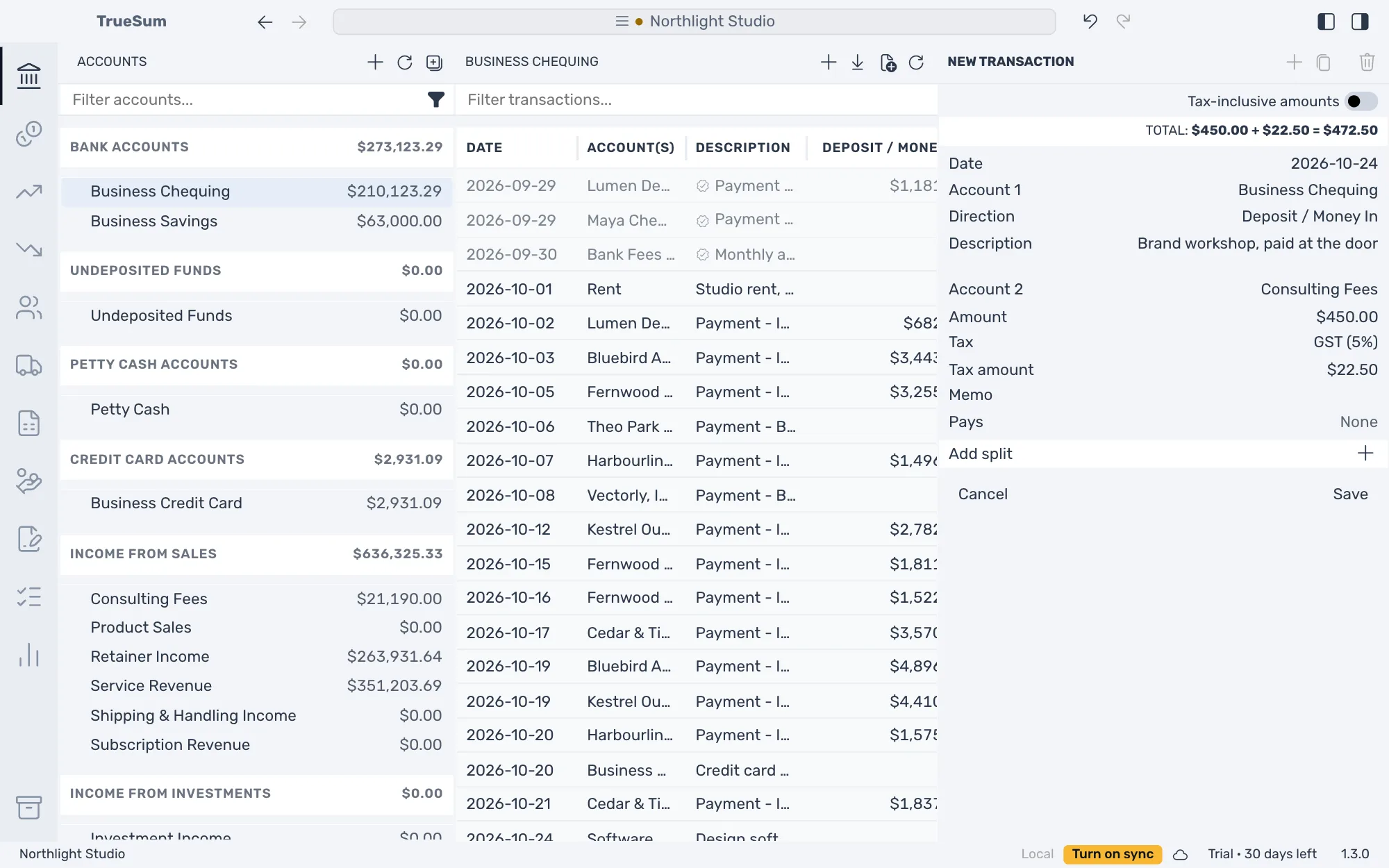
Press Save. The account's balance goes up by the total.
What to choose for Account 2
Account 1 is the account that received the money. Account 2 says why.
| What happened | Account 2 |
|---|---|
| A sale paid on the spot | An income account, such as Consulting Fees or Product Sales |
| A refund for something you bought | The expense account you paid it to, such as Software Subscriptions |
| Money you put into the business | An equity account (your own stake in the business), such as Owner's Investment |
| Money moved from another of your accounts | The other account (see Transfer between accounts) |
Money you take out for yourself works the other way round. Direction is Withdrawal / Money Out and Account 2 is Owner's Draw.