Split a transaction
One payment that covers more than one thing, with an account and a memo for each part.
Split a transaction when one payment covers several things, such as a print shop invoice for proofs and for paper, or a customer's deposit that pays for two services. Each part has its own account, amount, tax and memo. The account you opened pays or receives the whole amount.
Add a split
- Fill in the first part as you would any expense, with Account 2, Amount and, if you want, Tax and Memo.
- Press + at Add split, below the last part.
- Fill in Account 3, its Amount and the rest.
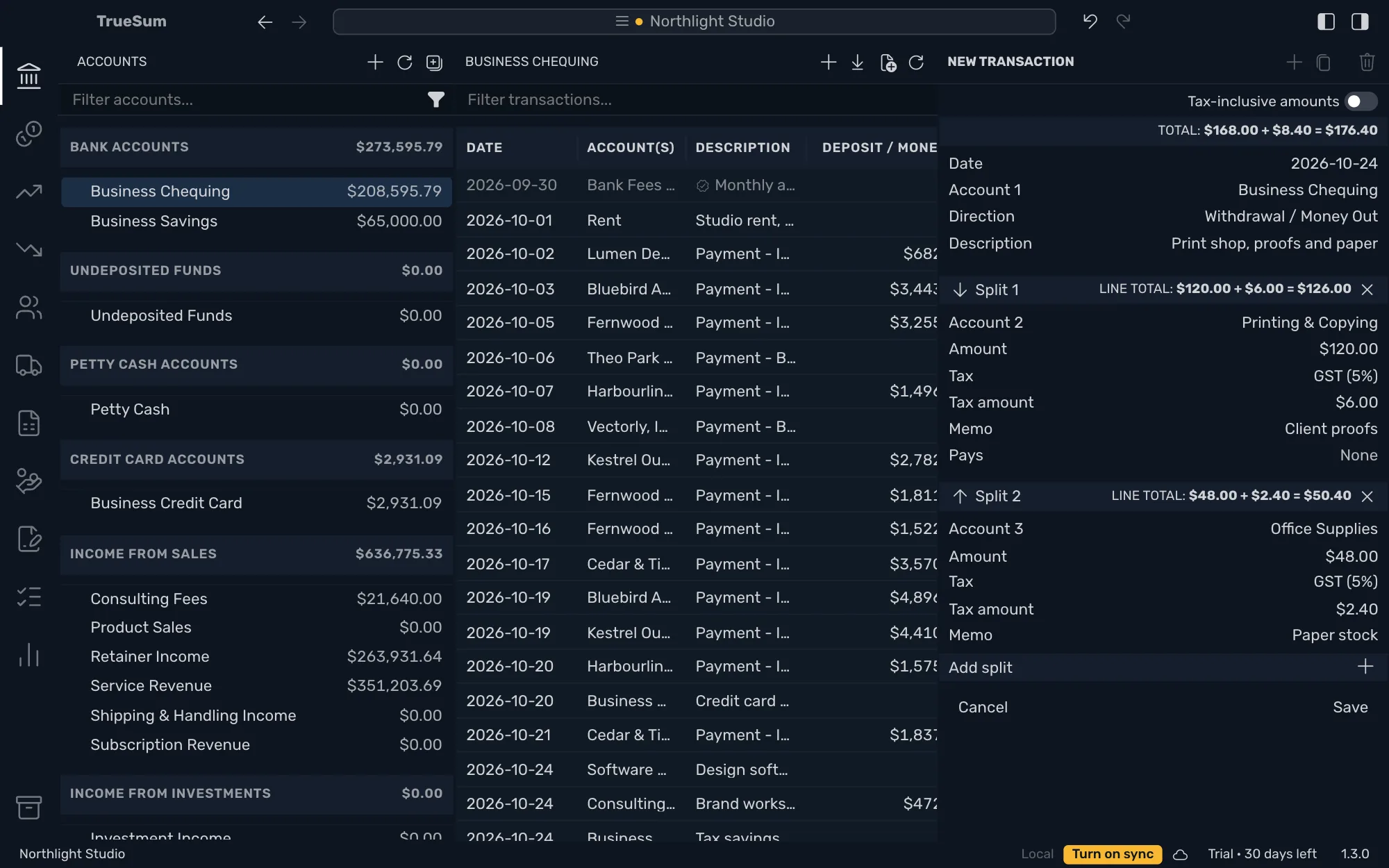
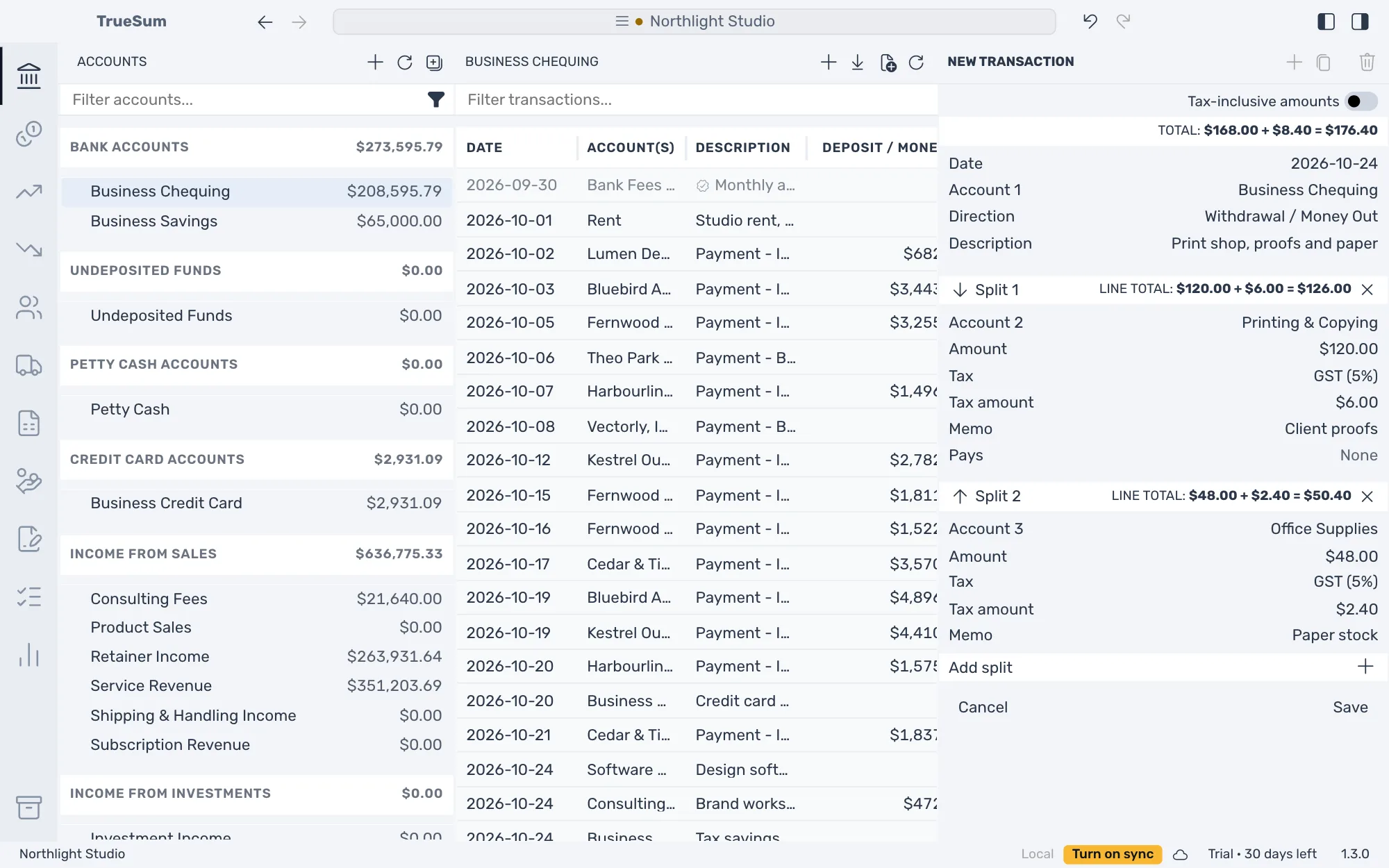
Once there are two parts, each gets a header (Split 1, Split 2) with its own LINE TOTAL. Account 1 does not change. It pays the total of every part, which the form works out and shows at the top as TOTAL.
Press Save. In the list of the account that paid there is one transaction for the full amount. Each part is in the list of its own account.
Change the parts
On a part's header:
| To | Press |
|---|---|
| Move it up | The up arrow, Move split up |
| Move it down | The down arrow, Move split down |
| Remove it | The x, Remove split. Only while there are two or more parts. |
Every part needs an account, and it cannot be the same account as Account 1. A note under the buttons, To save this transaction, lists what is still missing.
Parts of a locked transaction
A transaction locked by a completed bank statement cannot have parts added, moved or removed (see Change or delete a transaction).