The chart of accounts
Your accounts and how they are grouped, and how to add, move, deactivate and delete them.
The chart of accounts is the list of every account in a business. It shows where its money is, what it owes, what it earns and what it spends. It is the Accounts sidebar.
Where your accounts come from
A new business starts with accounts for its country and business type. Canada, the United Kingdom and the United States each have their own, and any other country starts with the United States set. Freelancer and Consultant start with the same accounts, and so do other types that work alike. Accounts you are less likely to need start inactive.
The sidebar
Each heading is a kind of account, with its total at the right.
| Type | Headings, for example |
|---|---|
| Assets | Bank accounts, Customers, Inventory, Fixed assets, Prepaid expenses |
| Liabilities | Credit card accounts, Vendors, Long-term liabilities, Other payables |
| Equity | Net worth / Capital |
| Income | Income from sales, Other income |
| Expenses | Direct expenses, Indirect expenses, Employee Costs |
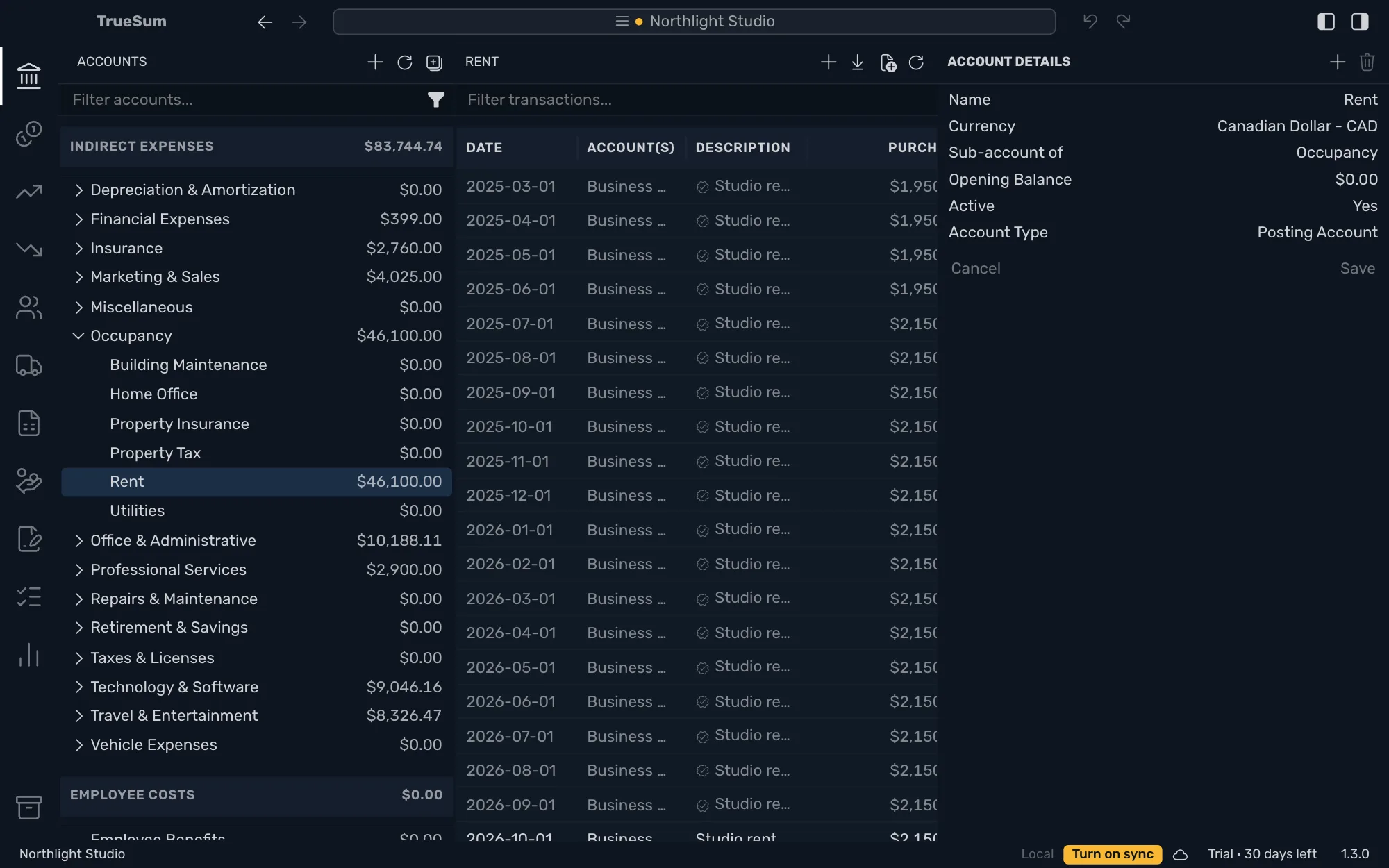
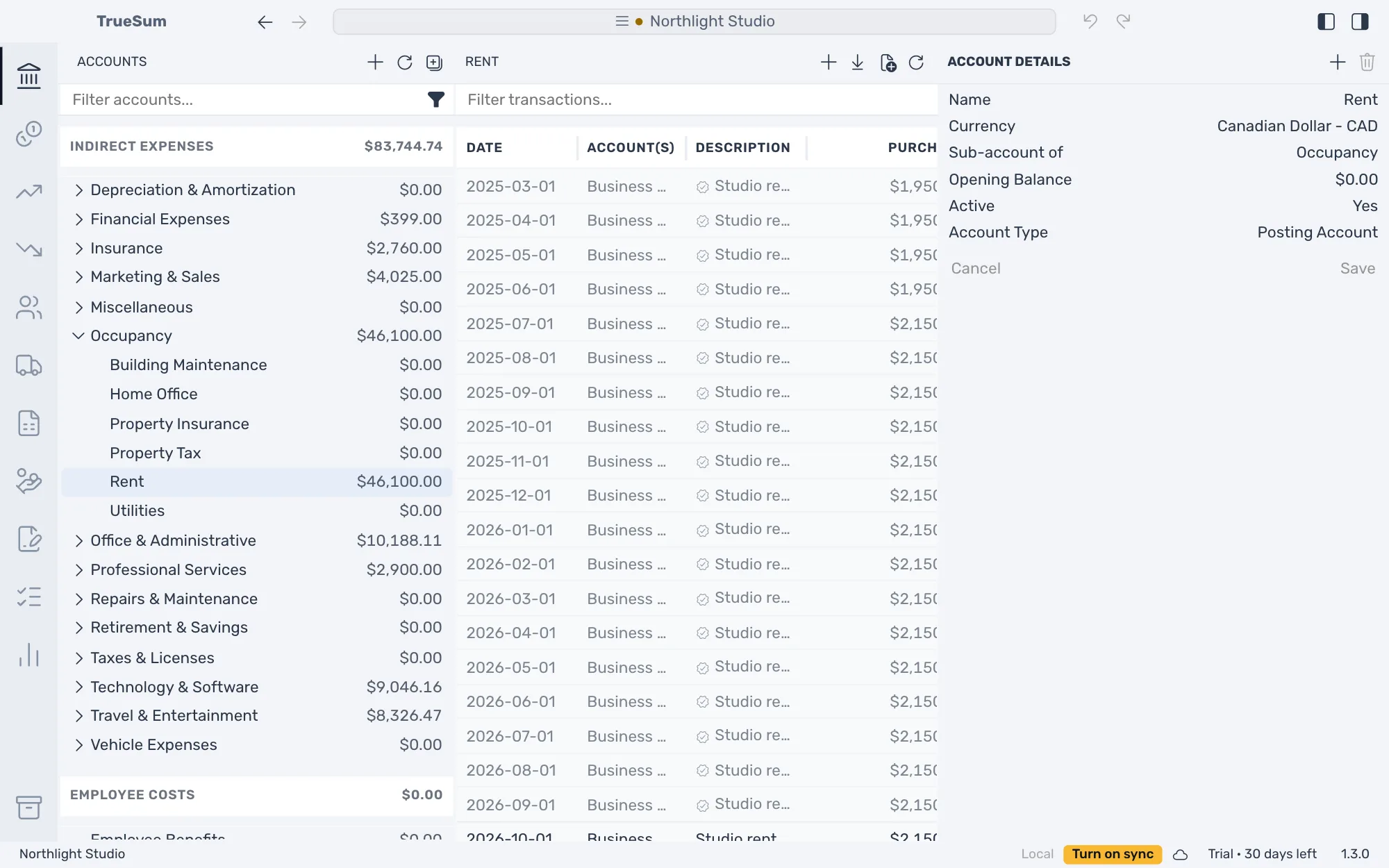
The filter button beside the search box can hide zero balance accounts, inactive accounts and empty categories.
Add an account
Point at a heading, press the + that appears, type a name and press Enter. The heading is the account's kind. Bank accounts, customers and vendors have their own pages, which are bank accounts and credit cards, customers and vendors.
Change an account
Open the account, change Account Details and press Save.
| Field | What it does |
|---|---|
| Name | What lists and reports show. |
| Currency | See Accounts in another currency. |
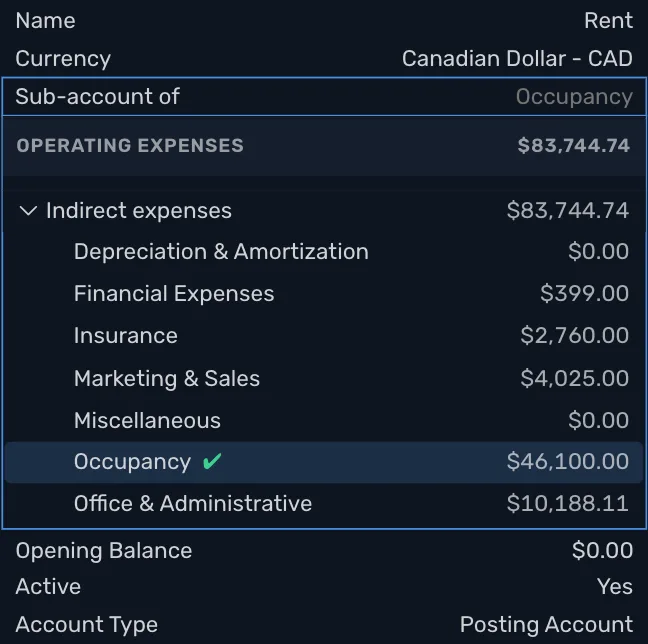
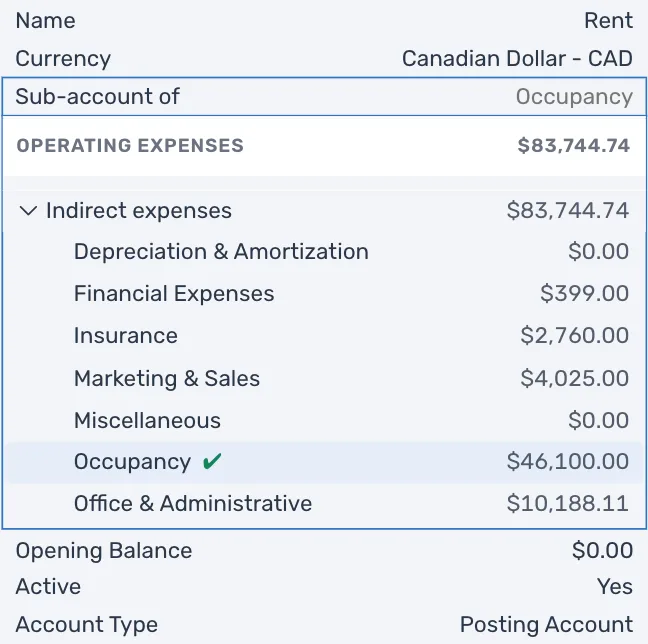
| Sub-account of | The heading or group account it sits under. |
| Opening Balance | See Opening balances. |
| Active | No for an account you closed. Its balance must be zero first. |
| Account Type | Posting Account holds transactions. Group Account holds sub-accounts and no transactions. |
Press Sub-account of to choose a heading, which moves the account to that kind, or a group account, which makes it a sub-account. A group's total is its sub-accounts' total.
Delete an account
Press the trash button at the top of Account Details. It is dimmed, and when you point at it, it says why. The account has transactions (deactivate it instead), statements, sub-accounts or a balance, or it is one of the accounts TrueSum keeps (below). An account on an estimate cannot be deleted until those estimates are. Undo brings a deleted account back.
Accounts TrueSum keeps
A few accounts belong to TrueSum and cannot be deleted. Opening Balance Equity and Retained Earnings are filled in for you, and posting to them by hand is refused. The others are Undeposited Funds, the sales tax accounts, Exchange gain/loss, Uncategorized Income, Uncategorized Expense and the Unapplied Cash accounts.