Add a vendor
Add a vendor in the sidebar, then fill in the address, reference and email you keep for them.
In TrueSum a vendor is an account, as a bank account is. It keeps a list of what they billed you and what you paid, and its balance is what you owe them. Add one before you enter their bills.
Add the vendor
- Press the Vendors icon on the left. The sidebar lists only your vendors, with what you owe each.
- Press the + at the top of the sidebar, Add Account.
- Type the vendor's name and press Enter.
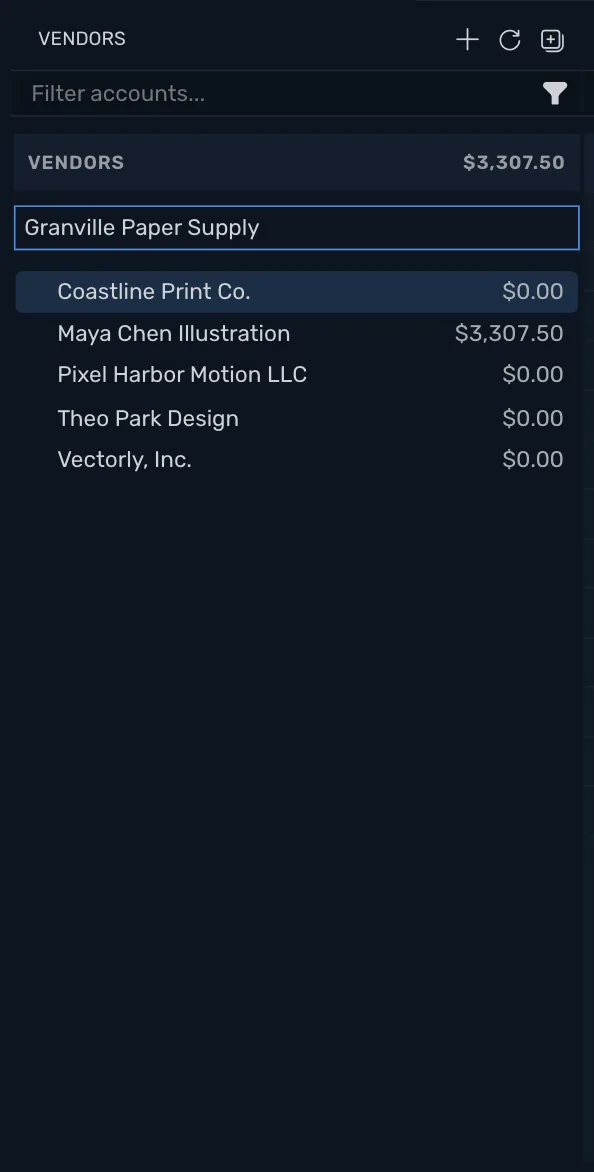
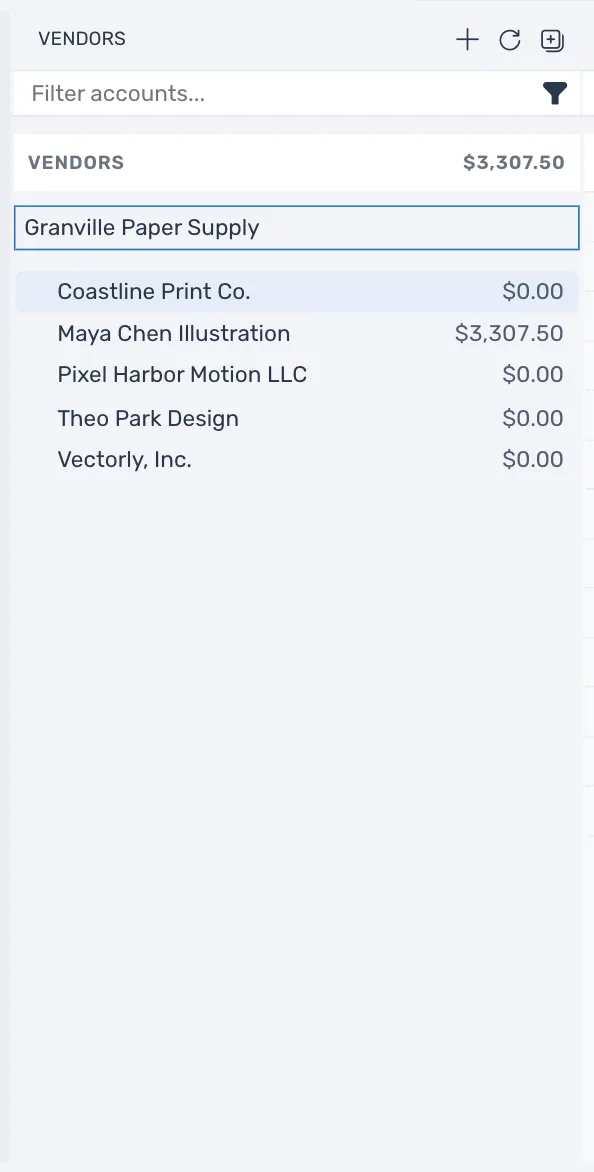
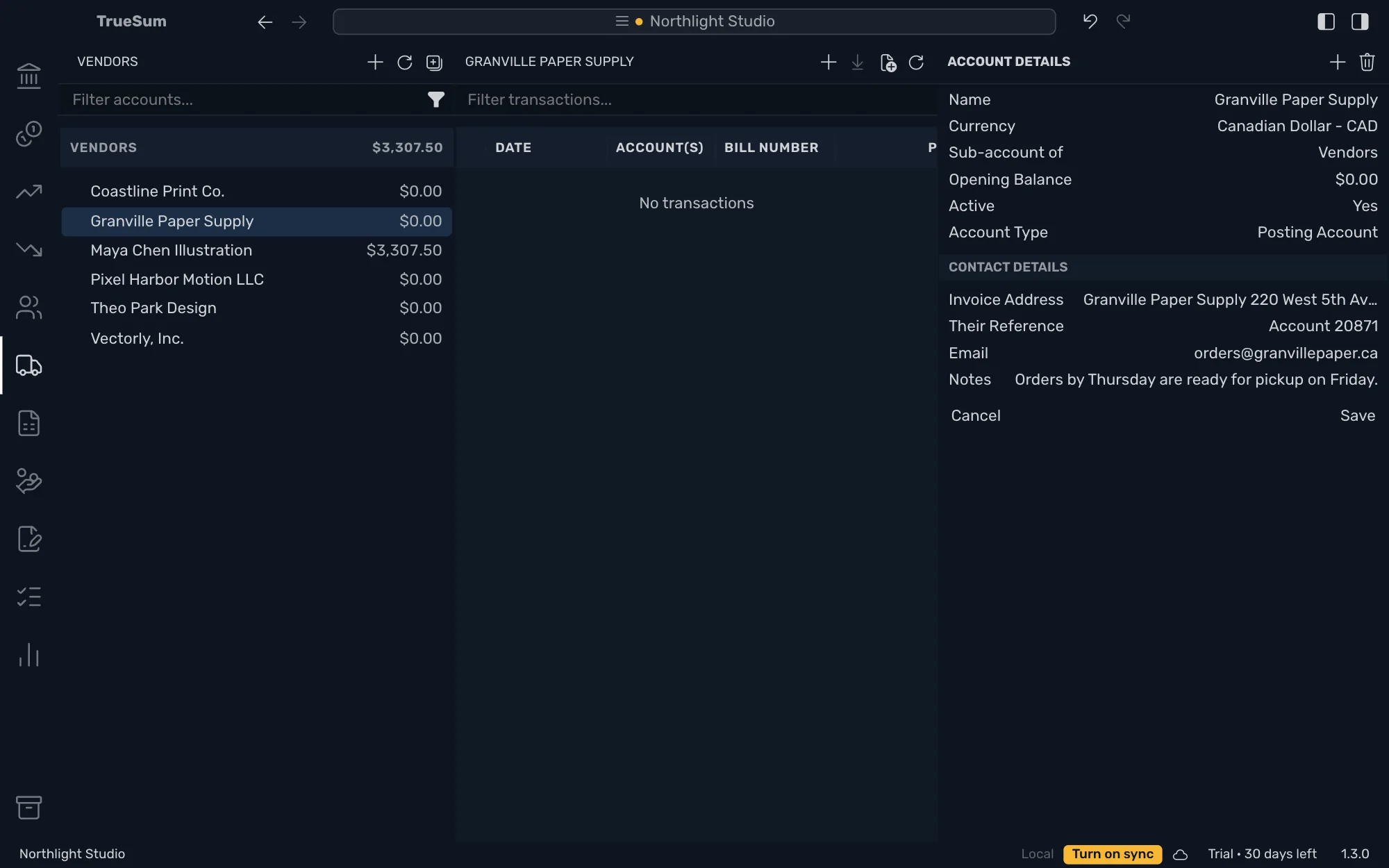
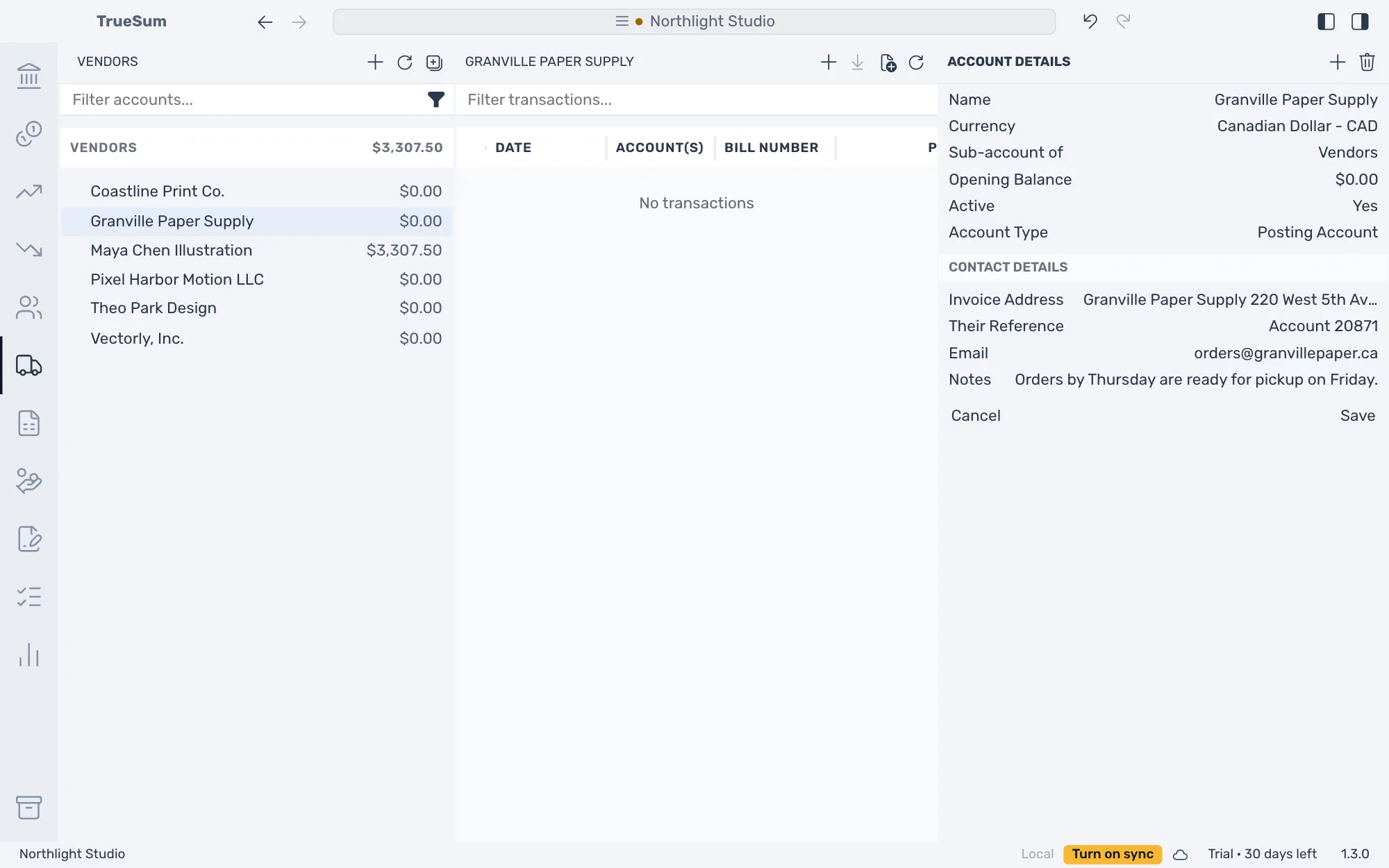
The vendor is added to the list. Press its name in the sidebar to open it. Its transactions are in the middle, and Account Details is in the right sidebar.
Fill in the details
A new vendor is in the business's currency. Change what you need in Account Details, then press Save.
| Field | What to enter |
|---|---|
| Name | The vendor's name. It is what the Bills list and the reports show. You can change it later. |
| Currency | The currency this vendor bills you in. It cannot change once the vendor has transactions. |
| Opening Balance | What you already owed the vendor when you started with TrueSum. TrueSum records it as a bill, so a payment can pay it. As of Date appears once there is a balance. |
| Active | Set it to No for a vendor you no longer buy from. The balance must be zero first. |
Sub-account of and Account Type are the same for every account (see The chart of accounts). The Contact Details below are for customers and vendors. A vendor's are for you. TrueSum does not print them.
| Field | What it is for |
|---|---|
| Invoice Address | The vendor's address. |
| Their Reference | A reference you keep for them, such as your account number with them. |
| Their email address. TrueSum does not send email. | |
| Notes | Anything you want to remember, such as when orders are ready. |
In a field that takes several lines, press Enter for a new line, and Command and Enter on a Mac (Ctrl and Enter on Windows) when you are done.
Change or delete a vendor
Open the vendor, change a field and press Save. To delete one, press the trash button at the top of Account Details, Delete Account. For a vendor who has transactions or a balance, the button is dimmed and says why when you point at it. Undo brings a deleted vendor back (see Undo a change).
Next, enter a bill.