Create an estimate
Quote a job before you do it, with its own list, number and preview, and no change to any balance.
An estimate is a quote, which is what you propose to charge a customer. It is not a sale. It changes no account and no balance, and it has its own numbers, EST-1001 onward.
Create it
- Press the Estimates icon. New Estimate opens in the right sidebar. If an estimate is already open there, press + (New Estimate) at the top of the sidebar.
- Date starts as today. Press Customer and choose one.
- Estimate # is filled in with the next number.
- Press Expiry Date and choose the last day the quote stands. It is optional.
- Press Account 1 and choose the income account, such as Service Revenue.
- Press Amount and type the price, before tax.
- If the business charges sales tax, press Tax and choose the rate.
- Press Description and say what the line is for. It is printed on the estimate. With none, the account's name is printed.
- For another line, press + at Add split.
- Press Create.
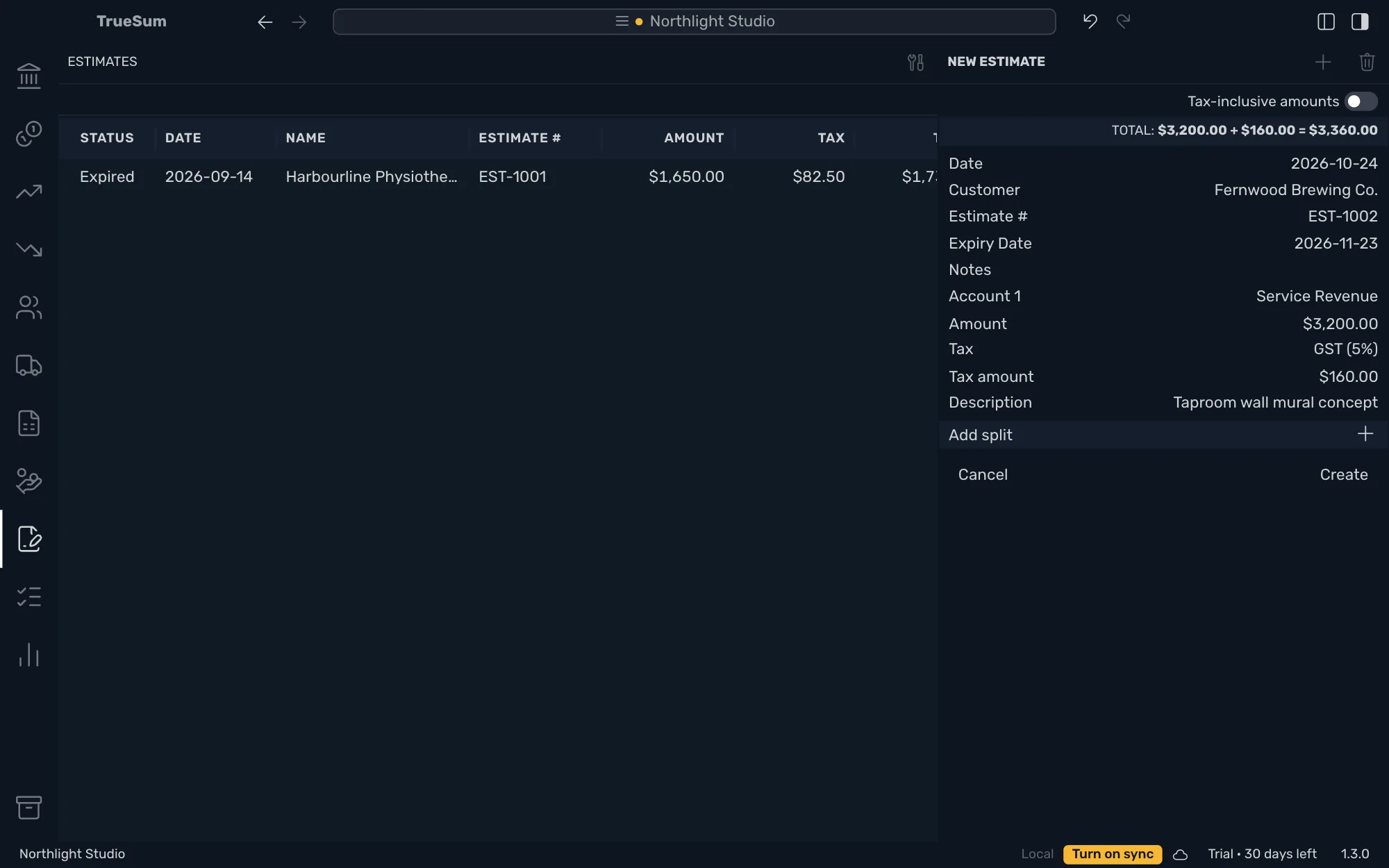
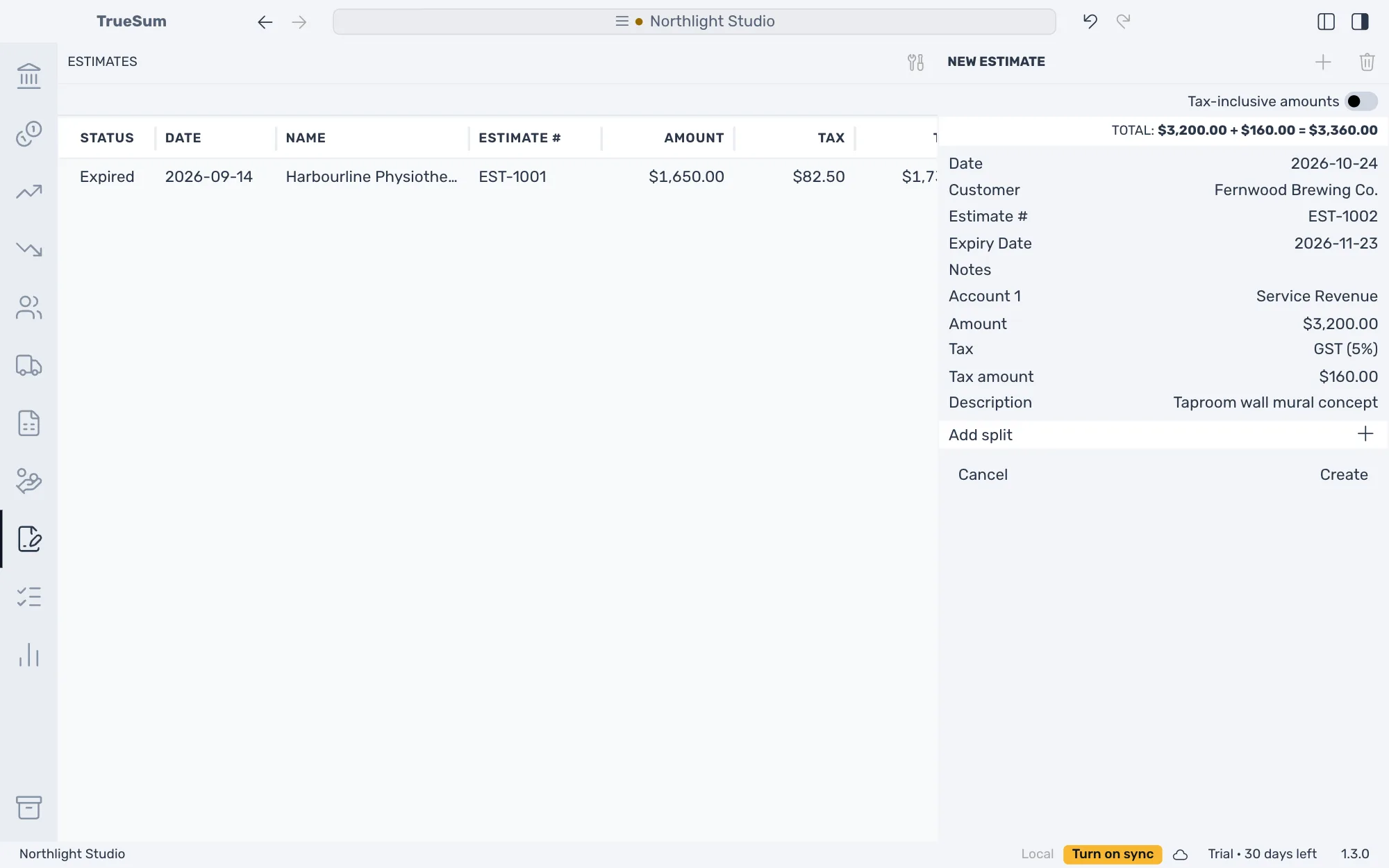
Notes is for you and is not printed.
After you create it
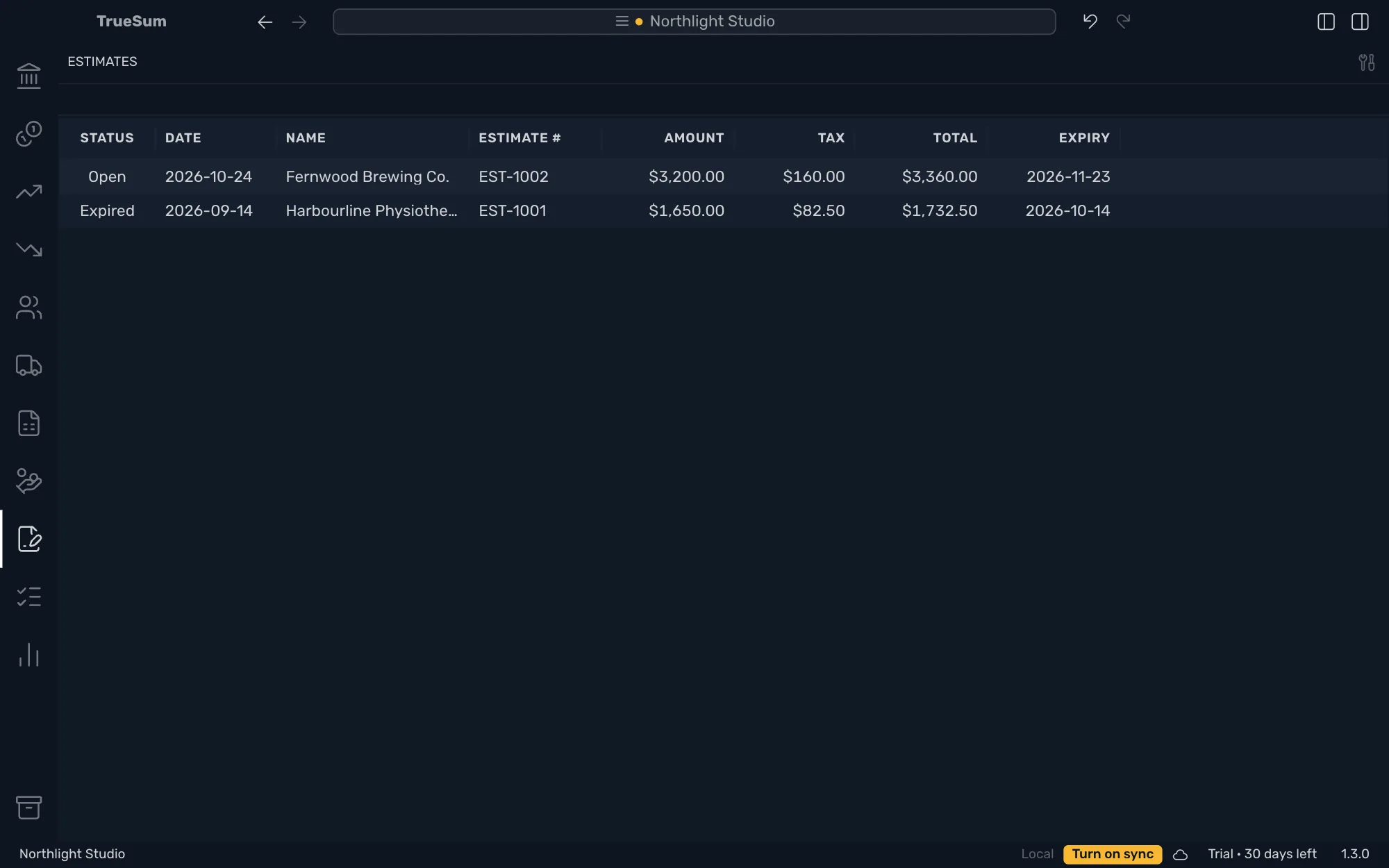
The estimate is in the list with its status, and Estimate Preview is under the form (see Preview, print or save an invoice as PDF).
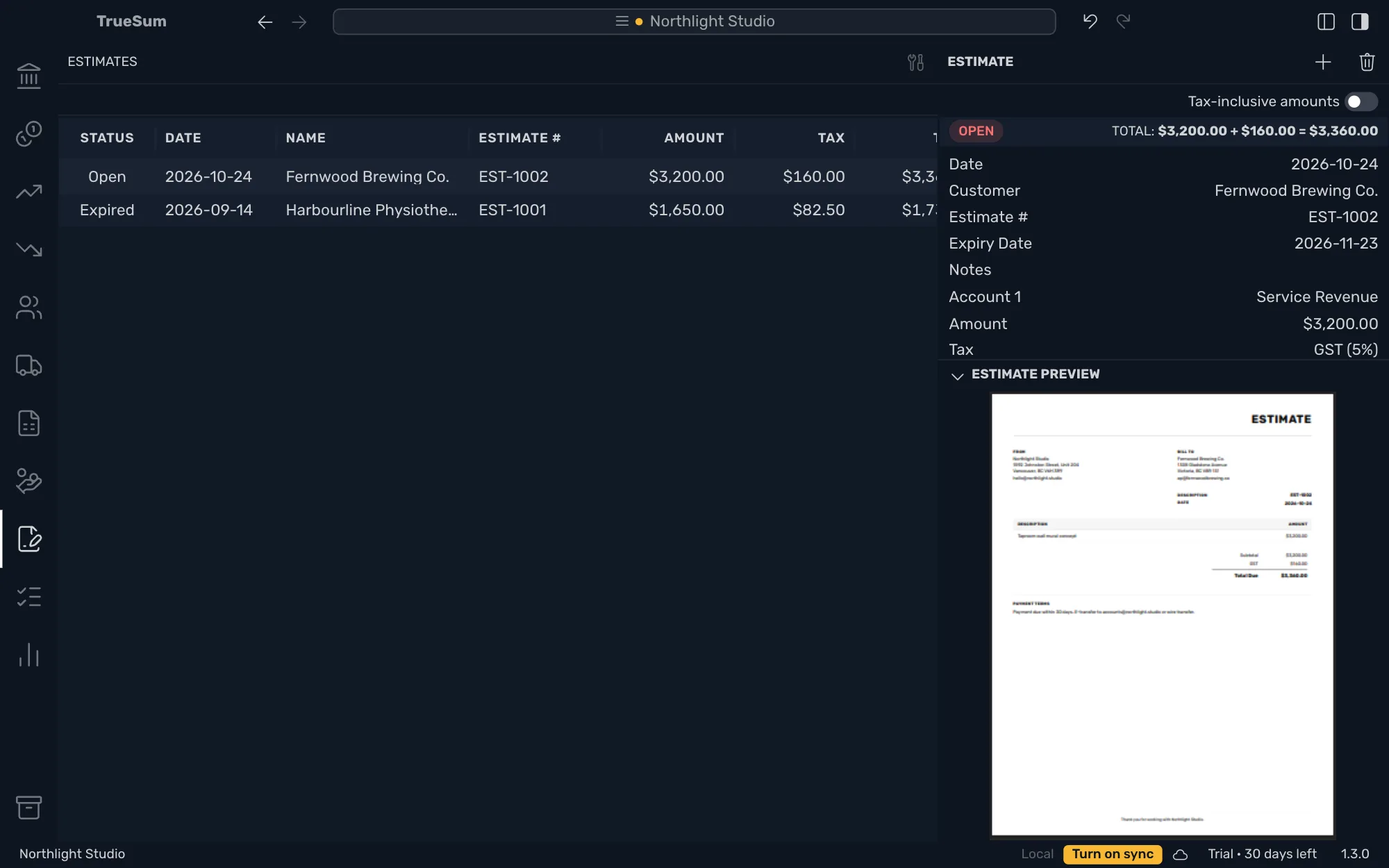
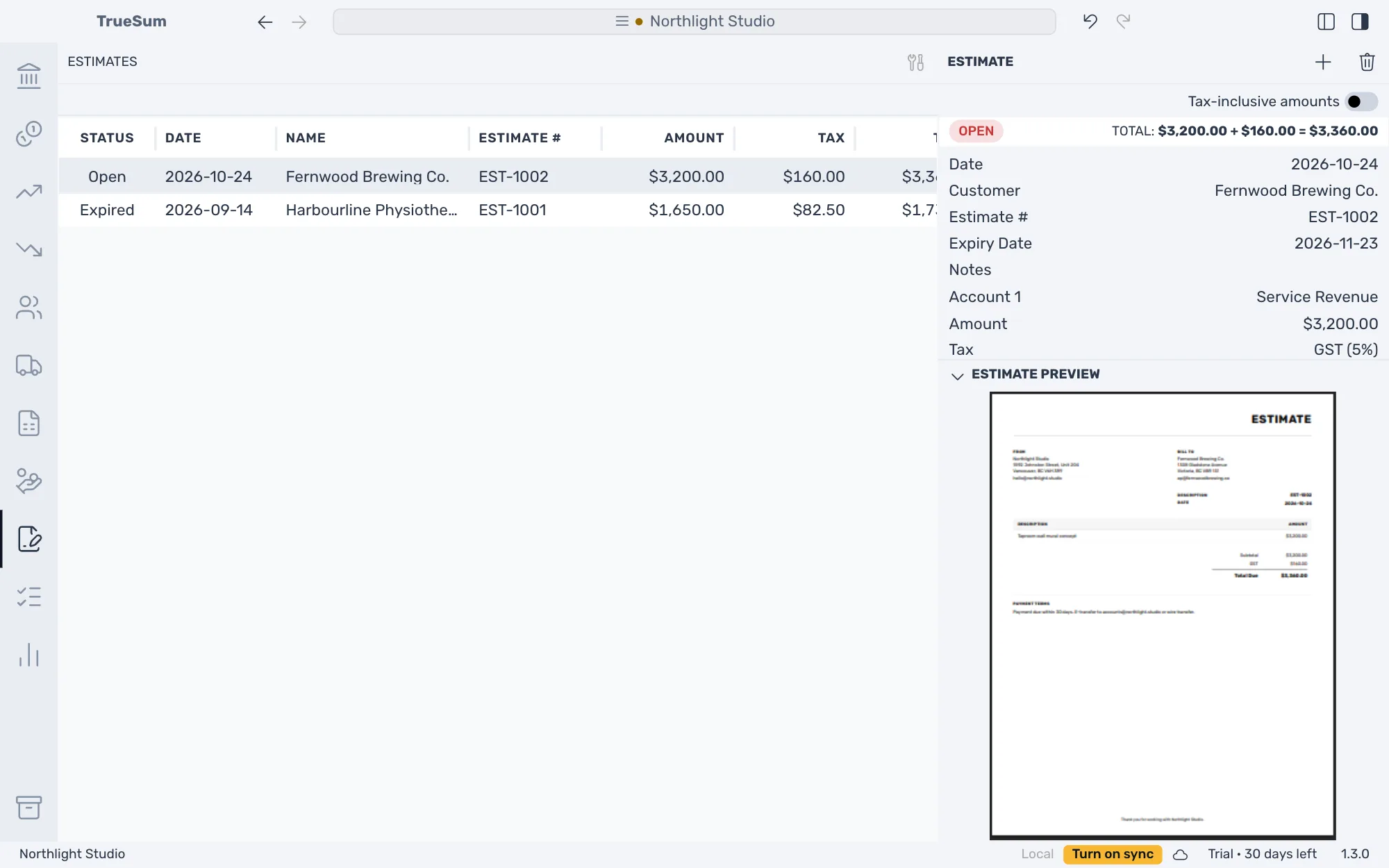
The estimates list
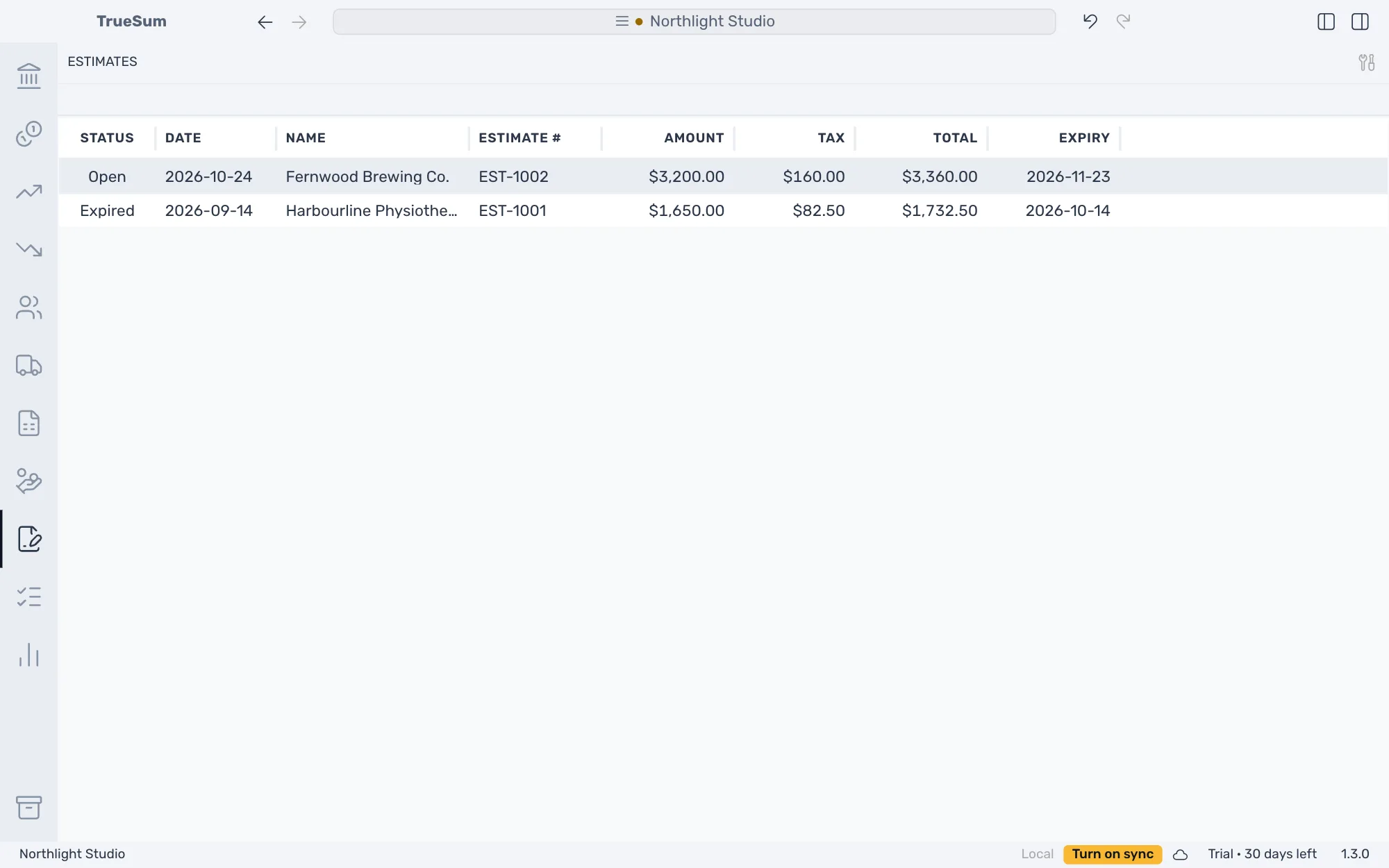
The right sidebar is hidden in the picture. Status is Open, or Expired once the Expiry date has passed. The list has no filter box.
Change, delete or invoice it
Open an estimate, change it and press Save. To delete one, press Delete Estimate and confirm. Undo brings it back (see Undo a change).
TrueSum does not turn an estimate into an invoice. When the customer accepts, create the invoice.