Enter a bill
Enter what a vendor billed you line by line, and TrueSum numbers the bill and adds the tax.
A bill is something a vendor charges you that you will pay later. Saving it records the cost now, and adds the total to what you owe the vendor. It counts as unpaid until you record a payment against it. If you paid on the spot, record an expense instead.
Enter the bill
- Press the Vendors icon on the left, then the vendor in the sidebar.
- Press the + at the top of their list, Add new transaction. New Transaction opens in the right sidebar with Account 1 as the vendor, Direction on Bill and Bill Number filled in with the next number, such as BILL-1075.
- Press Date, then Today or the date on the bill.
- Press Account 2 and choose the account for what you bought, such as Printing & Copying.
- Press Amount and type the price, before tax.
- If the bill has tax, press Tax and choose the rate, such as GST (5%).
- To enter another line, press + at Add split and fill in Account 3, its Amount and Tax.
- Press Save.
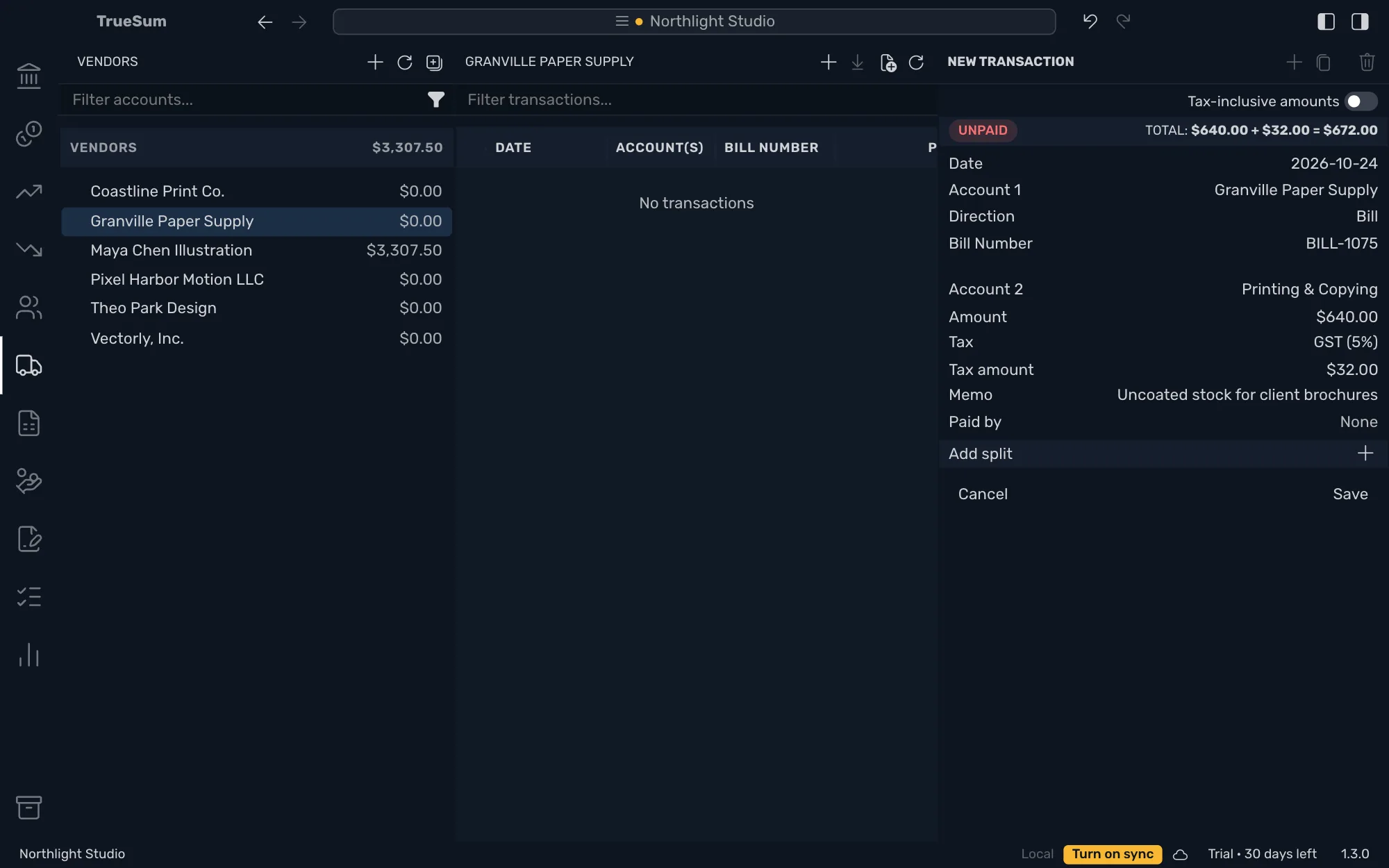
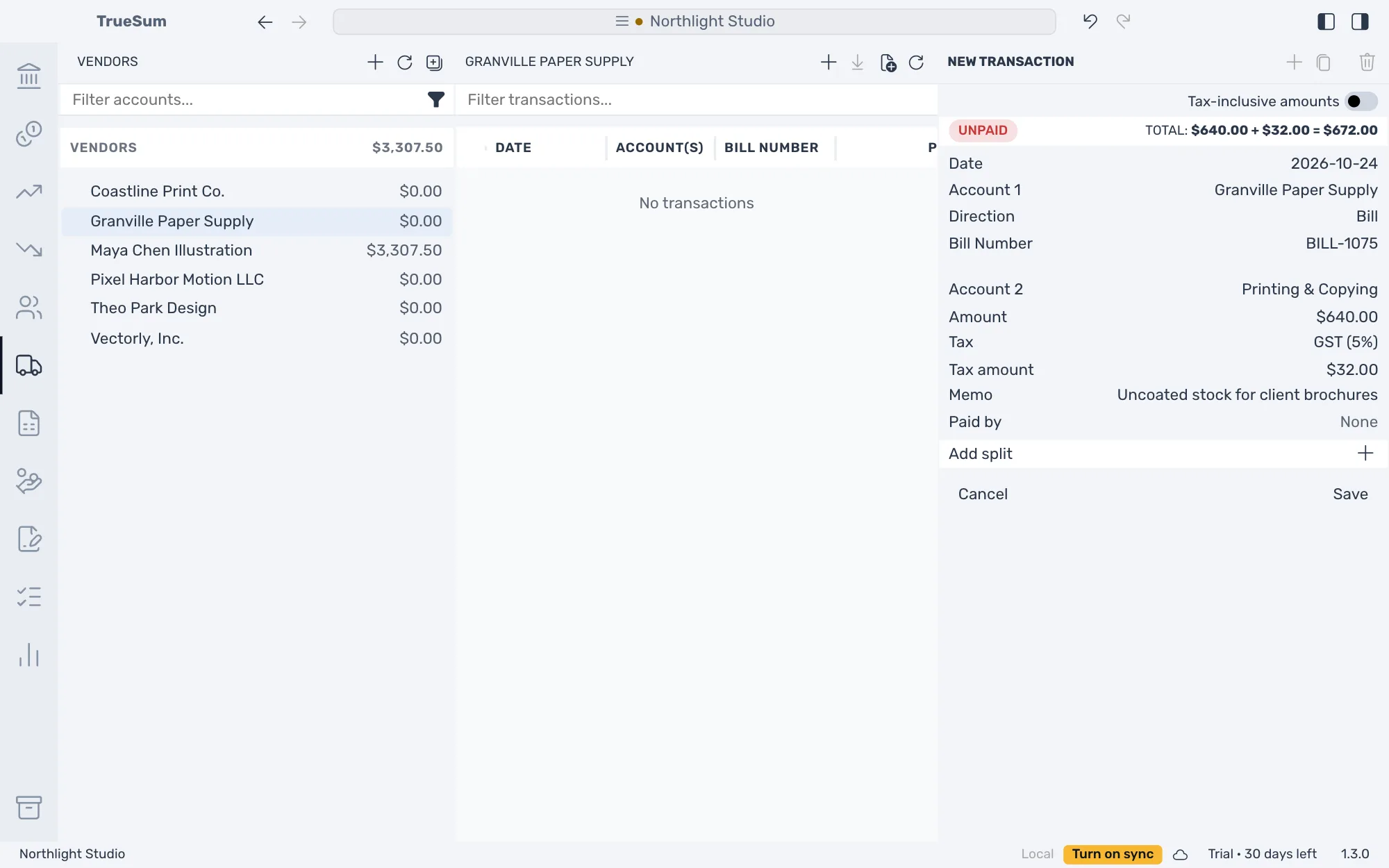
What to know about the fields
- Bill Number is a text field. A vendor's bill usually has its own number. Type it here to find the bill by it later. Keep the next number if it has none. TrueSum never refuses a number, and marks one used twice with a warning in the Bills list. Typing a vendor's own number does not change TrueSum's count. The next bill still gets the next BILL- number.
- Tax shows when the business charges sales tax and Account 2 is an income or expense account. Tax on a bill is added to the total you owe the vendor (see Tax on a sale or a purchase). To type prices that already include tax, turn on Tax-inclusive amounts above the total first.
- Each split is a line on the bill. Memo is for you. Split a transaction explains splits in full.
- The due date is the bill's date plus Default Payment Terms (days) in Business Settings, the number invoices use too. The form does not show it. Customize your invoices says where it is set.
After you save
The bill shows Unpaid and its total. The vendor's balance in the sidebar goes up by the total. TrueSum shows no Invoice Preview for a bill, and cannot save one as a PDF.
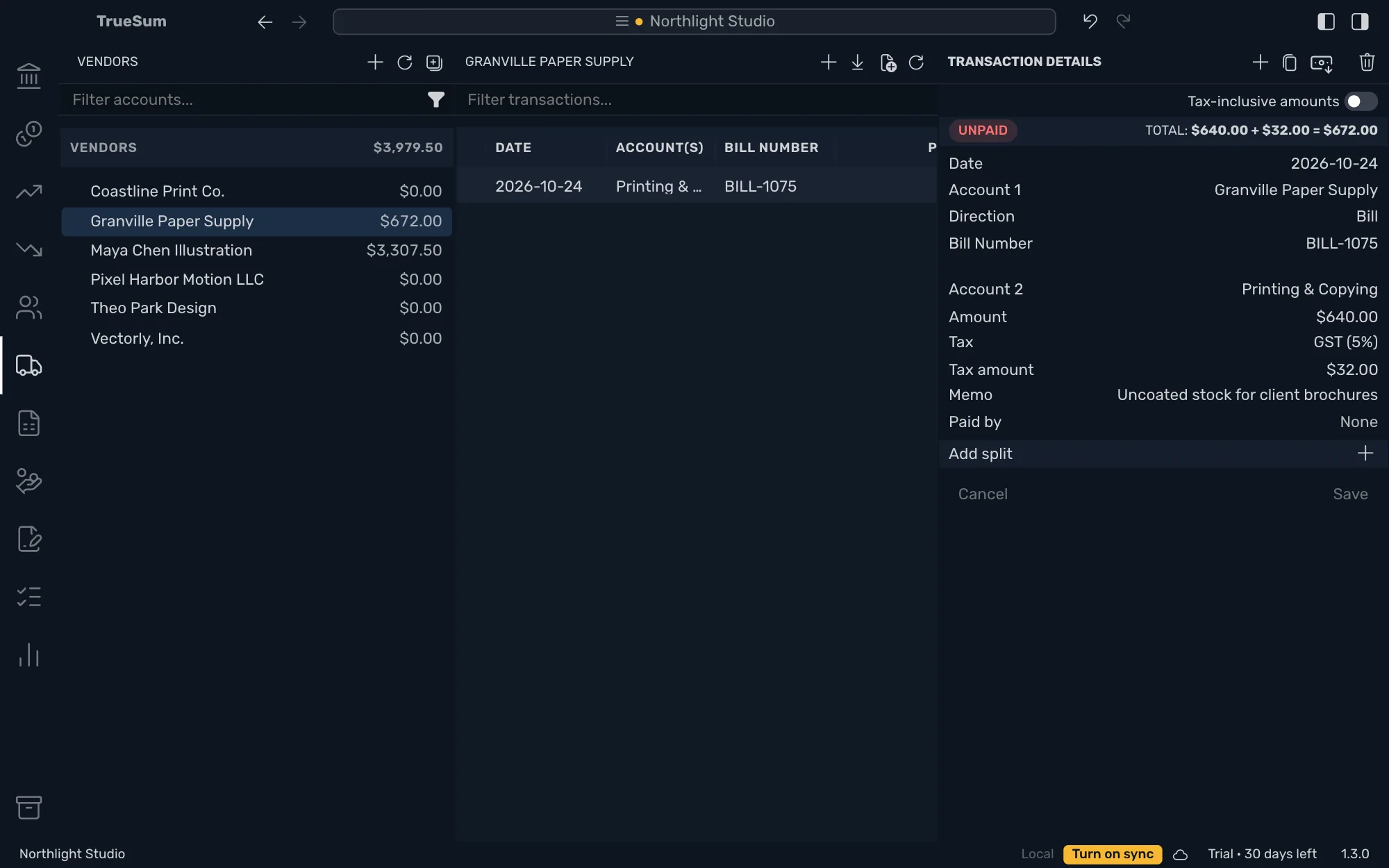
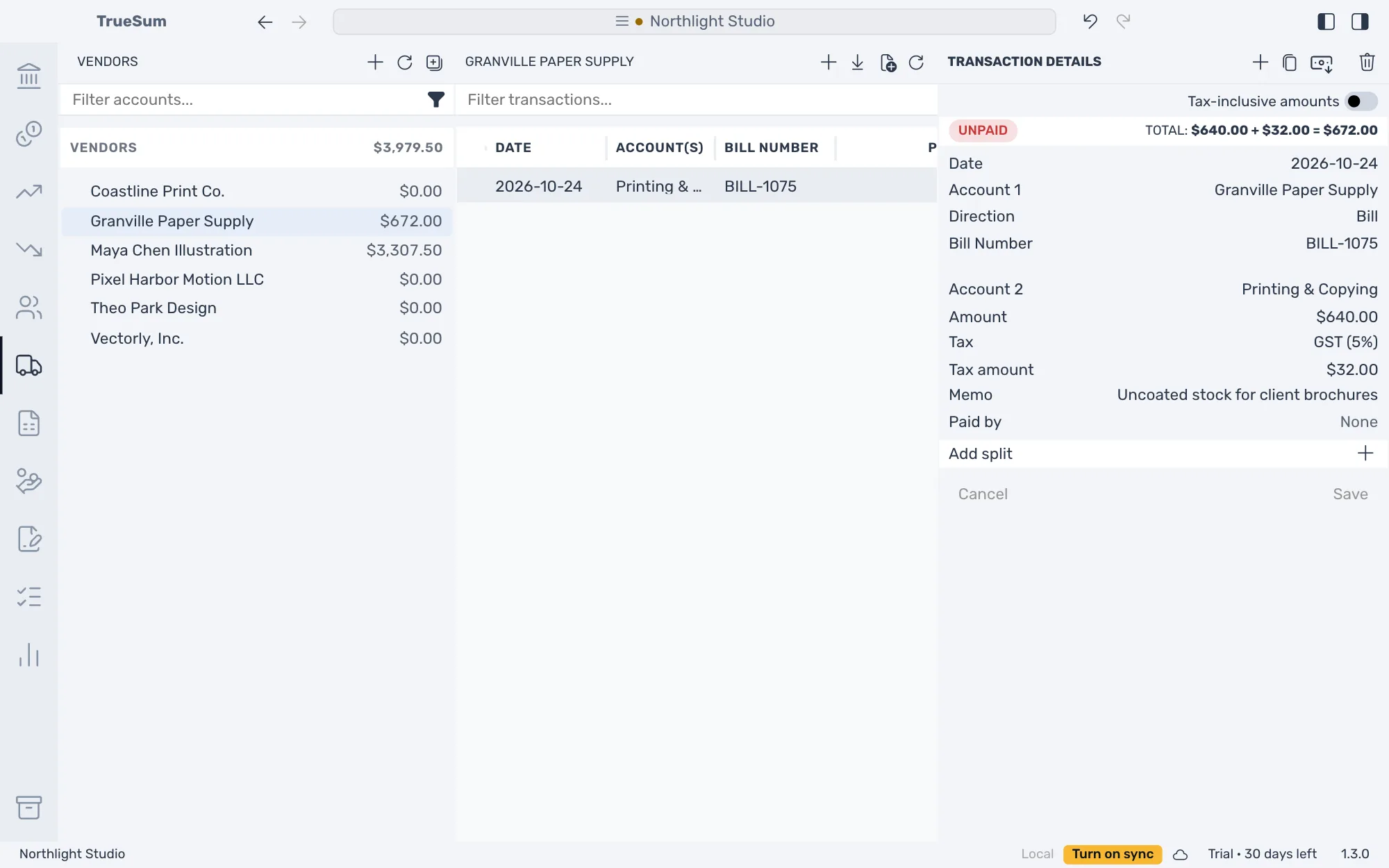
To change a bill, open it and edit it as any transaction (see Change or delete a transaction). When you pay the vendor, pay the bill.