See what you owe
Each vendor's balance, every bill with its status, and the Vendor Debt by Age report.
Three places answer what you owe and to whom. They are the vendors' balances, the Bills list, and a report.
Vendors' balances
Press the Vendors icon. What you owe each vendor is beside their name, in their own currency, and the total is on the Vendors heading.
The Bills list
Press the Bills icon. Every bill is listed, newest first. The right sidebar is hidden in the picture, so every column shows.
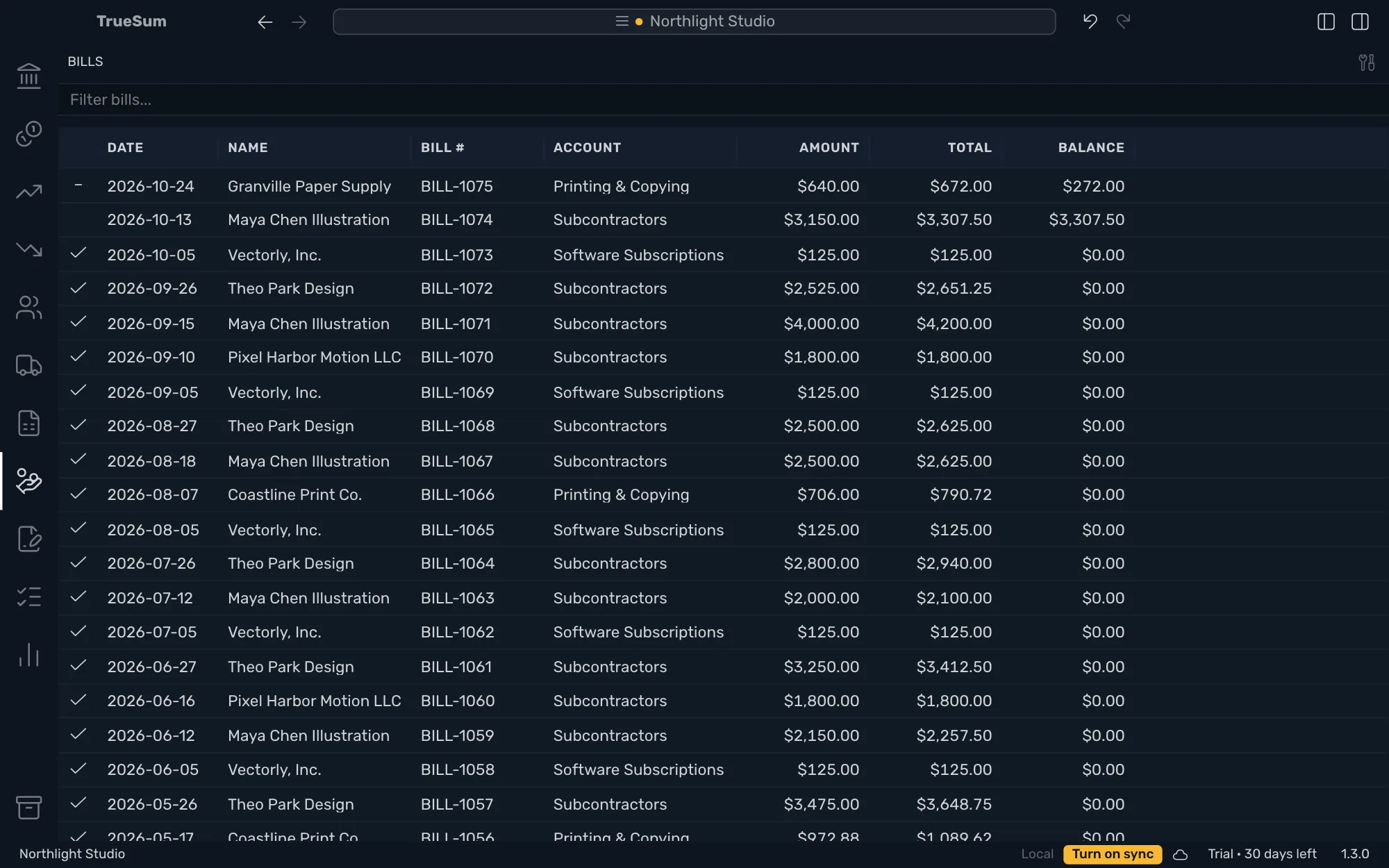
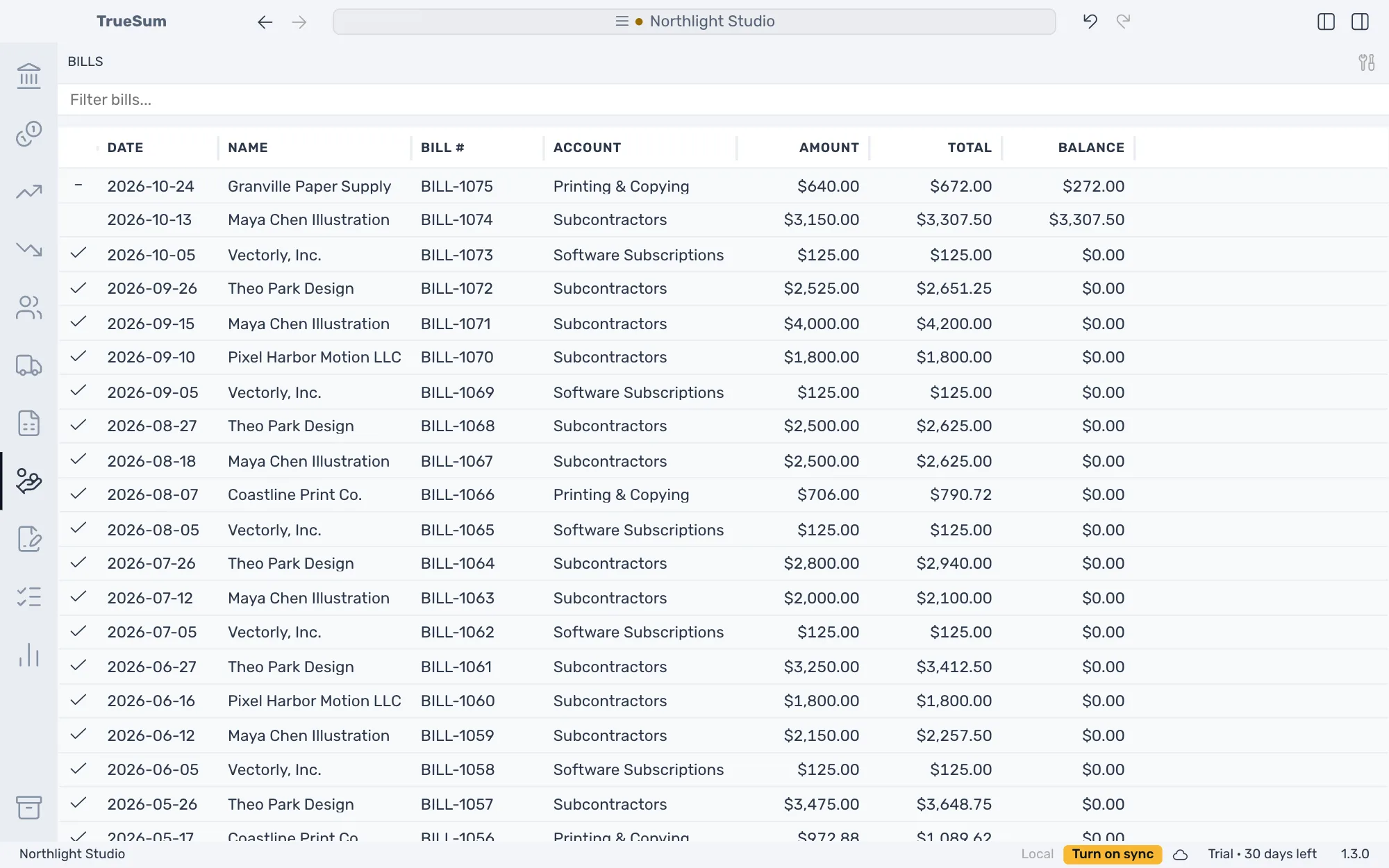
The first column is the status:
| Mark | Means |
|---|---|
| A check | Paid in full. |
| A dash | Partly paid. |
| A red clock | Overdue. The bill is not paid in full, and it is past its due date. Point at it for the date. The Balance is red too. |
| Nothing | Unpaid, and not due yet. |
Amount is before tax, Total is with tax and Balance is what you still owe. Account says (Multiple) when the lines are on several accounts. A warning sign by a bill number means another bill has the same number.
Type in Filter bills... to find a bill by number, vendor, account, date or amount. Press a bill to open it. The due date comes from Default Payment Terms (days) (see Customize your invoices).
Report
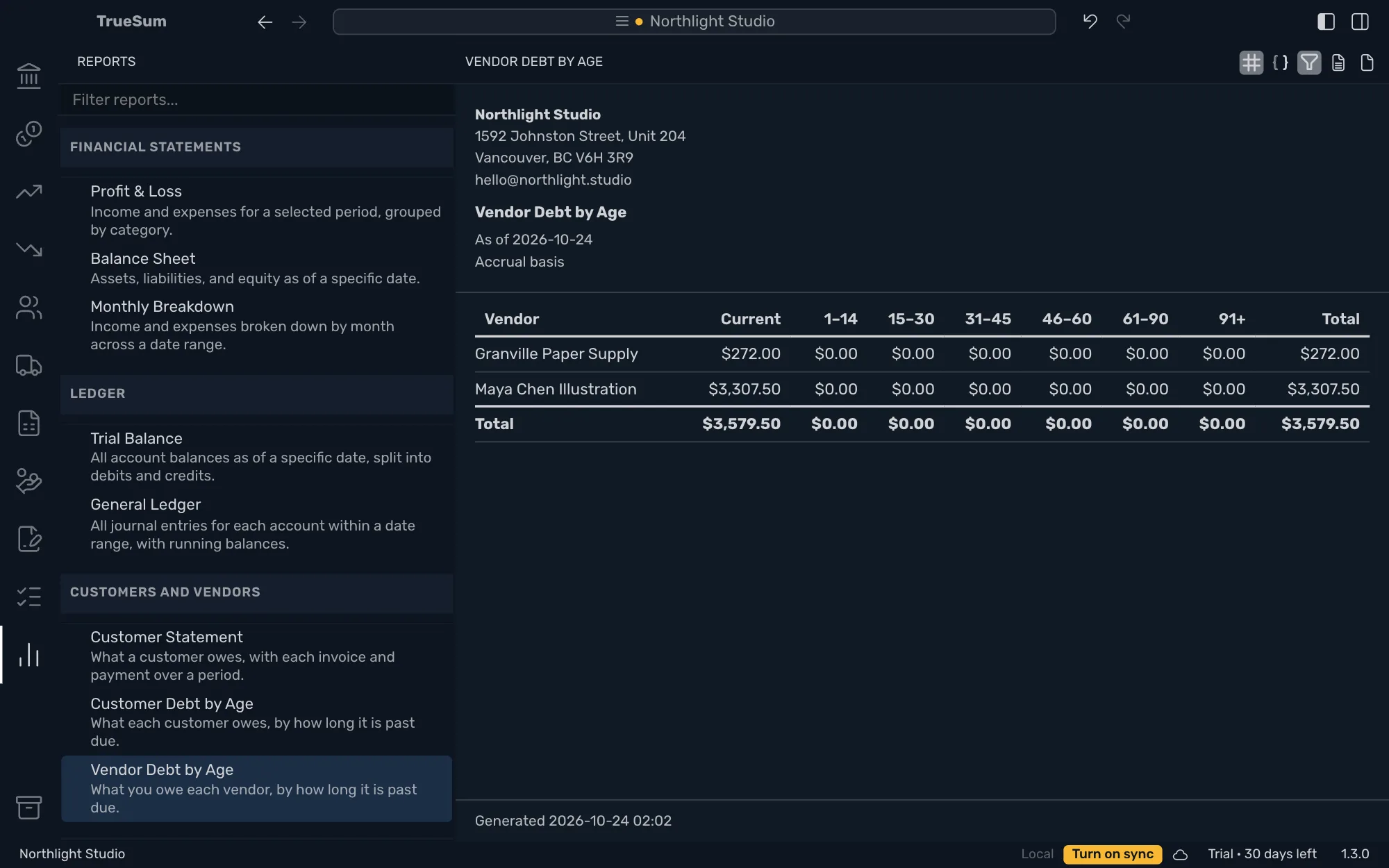
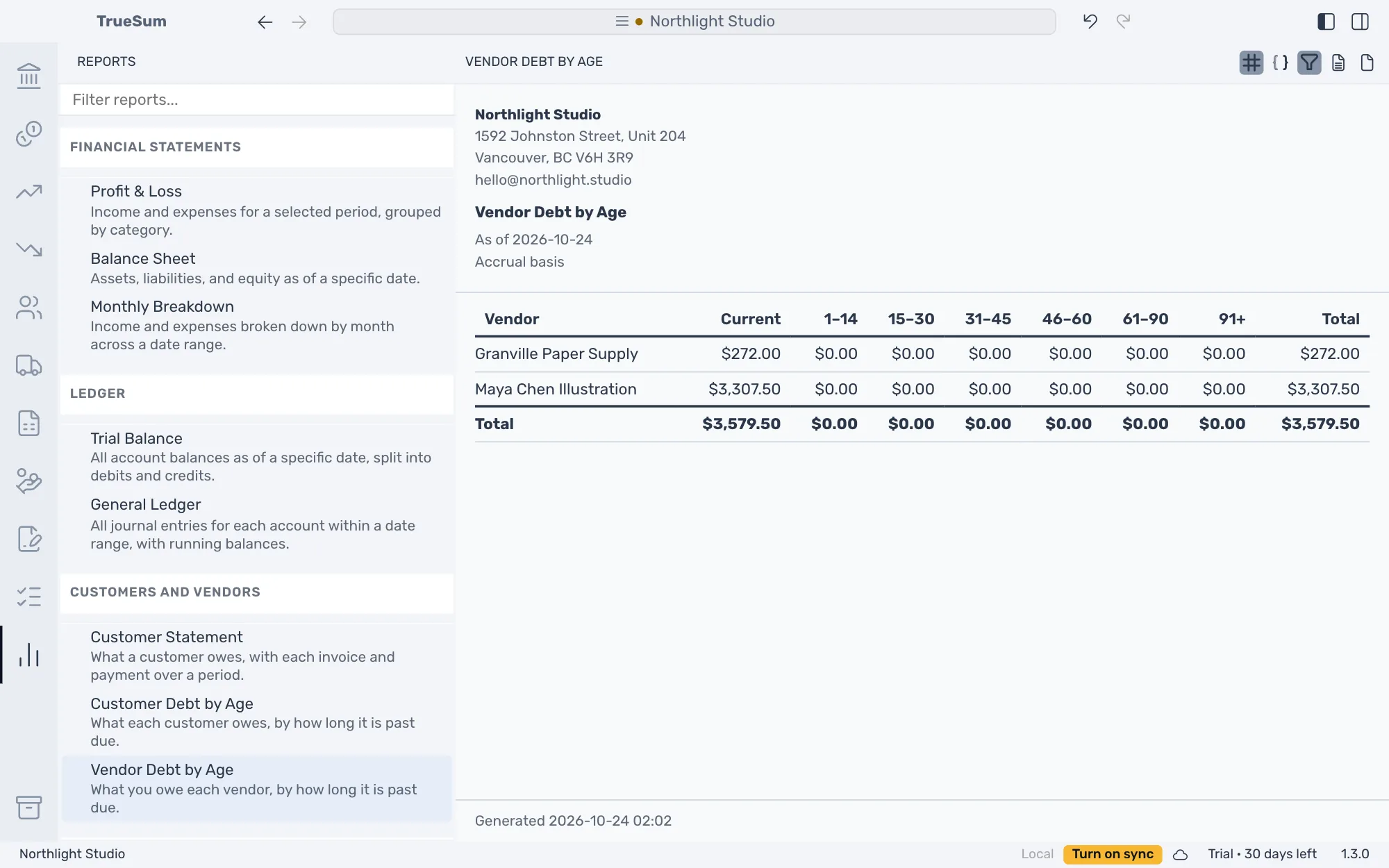
Press the Reports icon, then Vendor Debt by Age under Customers and Vendors (see Run a report).
It shows what you owe each vendor, split by how long it is past due, as of a date. The groups run from Current (not yet due) to the oldest debt. Turn on Show individual entries to list the bills under each vendor. A vendor you have paid ahead is left out until you turn on Show vendors in credit. With Use Friendly Names turned off in App Settings, it is called Accounts Payable Aging.