Pay a bill
Record that you paid a bill, in full or in part, and see what it did to the bill.
When you pay a vendor's bill, record a payment. A payment is a transaction on the vendor's account that Pays the bill. The bill reads paid, you owe the vendor less and the bank account goes down. For money paid with no bill behind it, see Record an expense.
Record it from the bill
- Open the vendor and press the bill.
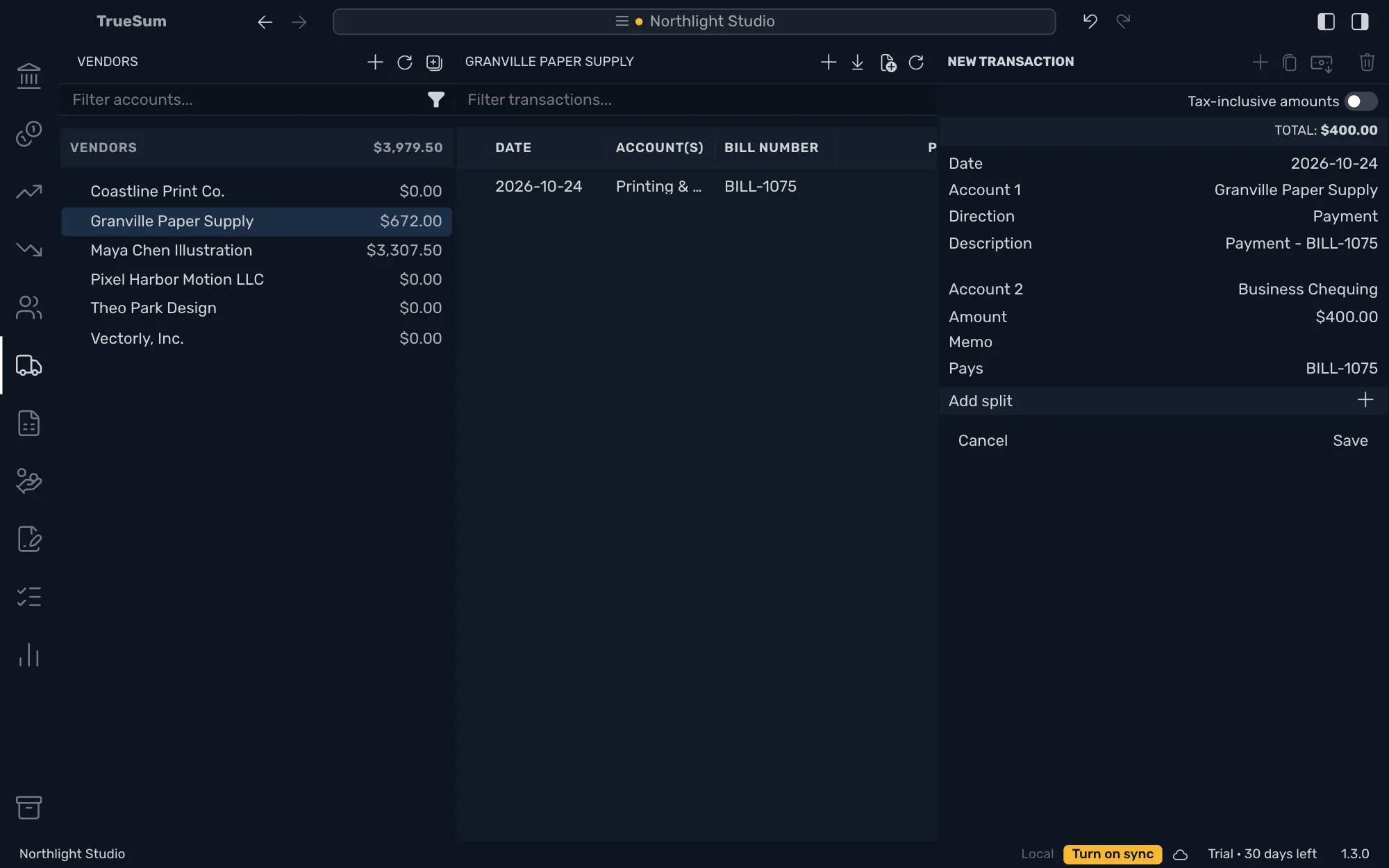
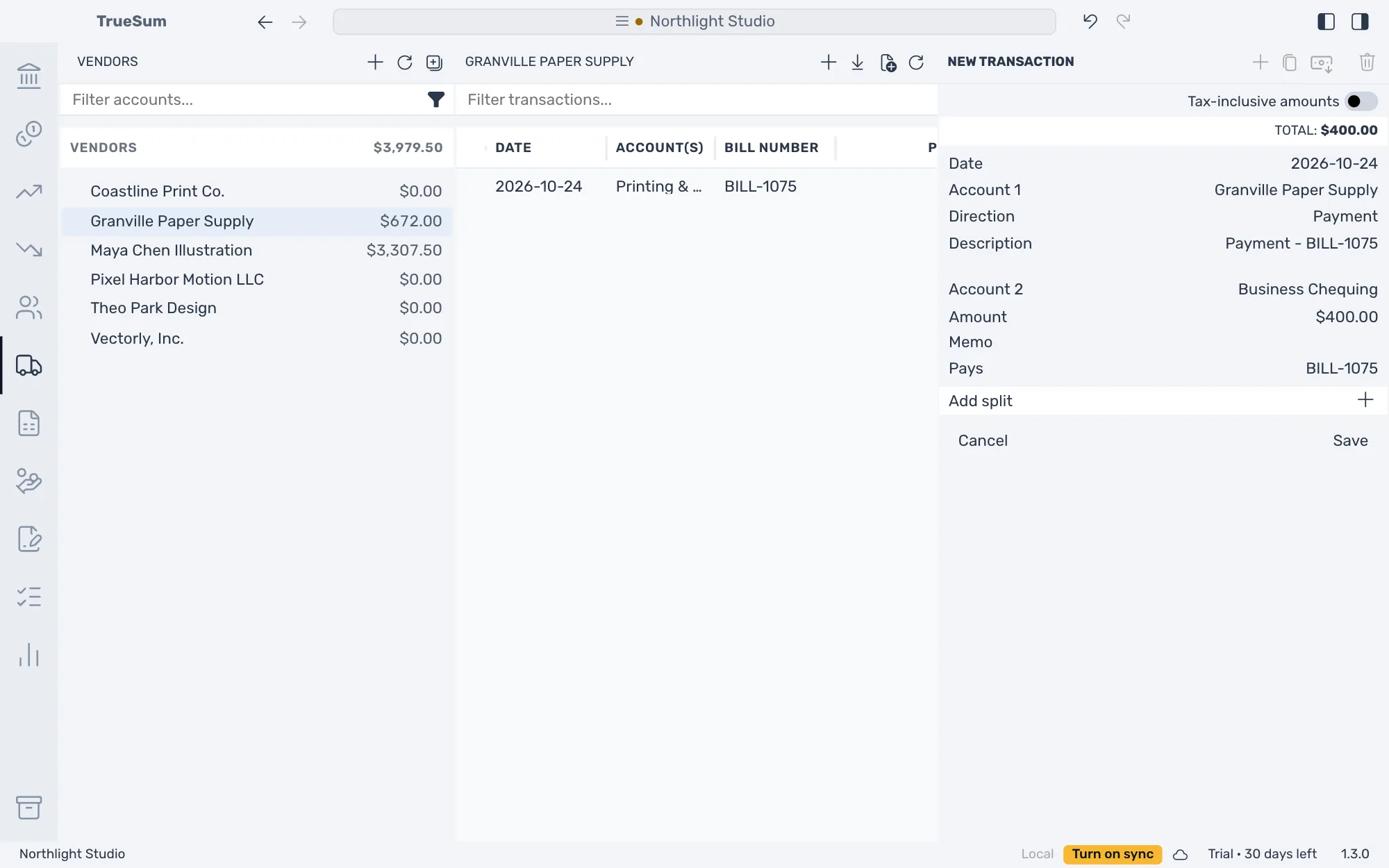
- Press the Record Payment button at the top of the right sidebar. A new payment opens with Direction on Payment, the Description "Payment - BILL-1075", the amount still owed as Amount, and the bill on the Pays line.
- Press Date, then the day you paid.
- Press Account 2 and choose the account the money came from, such as Business Chequing.
- For a part payment, change Amount to what you paid.
- Press Save.
Record Payment is dimmed when nothing is owed. It is also dimmed for a bill whose lines are on more than one vendor account (a rare set-up), and says so when you point at it.
What it did
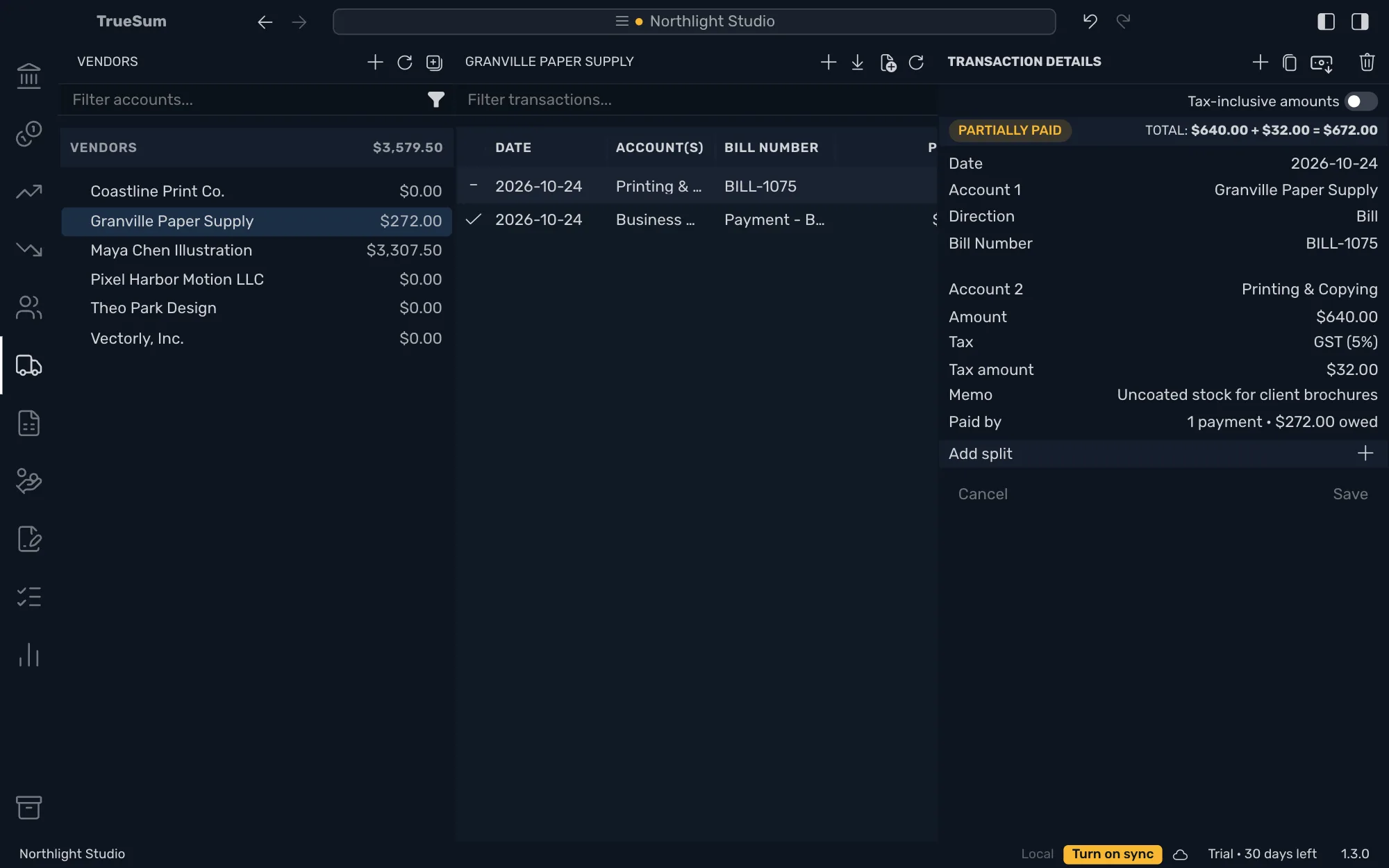
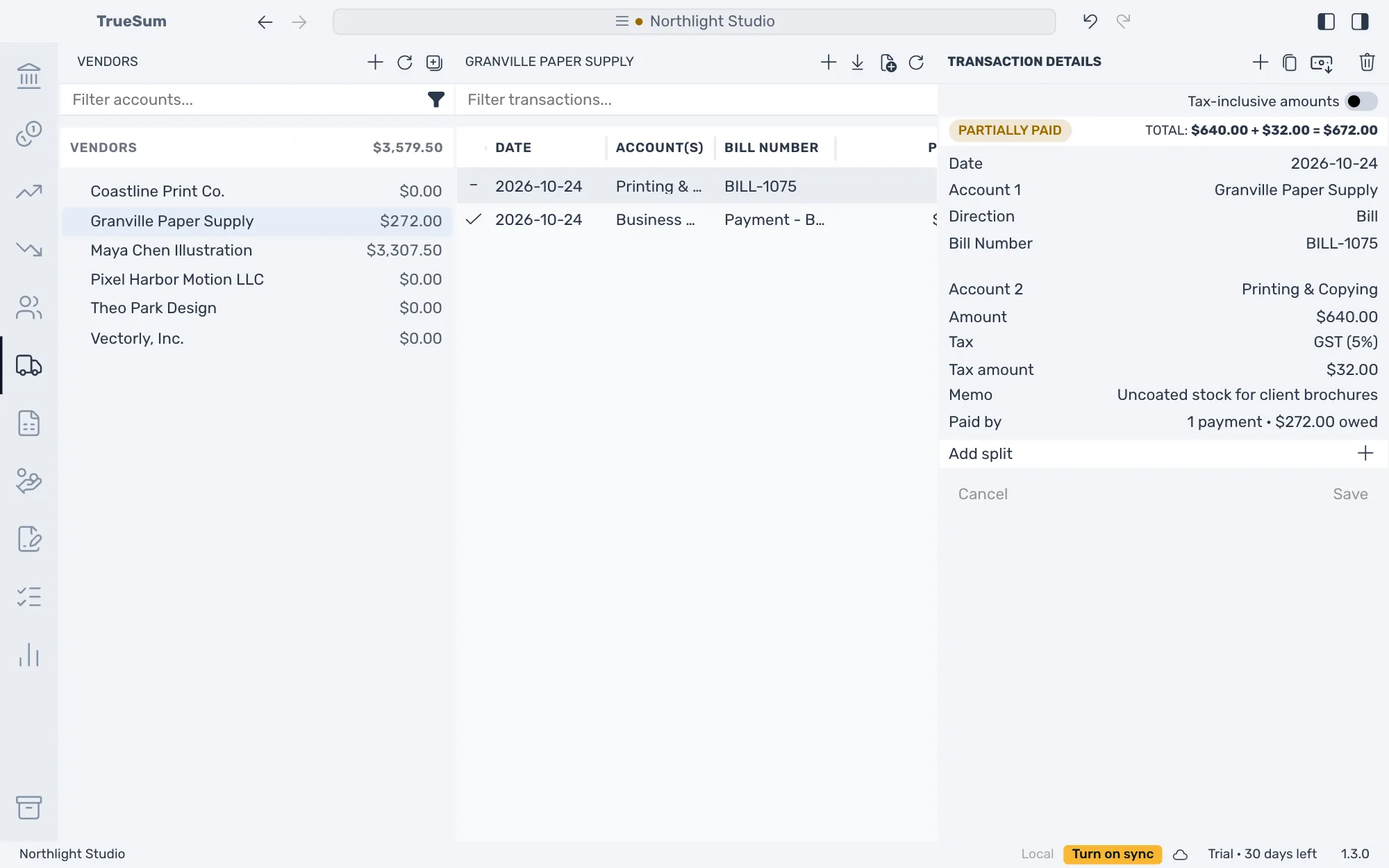
The bill shows Paid, or Partially paid after a part payment, with a check or a dash in the Bills list. The bill's Paid by line says how many payments pay it and what is still owed. Press Record Payment again for the rest.
One payment for several bills
Start from the vendor instead. Press + at the top of their list, set Direction to Payment, choose Account 2 and type the Amount. Press Pays to list the bills you owe the vendor, and press one to tick it. The first tick closes the list. Press Pays again to tick more. TrueSum applies the amount to the ticked bills oldest first, up to what each owes, and the line says what is left.
A payment you already saved
A payment from your bank, or one you typed as an ordinary transaction, is not linked to a bill, so the bill still reads Unpaid. Open the bill and press Paid by. It lists the vendor's payments that have something left to link. Press one to tick it, then press Save. Or open the payment and tick the bill on its Pays line.
A payment of more than is owed
TrueSum saves the payment as entered. The bill is paid, and a warning stays on screen until you dismiss it. The warning names the amount that was not applied. That amount stays on the vendor's account as part of the payment, so the balance with that vendor is lower by the whole payment, so it can read below zero. TrueSum does not list these amounts in one place.
To use the rest on a later bill, open that bill and press Paid by. It lists the vendor's payments that have something left to link, this one included. Press the payment to tick it, then press Save. Or open the payment and tick the later bill on its Pays line.
Take a payment back
Open the payment and press Delete Transaction. The bill reads unpaid again. Undo puts the payment back (see Undo a change).