Stop sync
Stop syncing a business on this device, and choose which copy to keep if you turn it on again.
Stopping sync makes a business local on this device. Its copy in the cloud is kept, and your other devices go on syncing. Nothing is deleted.
Stop sync for a business
- Open the business.
- Press the business's name in the title bar and choose Businesses.
- Press the highlighted cloud icon, Stop sync on this device, on the business's row.
- TrueSum asks Stop sync for "Northlight Studio" on this device? Press Stop sync.
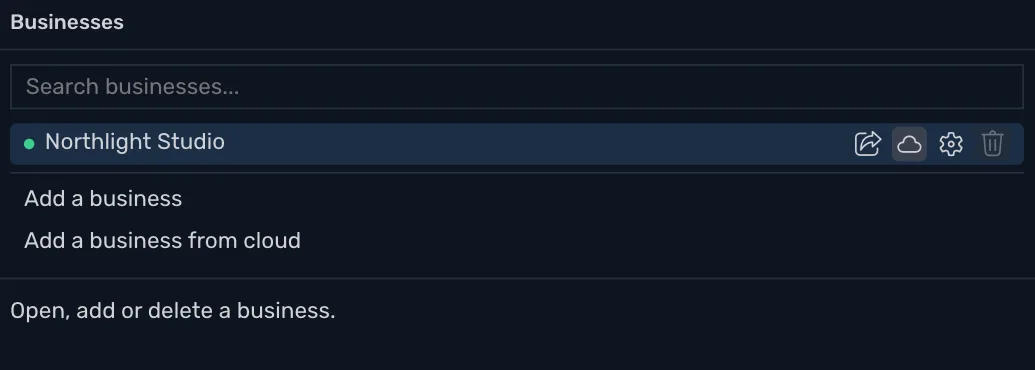
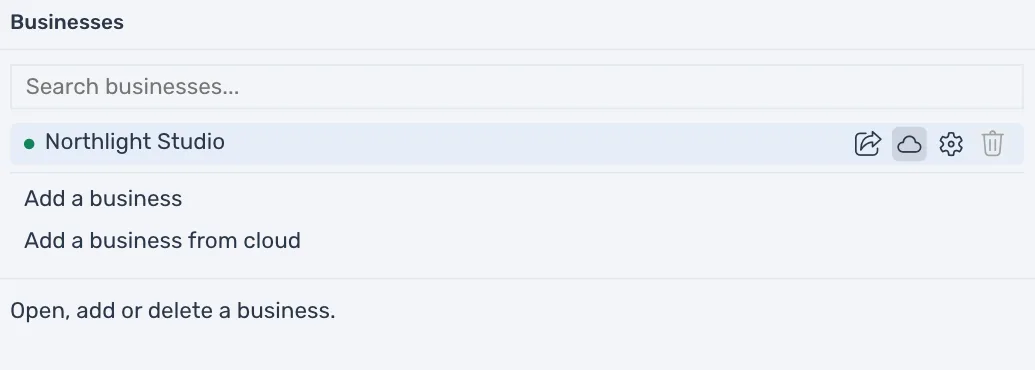
Sync can be stopped only for the open business. TrueSum sends your latest changes first, and says "Finishing the upload, then stopping sync." Press Stop now to skip that. The changes stay on this device. Then the status bar says Local, and a message says Sync is off for "Northlight Studio" on this device. Its copy in the cloud is kept.
Stopping works offline, in Privacy Mode and after a subscription has ended.
Turn it on again
When you turn sync on for a business that already has a copy in the cloud, TrueSum asks which copy to keep. That is the case after you stop sync, after you restore a backup of a synced business, and when another device uploaded the business first. A window says "This business already has a cloud copy." The copy that is replaced is saved first, as a backup on this device (see Open or restore a backup). Choose one:
| Button | What it does |
|---|---|
| Upload mine | Replaces the cloud copy with this device's. |
| Download from cloud | Replaces this device's copy with the cloud's. |
| Stay local | Sync stays off. Nothing changes. This is the default. |
A business shared with you offers only Download from cloud and Stay local.