Your books, backed up on your device
Your books are a file on your device, and the app backs them up for you. Open a backup to see your books as they were, or restore one to go back to them.
Each business is its own file on your device, and your books work with no internet. The app backs a business up each time you close the app or open another business, and you can make a backup yourself from Backups, the icon at the bottom of the activity bar.
Backups stay on your device, and the app never deletes one on its own. Open a backup to see your books as they were, or restore one to go back to them. Delete the ones you no longer need.
A business that syncs isn't backed up automatically on your device, because its copy in the cloud is the second copy. You can still make a backup of it yourself whenever you want one.
You can make a backup during the trial and after it ends. After the trial, restoring one needs a license or a sync subscription. Privacy Mode needs a license.
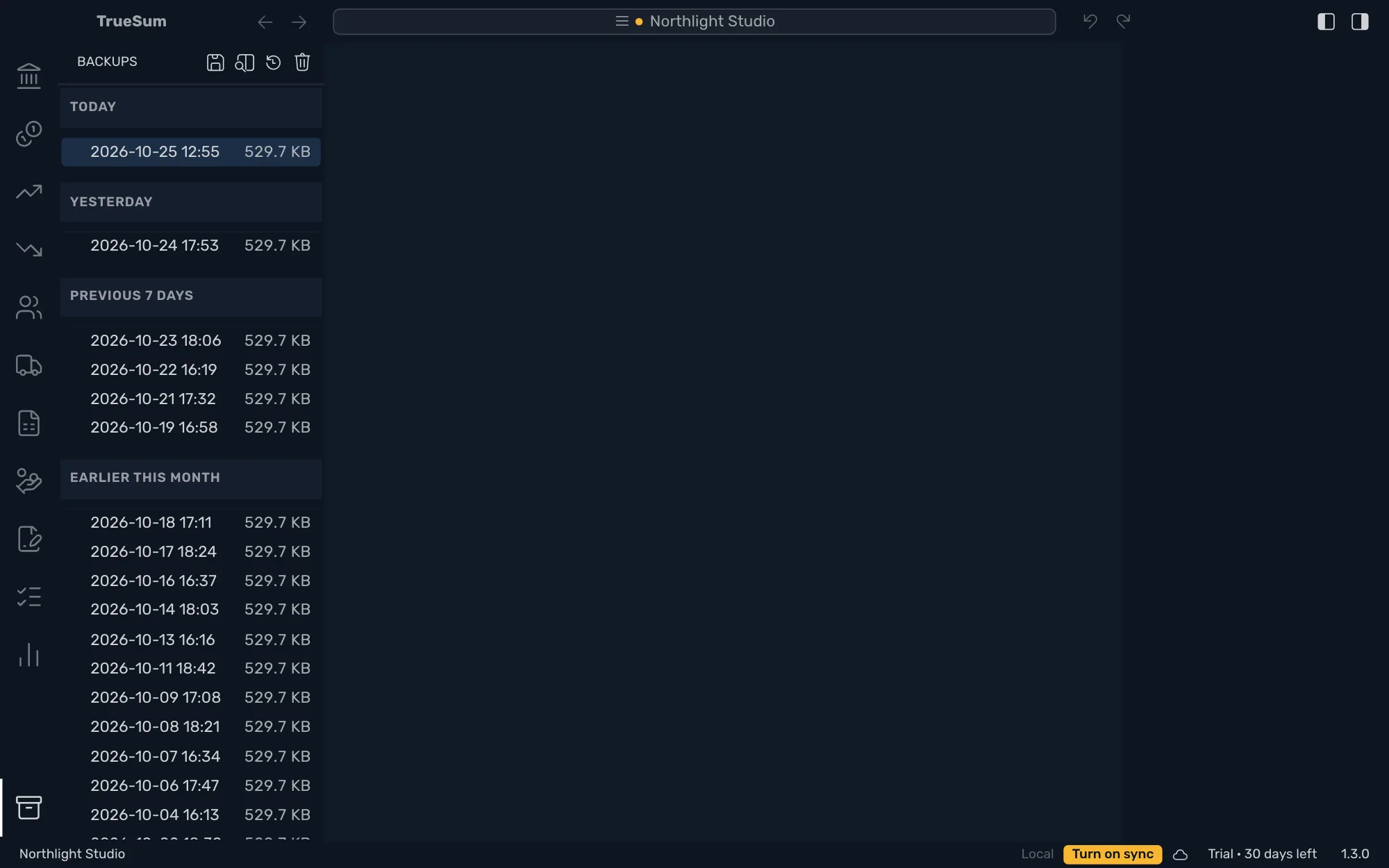
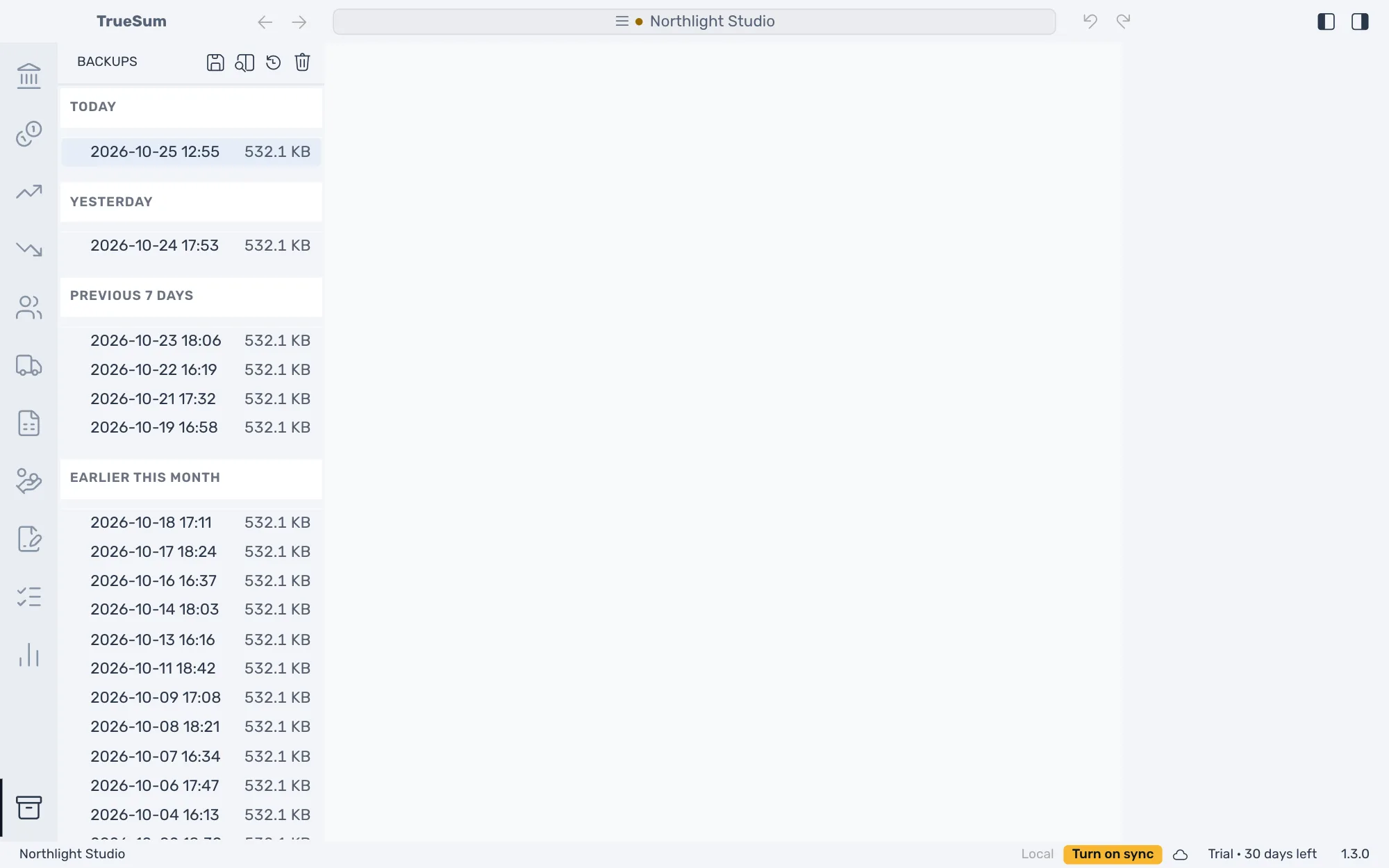
Automatic backups
The app makes a backup each time you close it or open another business. Backups stay on your device, and the app never deletes one on its own. You can also press Backups, then Create Backup, any time you want one.
Look before you restore
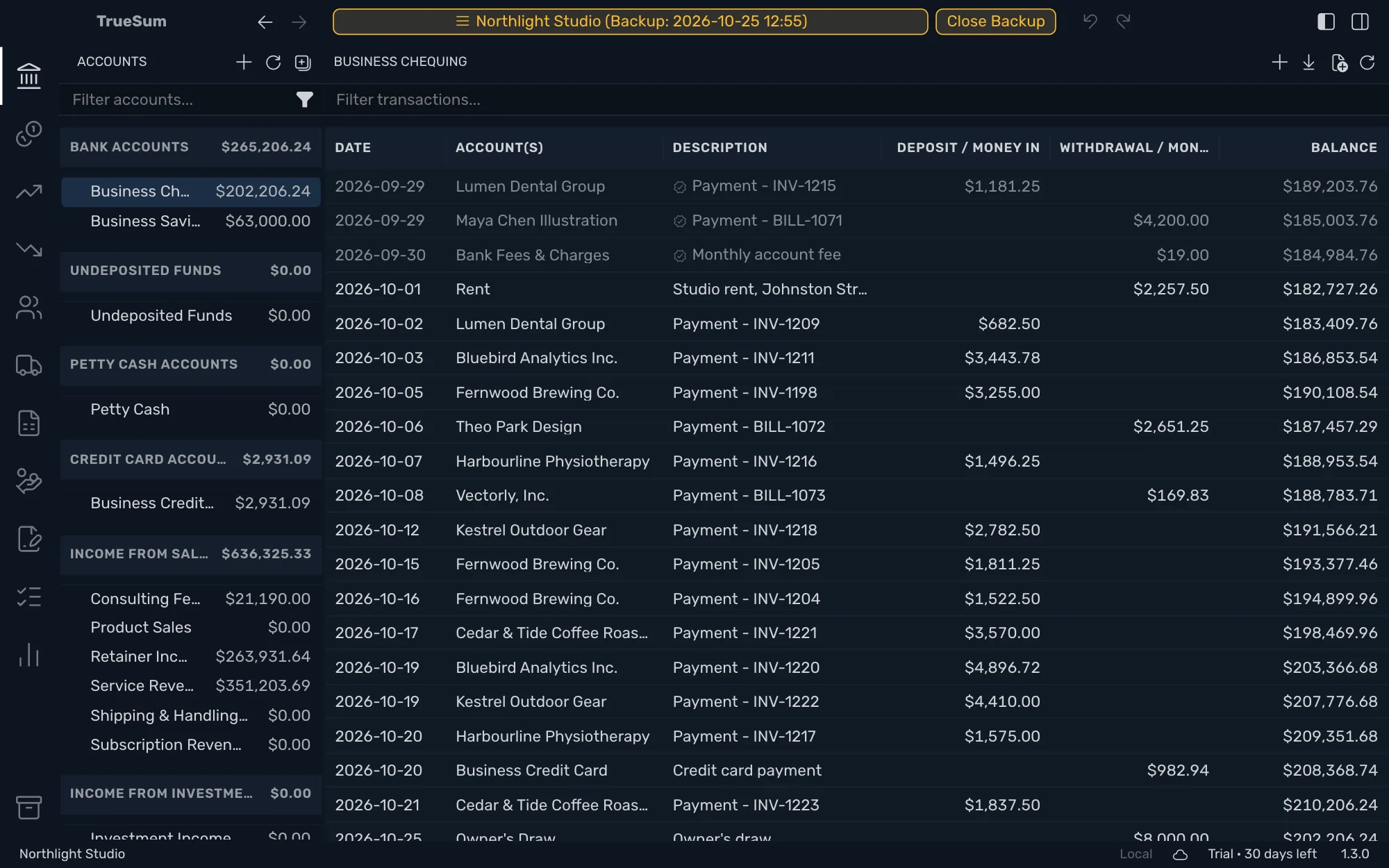
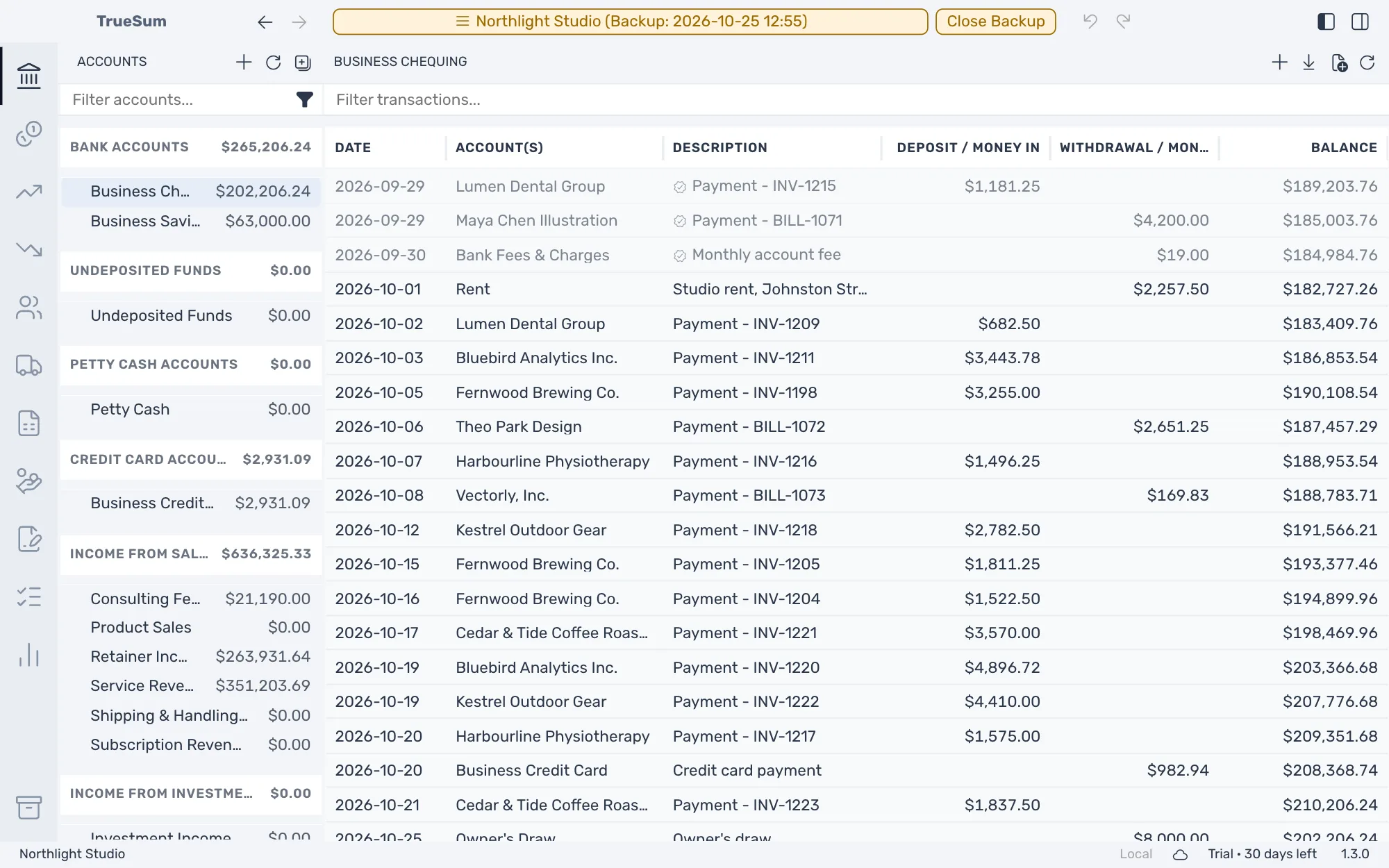
Open a backup to see the books as they were. Nothing in it can be changed, and the business's name in the title bar says a backup is open. Restore Backup puts its books in place of today's, and the app asks you to confirm first.
Restore a business that syncs
You can restore a backup of a business that syncs too. The app syncs your latest changes, stops sync on this device and then restores the backup. Your copy in the cloud is kept, and you can turn sync on again afterward.
Privacy Mode
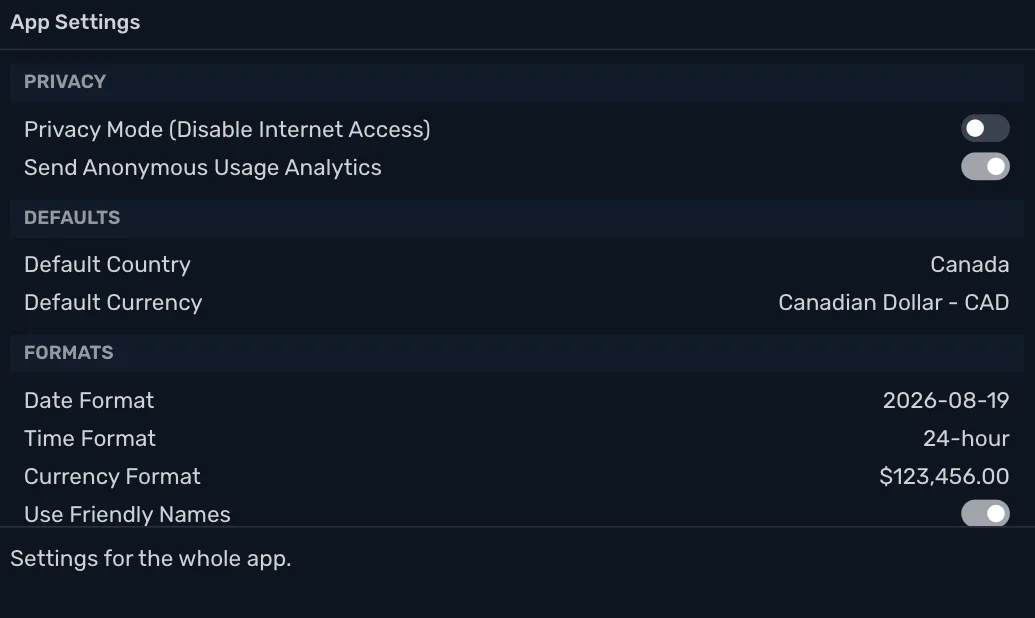
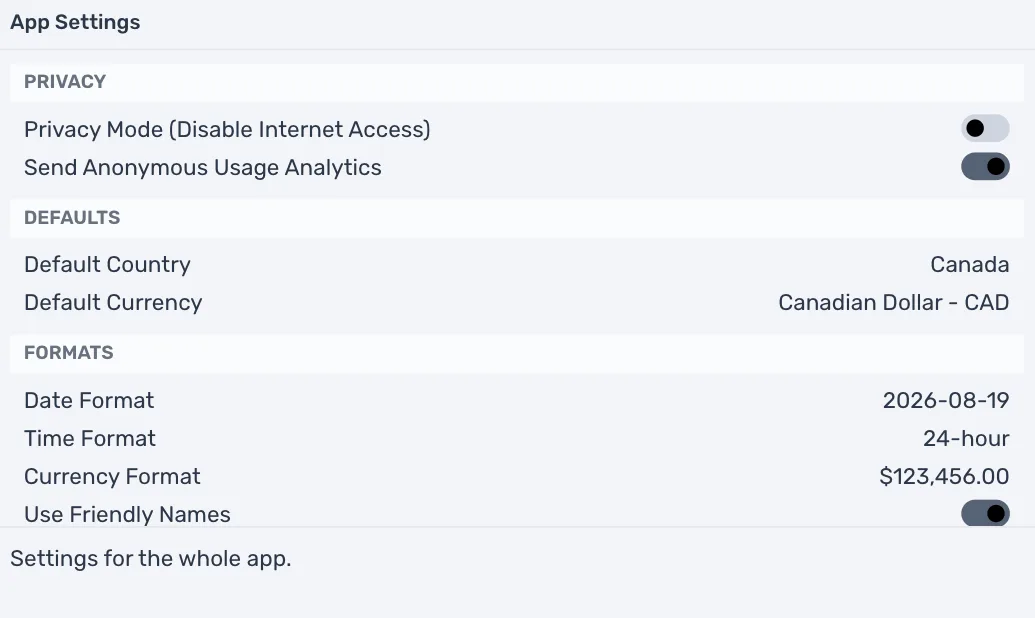
Stop the app from using the internet at all. Your books, reports, invoices and backups keep working. Privacy Mode needs a license, and you can always turn it off.
30 days free, no account or credit card required.