The reports your accountant expects
Nine reports, built from your books each time you open them. They always match.
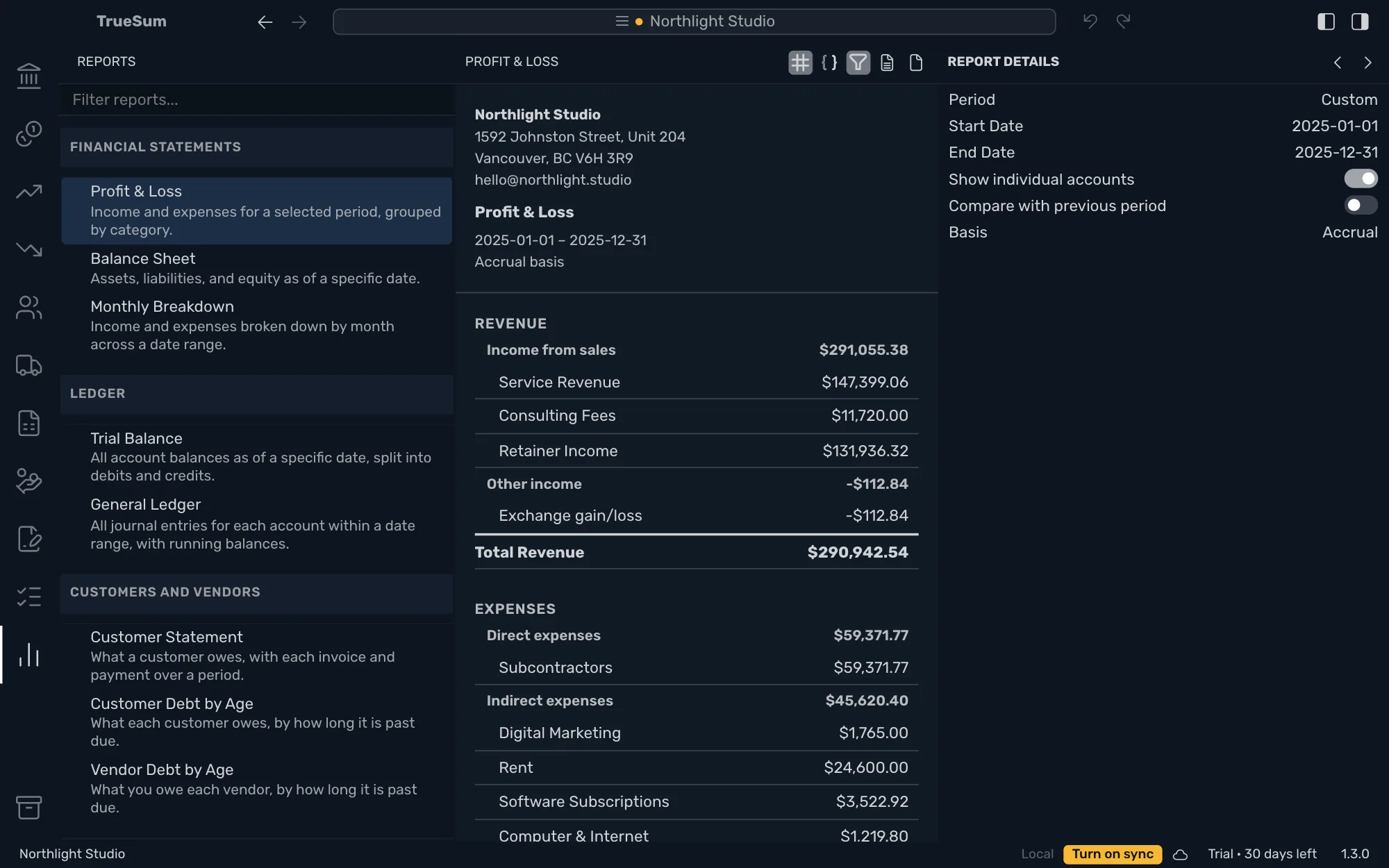
Press the Reports icon and the sidebar lists the reports in four groups: Financial Statements, Ledger, Customers and Vendors, and Tax. Choose one and it opens in the middle of the window, with its settings in Report Details on the right.
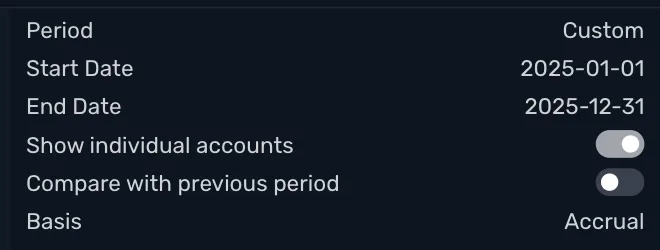
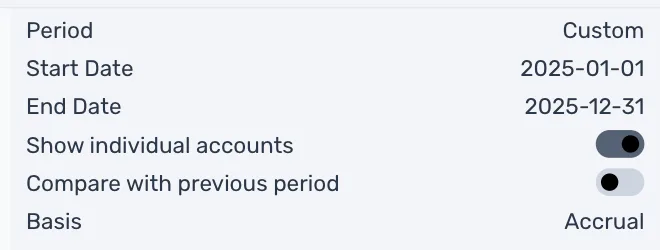
Choose the period, whether to count income and expenses when you invoice them or when the money is paid, and whether to show every account or one row for each group. The report is built from your books each time and always agrees with them.
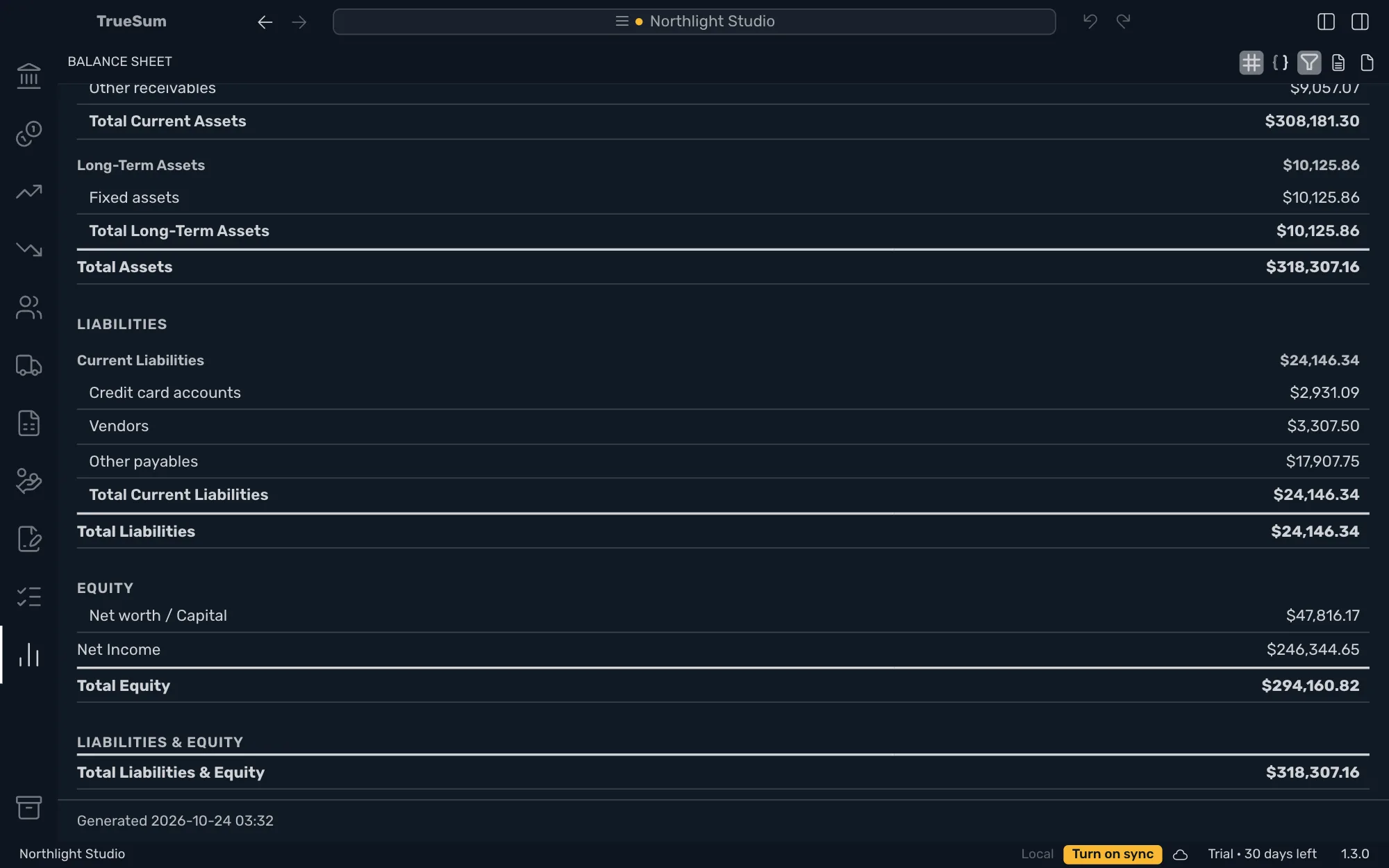
A Profit & Loss ends in Net Income. A Balance Sheet ends with Total Liabilities & Equity equal to Total Assets. Save either as a PDF to send to your accountant, or as a CSV file to open in a spreadsheet.
Profit & Loss
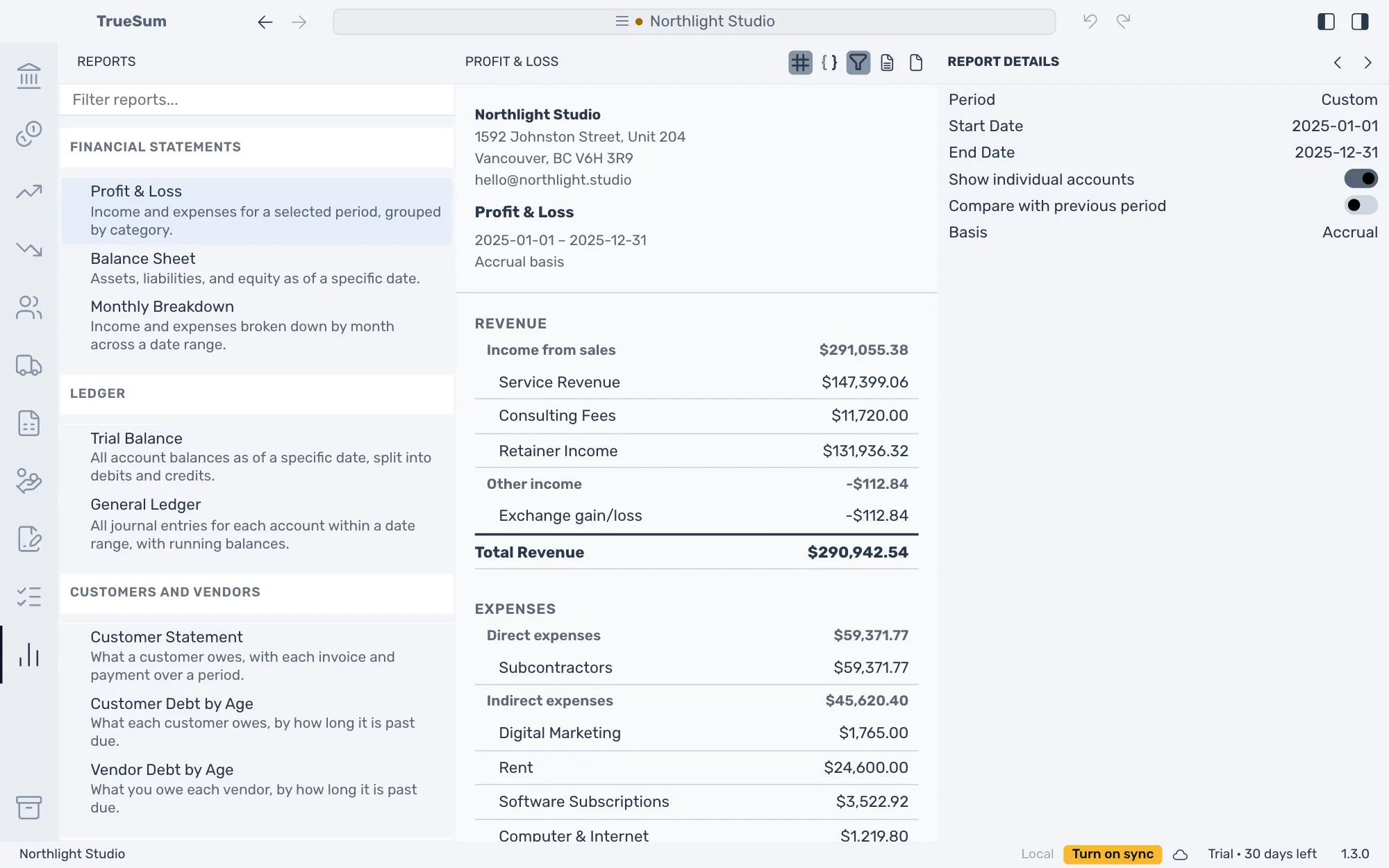
Did the business make money? Revenue less expenses for any period, with Net Income at the foot. Expenses are in groups such as Direct expenses and Indirect expenses, and every account has its own row when you want it.
Balance Sheet
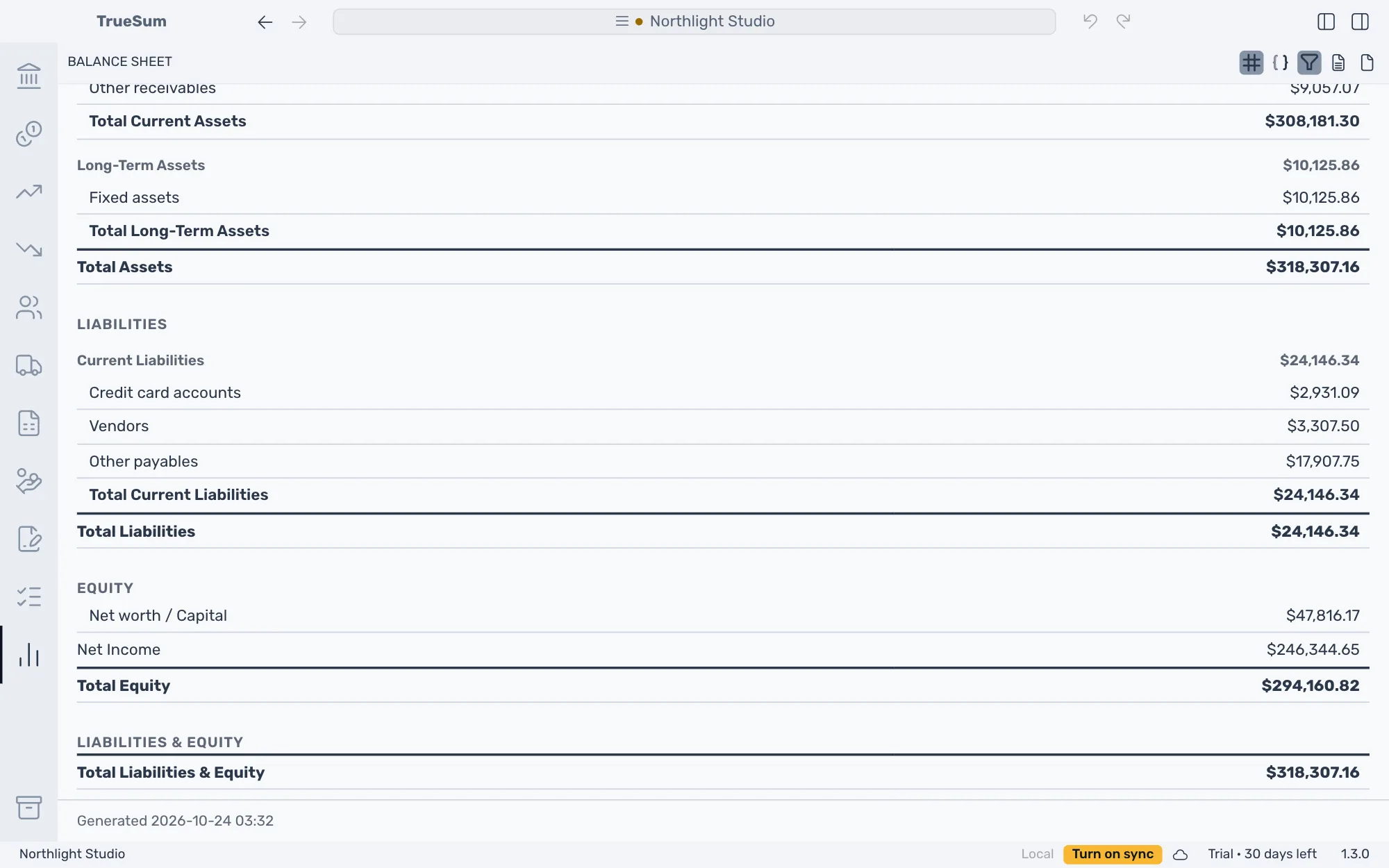
What the business owns, what it owes and what is left for you, on any date. Total Liabilities & Equity is always the same as Total Assets. Net Income is the profit of the current fiscal year to date.
Trial Balance and General Ledger
The Trial Balance lists every account's balance in a Debit or a Credit column. The General Ledger lists every entry behind those balances, with a running balance. They are the two reports an accountant asks for.
Who owes you, and what you owe
Customer Debt by Age splits each customer's balance by how long it is past due, and Vendor Debt by Age does the same for what you owe each vendor. Customer Statement lists one customer's invoices and payments with a running balance and the amount due.
Any period, either basis
Choose a preset such as This Month, This Year or This Fiscal Year, or type your own dates. Count income and expenses when you invoice them or when the money is paid. The Profit & Loss, the Balance Sheet, the Trial Balance and the Tax Summary can show the period before beside the figures, with a Change column.
Save as a PDF or a CSV file
Press Download as PDF or Download as CSV above the report and choose where to save it. The PDF has your logo, name and address at the top, ready to print or send. The CSV holds the same figures for a spreadsheet.
30 days free, no account or credit card required.