Backed up on your device, in step on every device
Your books are a file on your device, and backups are automatic. Add sync for a second device, and let your accountant view the books.
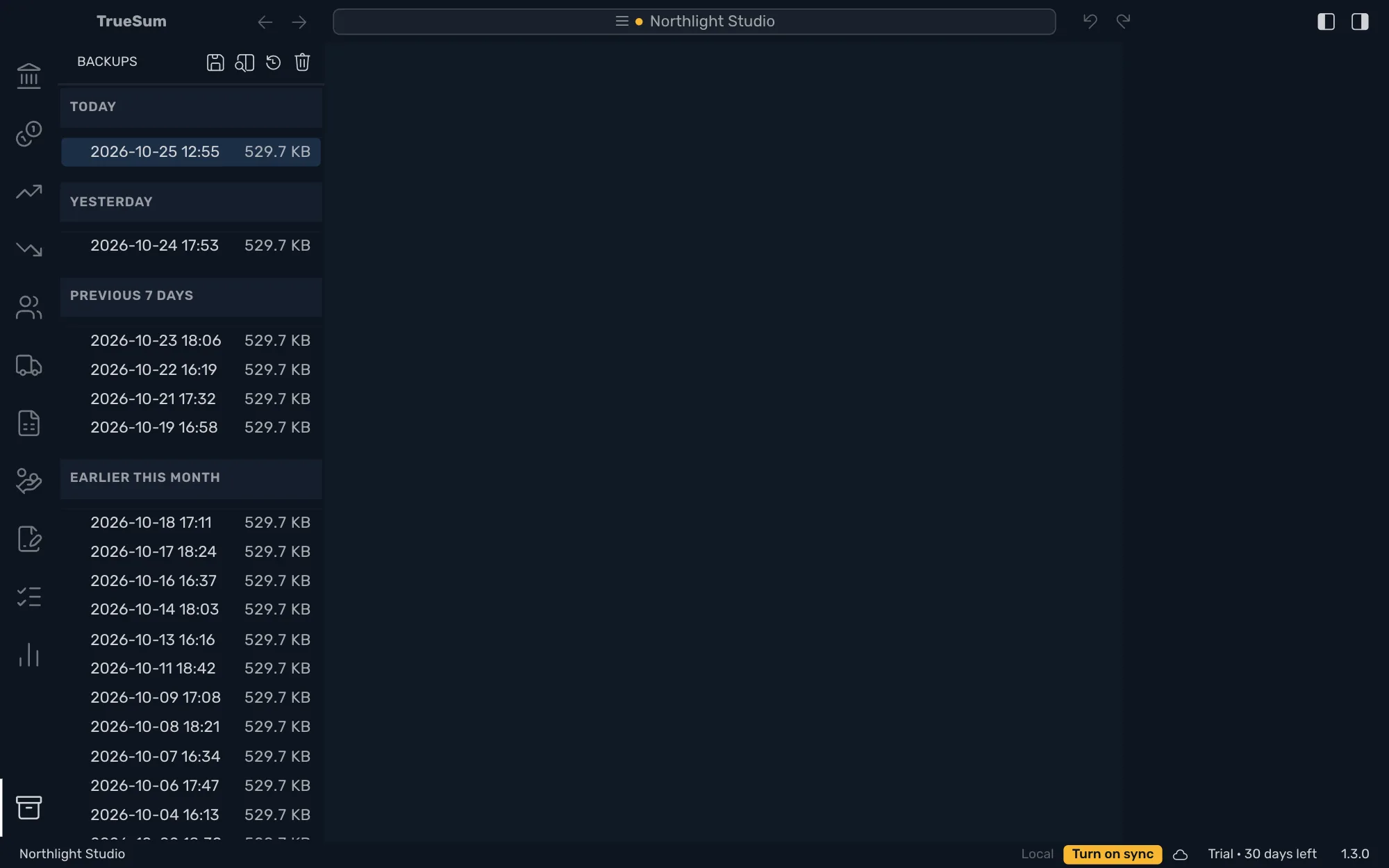
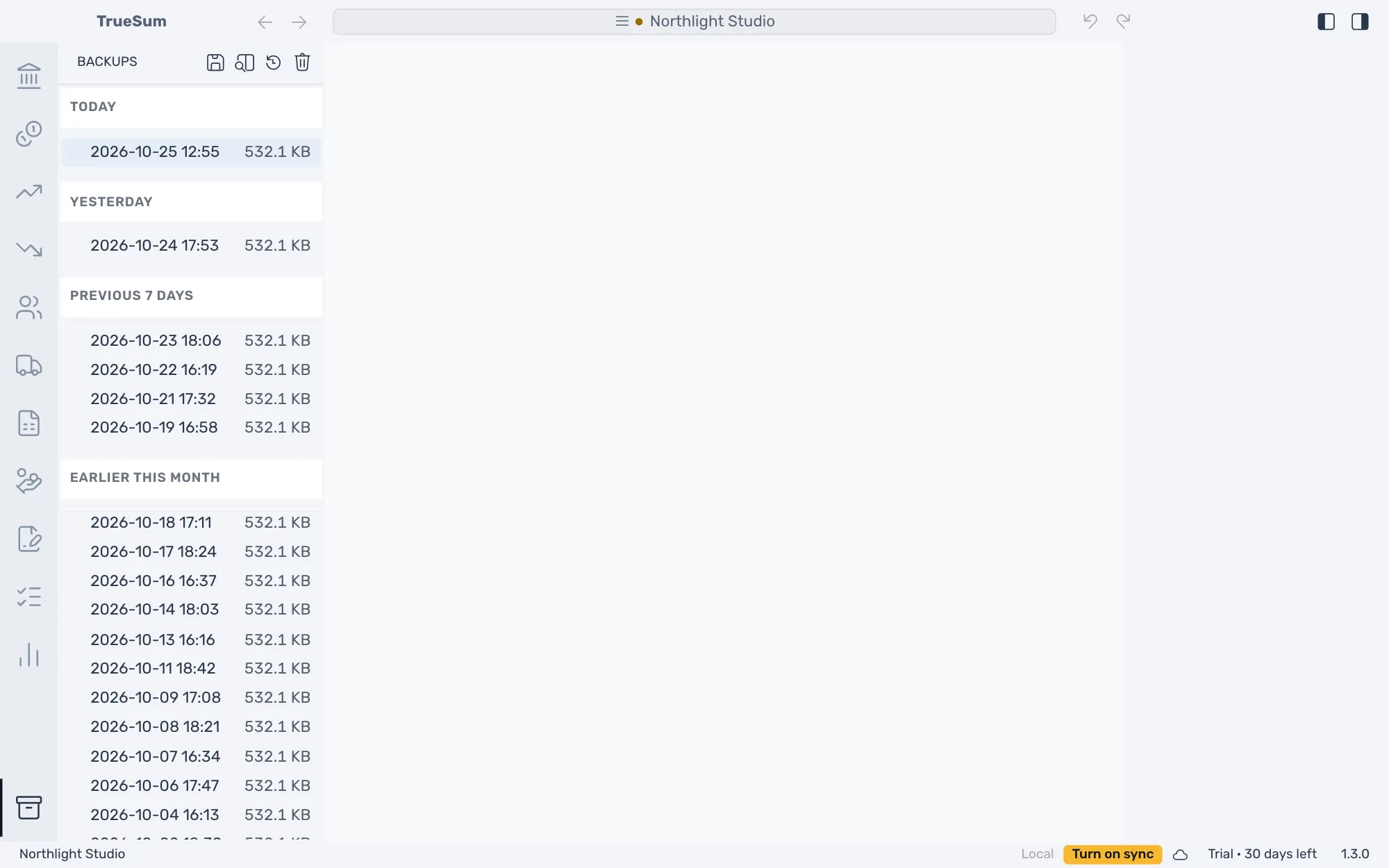
Each business is its own file on your device, and your books work with no internet. The app backs a business up when you leave it, and you can make a backup yourself from Backups, the icon at the bottom of the activity bar. Open a backup to see the books as they were, or restore one to go back to them.
Sync adds a copy in the cloud and keeps the business in step on up to five devices. Press Turn on sync in the status bar, and it reads Synced when everything is up to date. A change you save on one device shows on the others within about a minute.
Your accountant can view the business without being able to change it. You share it on the website, and they open it from the cloud and see your latest books. If two devices change the same transaction, the first change to reach the cloud is kept, and the other device is told.
Sync and sharing need a sync subscription, sold apart from the license. Everything else on this page works with a license.
Automatic backups
A backup of a business is made each time you close the app or open another business. Backups stay on your device, and the app never deletes one on its own. You can also press Backups, then Create Backup, any time you want one.
Look before you restore
Open a backup to see the books as they were. Nothing in it can be changed, and the business's name in the title bar says a backup is open. Restore Backup puts its books in place of today's, and the app asks you to confirm first.
Sync across devices
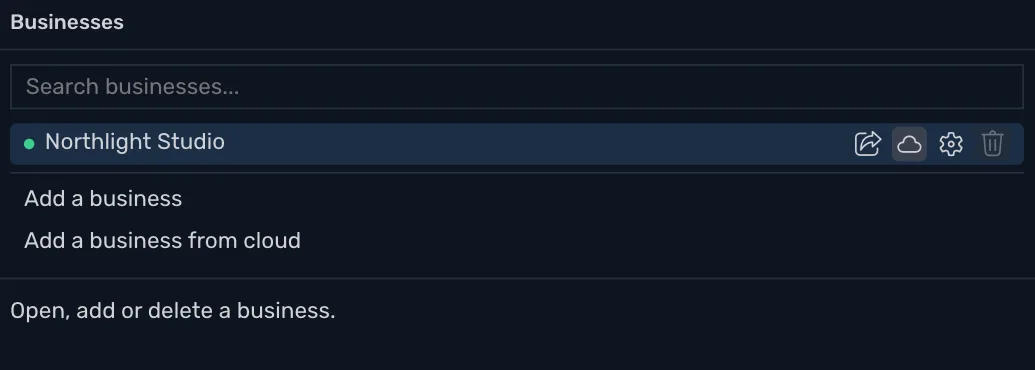
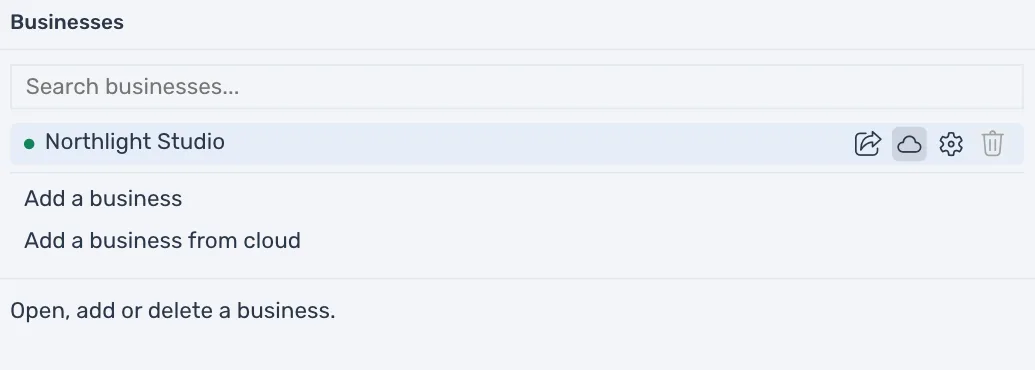
Keep a business up to date on up to five devices, with a copy in the cloud that is also a backup. A change on one shows on the others within about a minute. To use a second Mac or PC, sign in, press Add a business from cloud and choose the business. Sync needs a subscription, which you buy on your account page after you sign in.
Share with your accountant
Give an accountant or a partner view-only access, set up on the website. They see your latest books and cannot change them. They do not need a subscription to view.
Works offline
With no connection the status bar reads Offline and you keep working. Everything is saved on your device first, and changes sync when the connection is back.
Privacy Mode
Stop the app from using the internet at all. Your books, reports, invoices and backups keep working. Privacy Mode needs a license, and turning it off is always allowed.
30 days free, no account or credit card required.