More than one business, more than one currency
Keep your own books and a client's, bill in other currencies, close a finished year and make it look right.
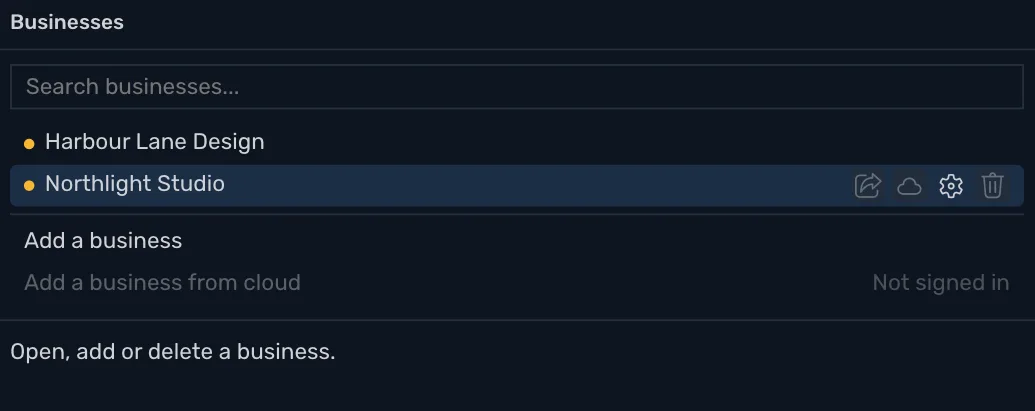
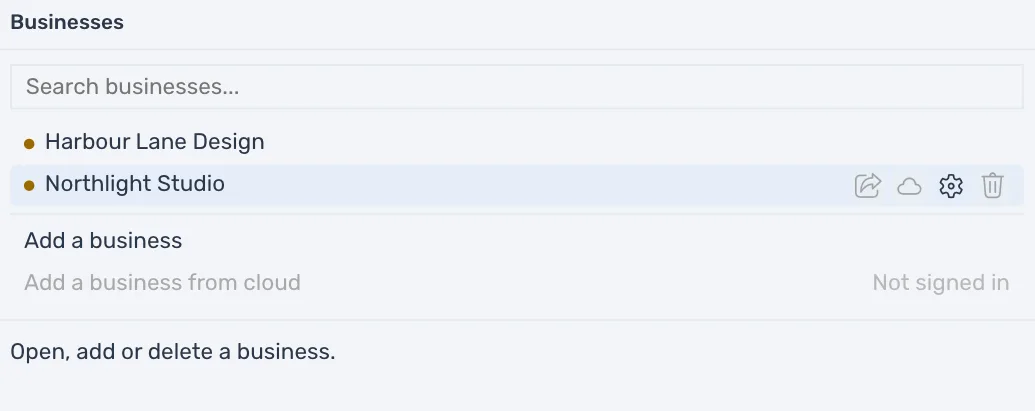
Keep your own books and a client's as separate businesses, each its own file. Press the business's name in the title bar, choose Businesses, and press another row to open it. Each business has its own accounts, taxes and settings, and nothing moves between them.
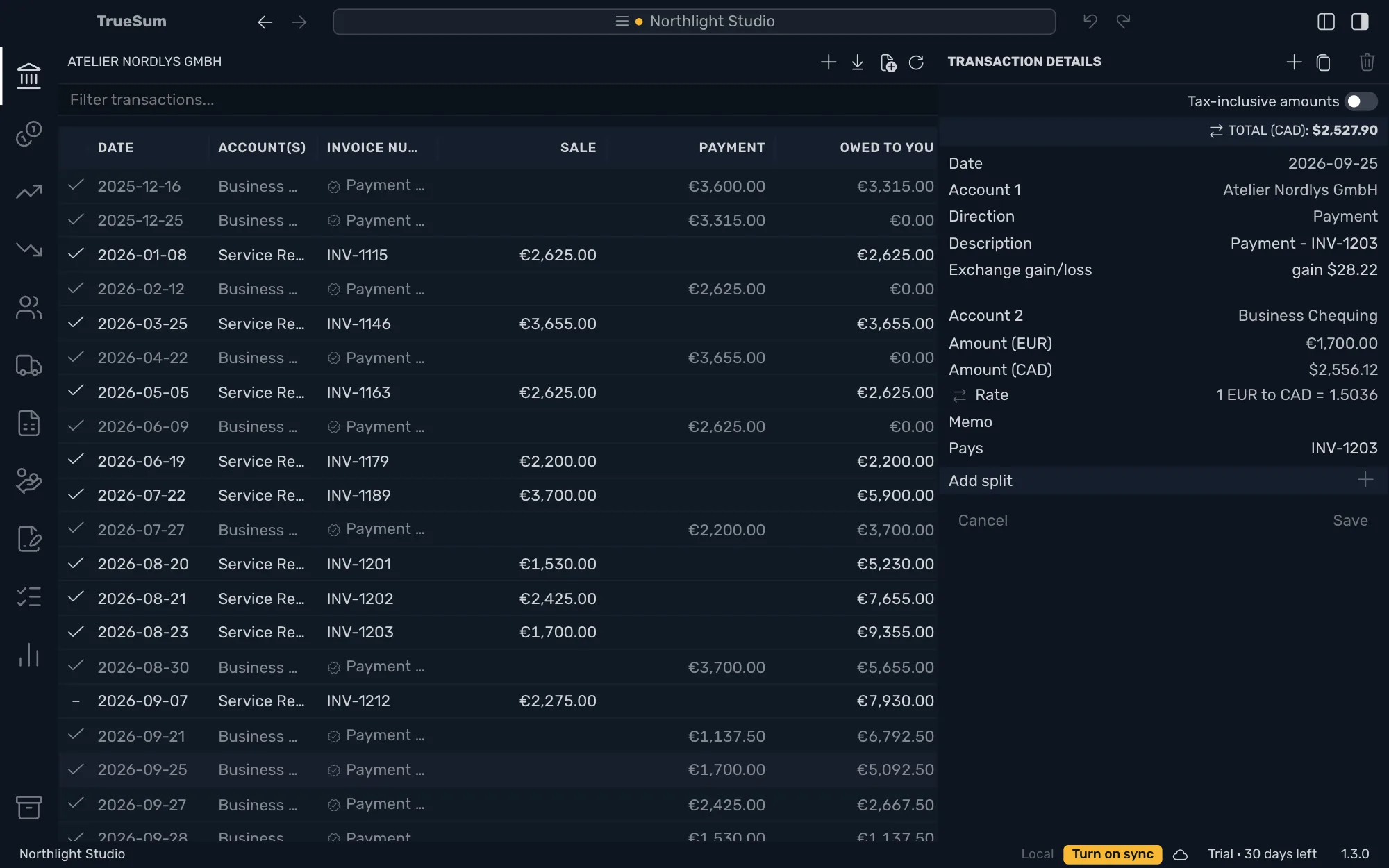
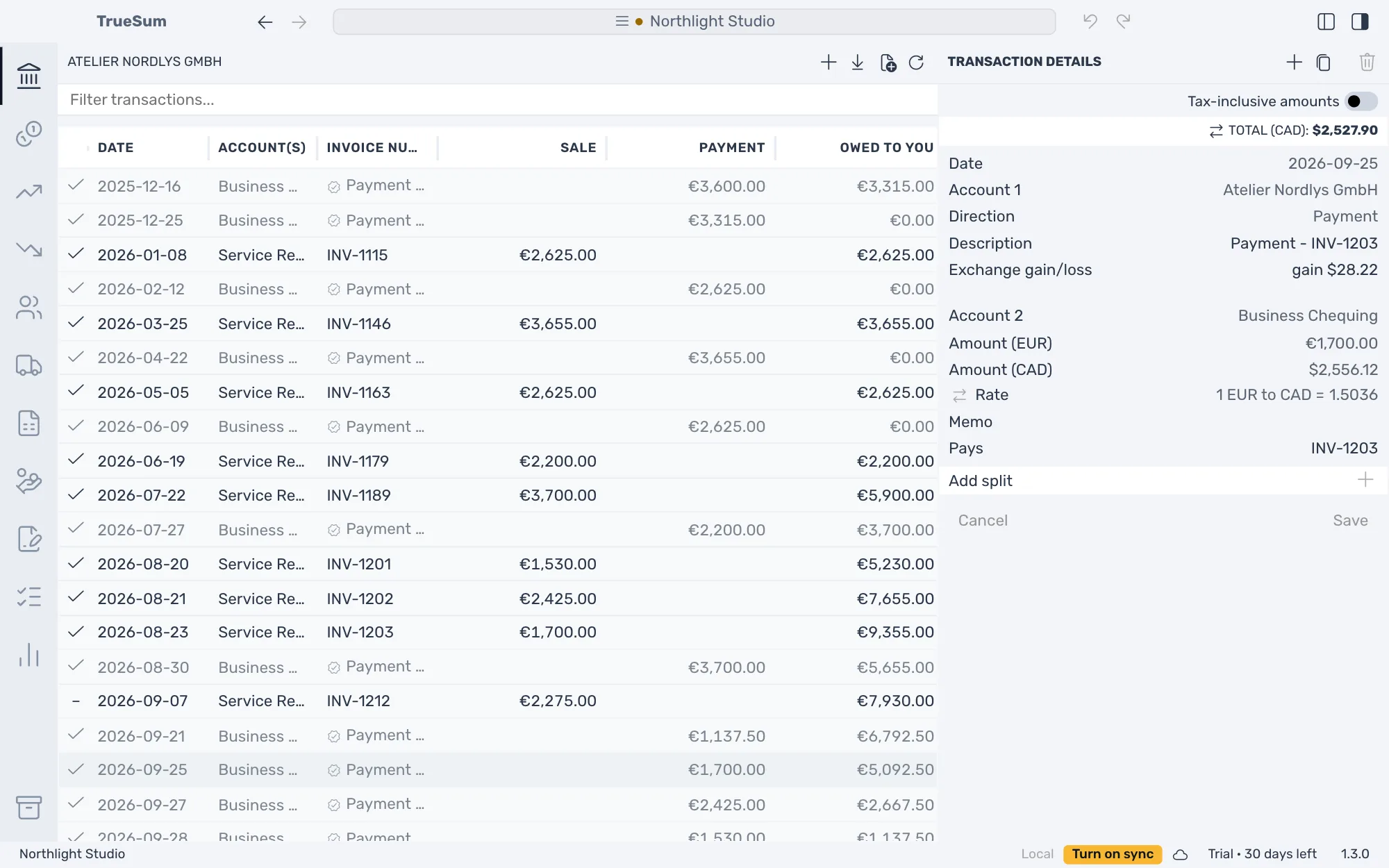
Work in the business's currency, and keep an account in another, such as a customer you bill in euros. When Atelier Nordlys GmbH pays at a different rate than the invoice was booked at, the exchange gain or loss is worked out for you. When a year is final, close it: it is locked, and its profit moves to Retained Earnings.
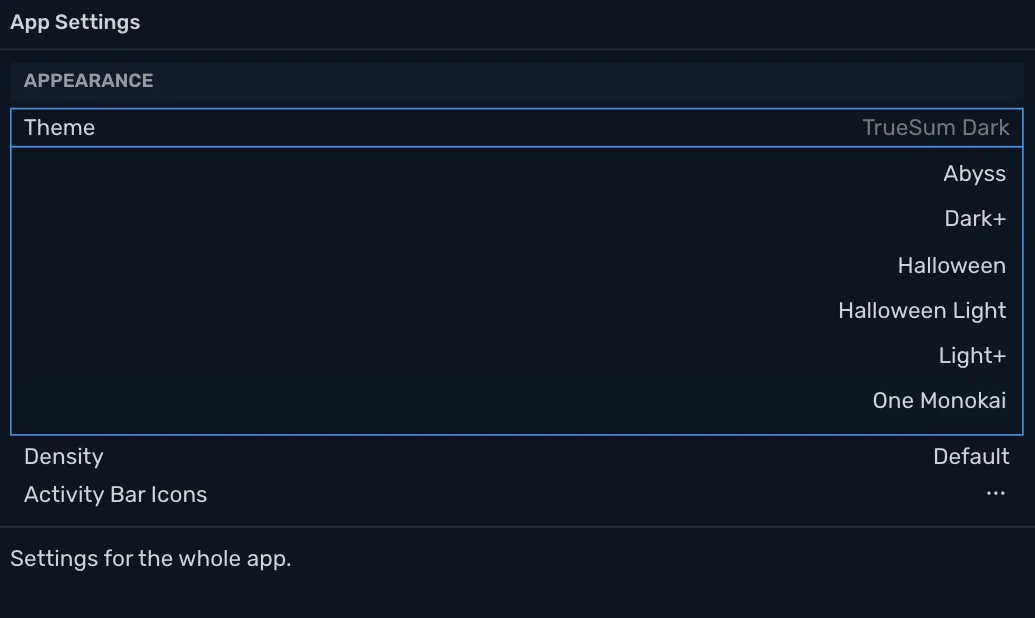
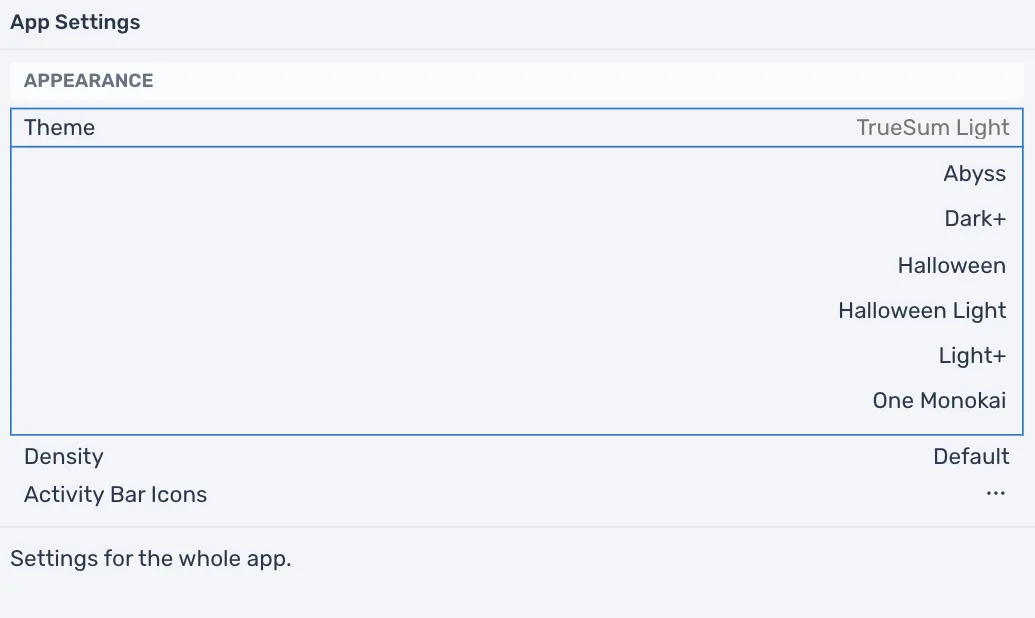
Choose how it looks, with ten themes, three spacings and zoom, and how dates and amounts are written. What Happened lists what the app did, newest first, and is what support reads when something goes wrong.
Accounts to start with
A new business starts with accounts for its country and business type. Canada, the United Kingdom and the United States each have their own, and any other country gets the United States'. Add, move and deactivate accounts any time, and delete one that has no transactions.
Start from your old books
Give each account its balance on one date, and the business starts as your old books stood. The other side goes to Opening Balance Equity, which ends up holding what the business was worth on that date. Compare the Balance Sheet with your old books.
Close a fiscal year
Lock a finished year. Its income and expense accounts are brought to zero with closing entries, and the profit moves to Retained Earnings. Reopen it if you must, newest year first, and Undo takes a close back.
As many businesses as you need
Keep your own books and a client's. Each business is a separate set of books in its own file, and the Businesses window opens, adds and deletes them. To look around first, open Northlight Studio, a sample business that changes none of yours.
Other currencies
Keep an account in another currency, such as a US dollar bank account or a customer you bill in euros. Its balance stays in that currency, and totals and reports are in yours. The rate for a transaction's date is looked up for you, and when a payment arrives at a different rate than its invoice, the exchange gain or loss is recorded for you.
Ten themes, three densities, any zoom
Choose the colors, the spacing and the size of everything in the window. Compact, Default and Comfortable change the room around things, not the size of the text. Zoom In and Zoom Out are in the View menu.
30 days free, no account or credit card required.