What comes back every month, ready to post
Make a transaction, a bill or an invoice repeat. When its day comes, it waits for you to post it, change it first or skip it.
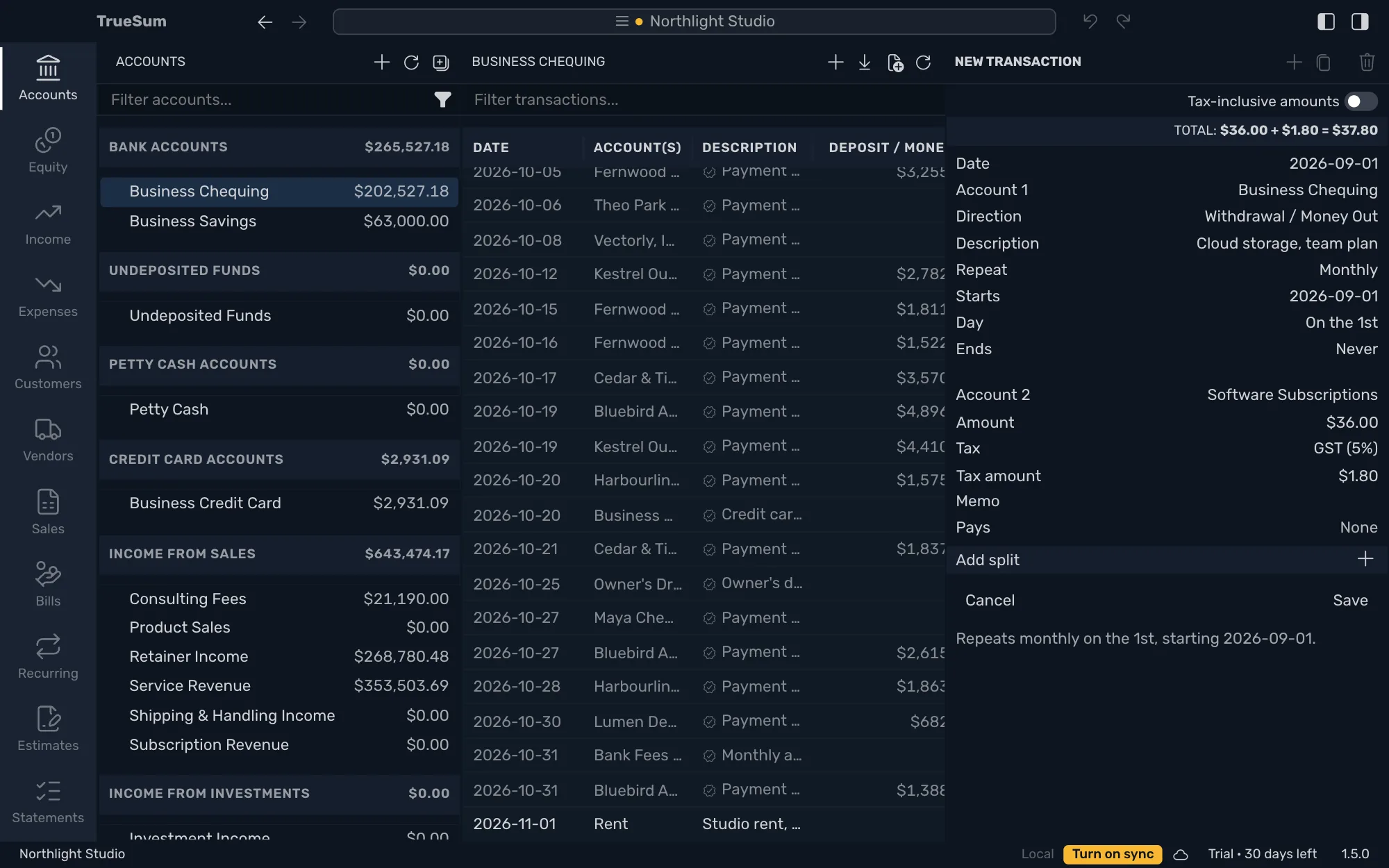
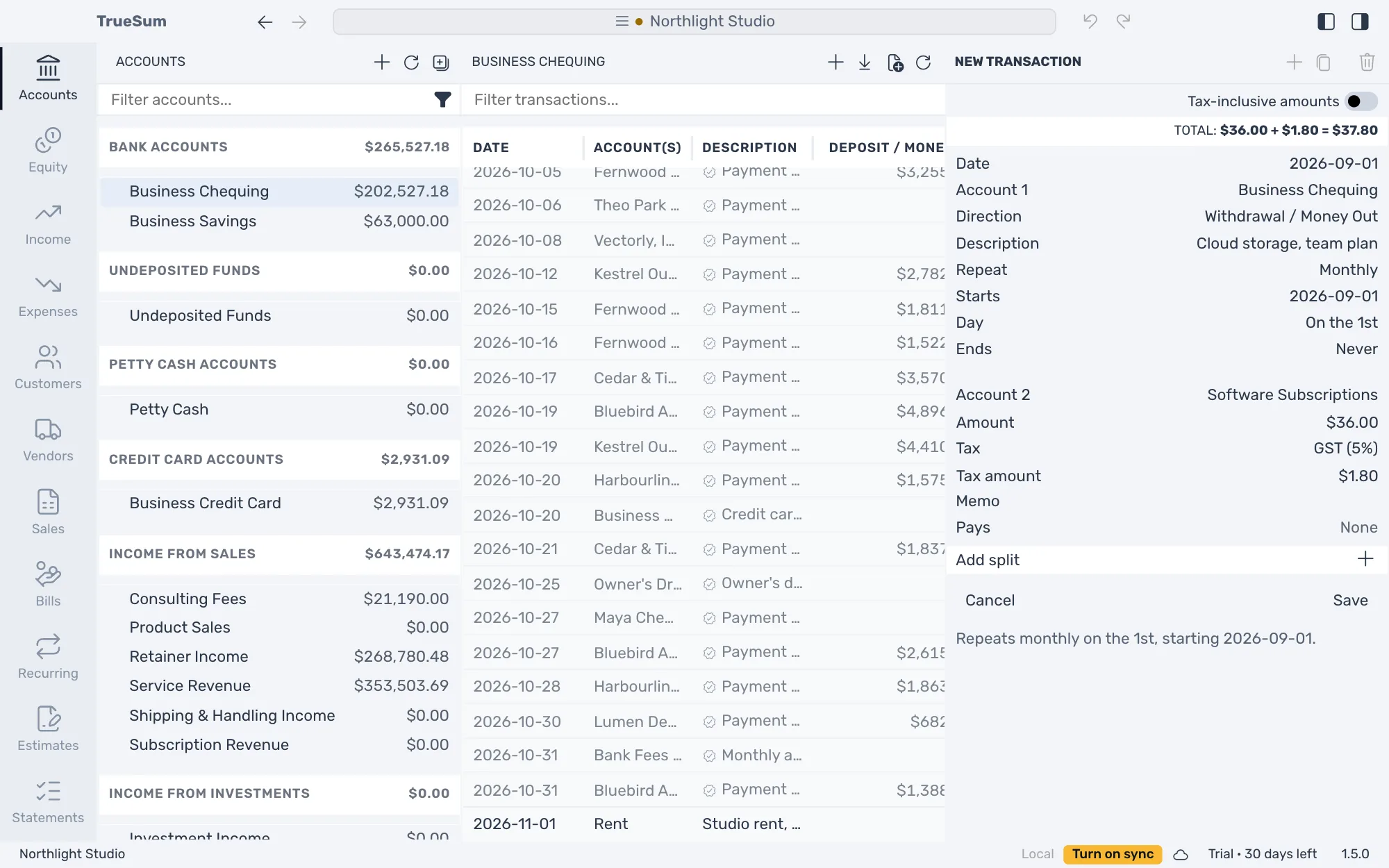
Some money moves on the same day every month, such as rent, a phone plan, software or a retainer you invoice. Fill in one of them as usual, choose how often it repeats on its Repeat line, and save. The form says in a sentence how it repeats, and you can check it before you save.
Each time its day comes, it waits in Due on the Recurring screen, and a number on the Recurring icon says how many are waiting. Nothing goes into your books on its own. Select one and press Post, or Skip one you were not charged for.
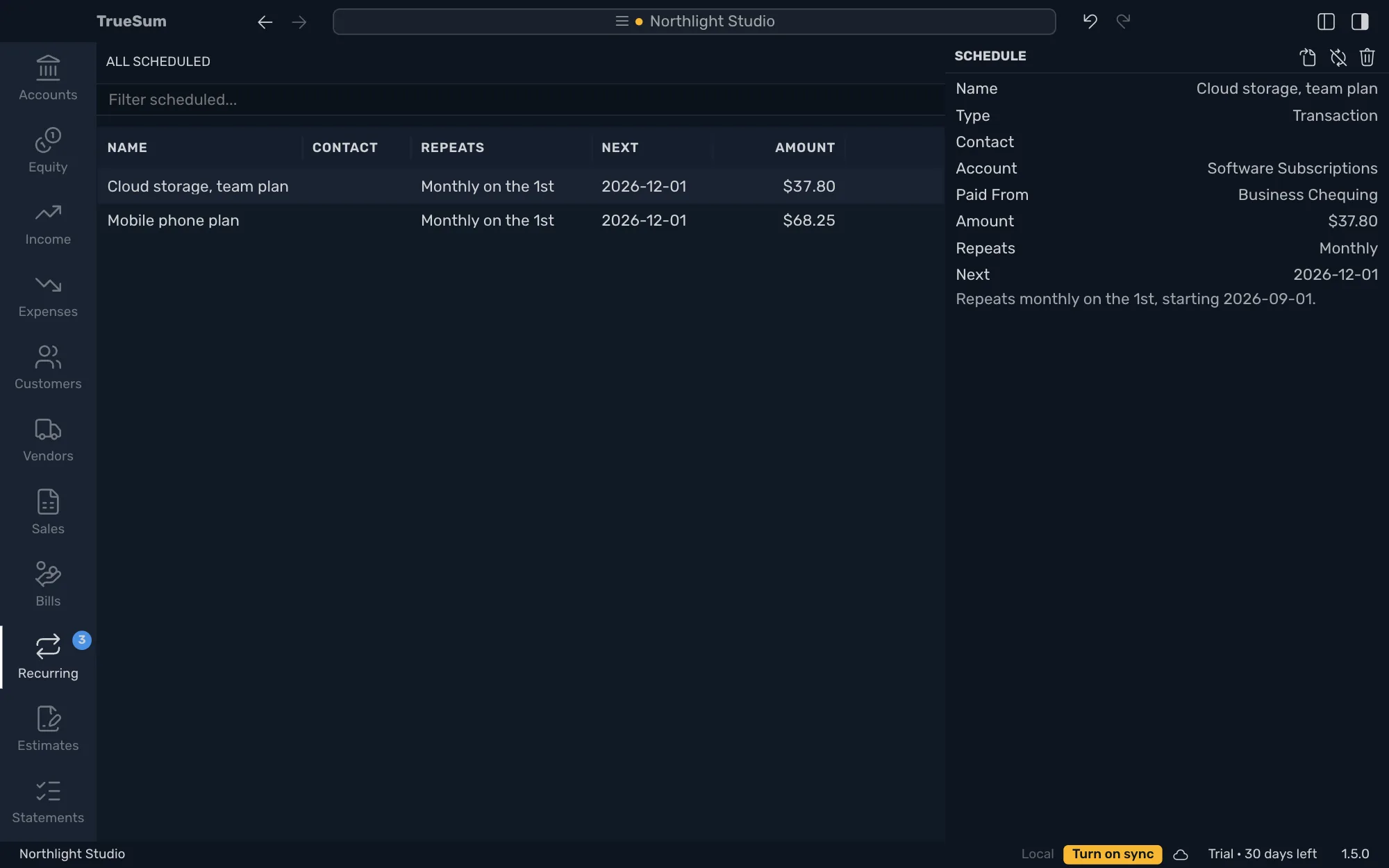
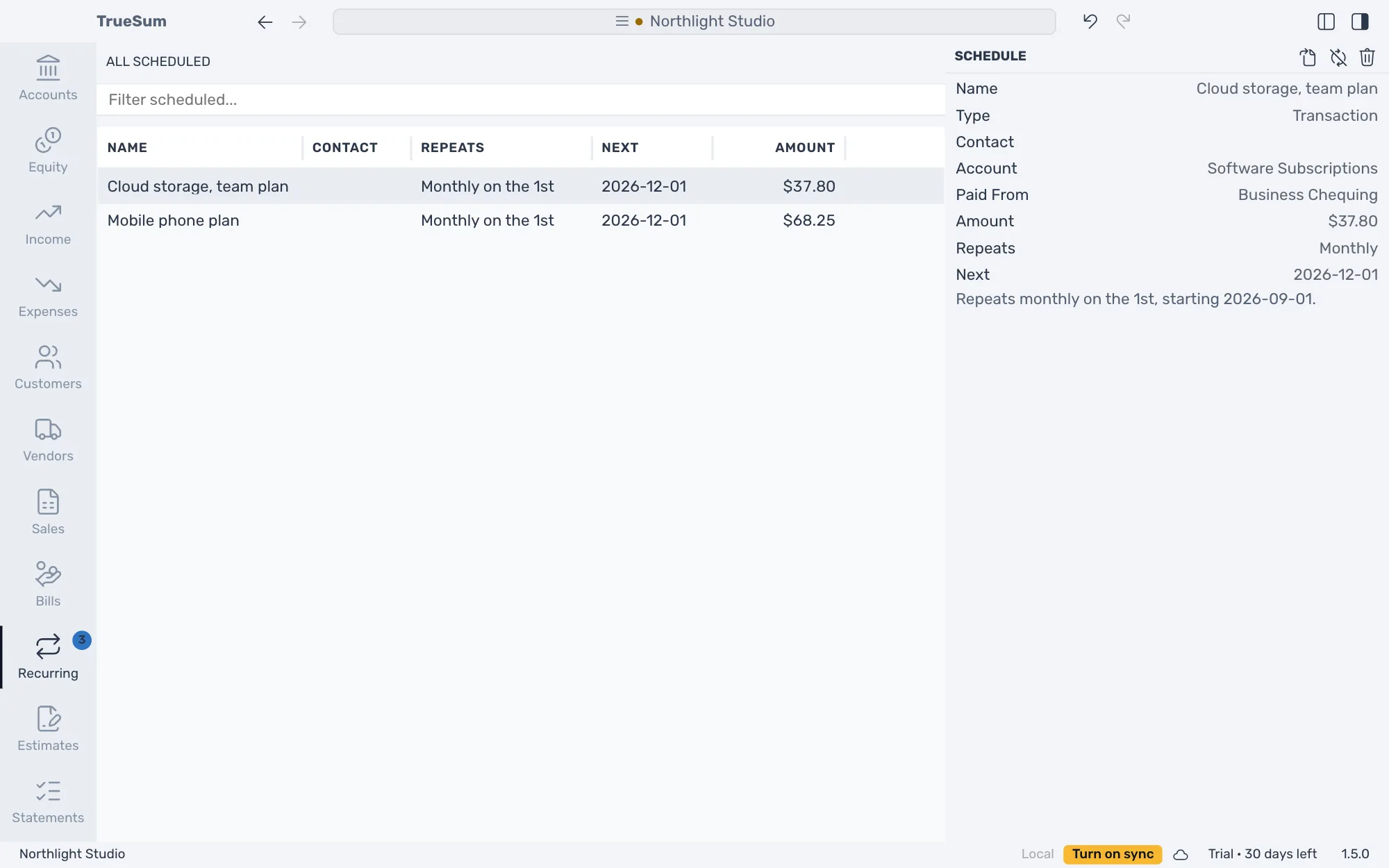
All Scheduled lists everything that repeats and when each one is next. Pause one while you are away, change how often it comes, or delete it, and what it already posted stays in your books.
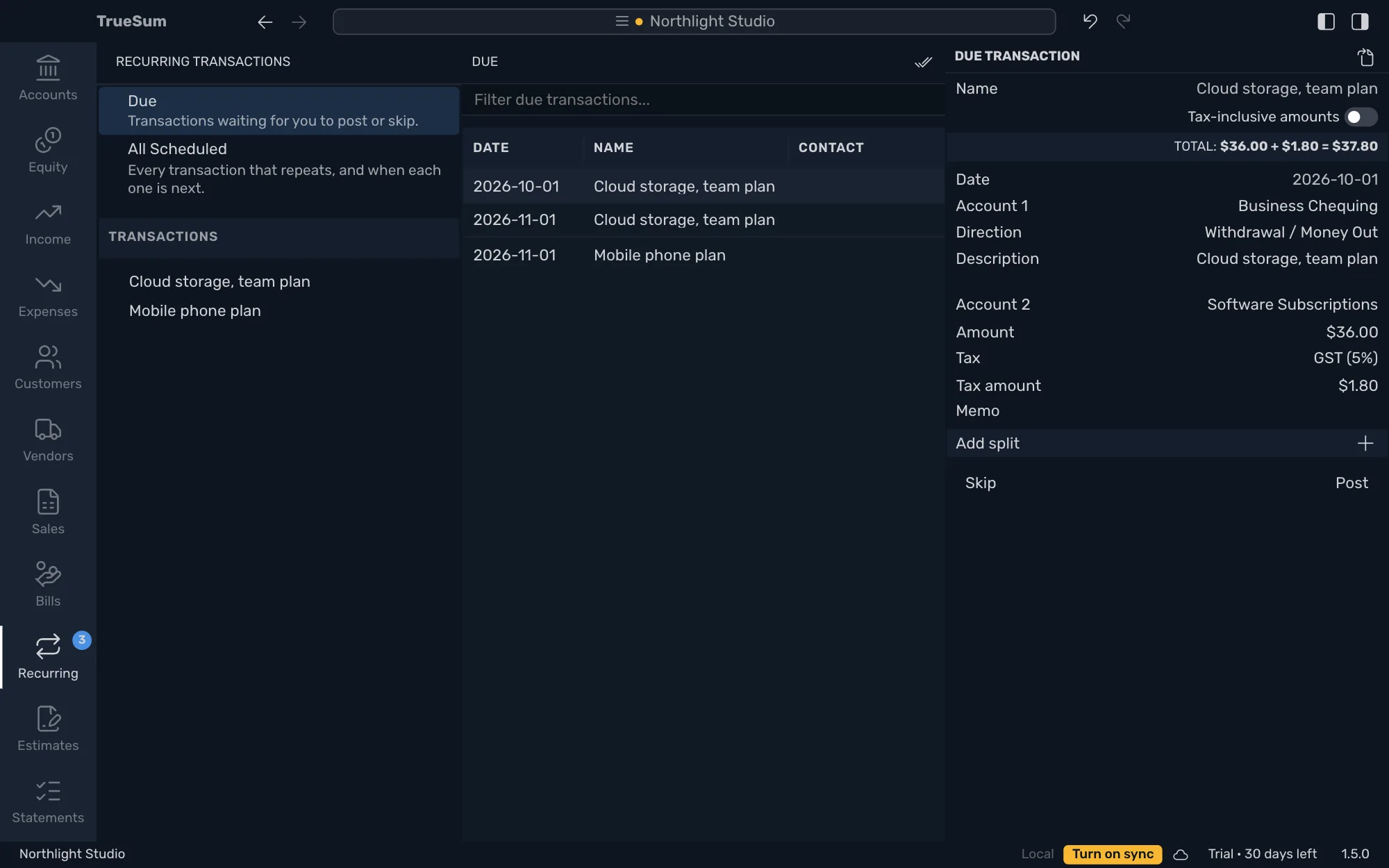
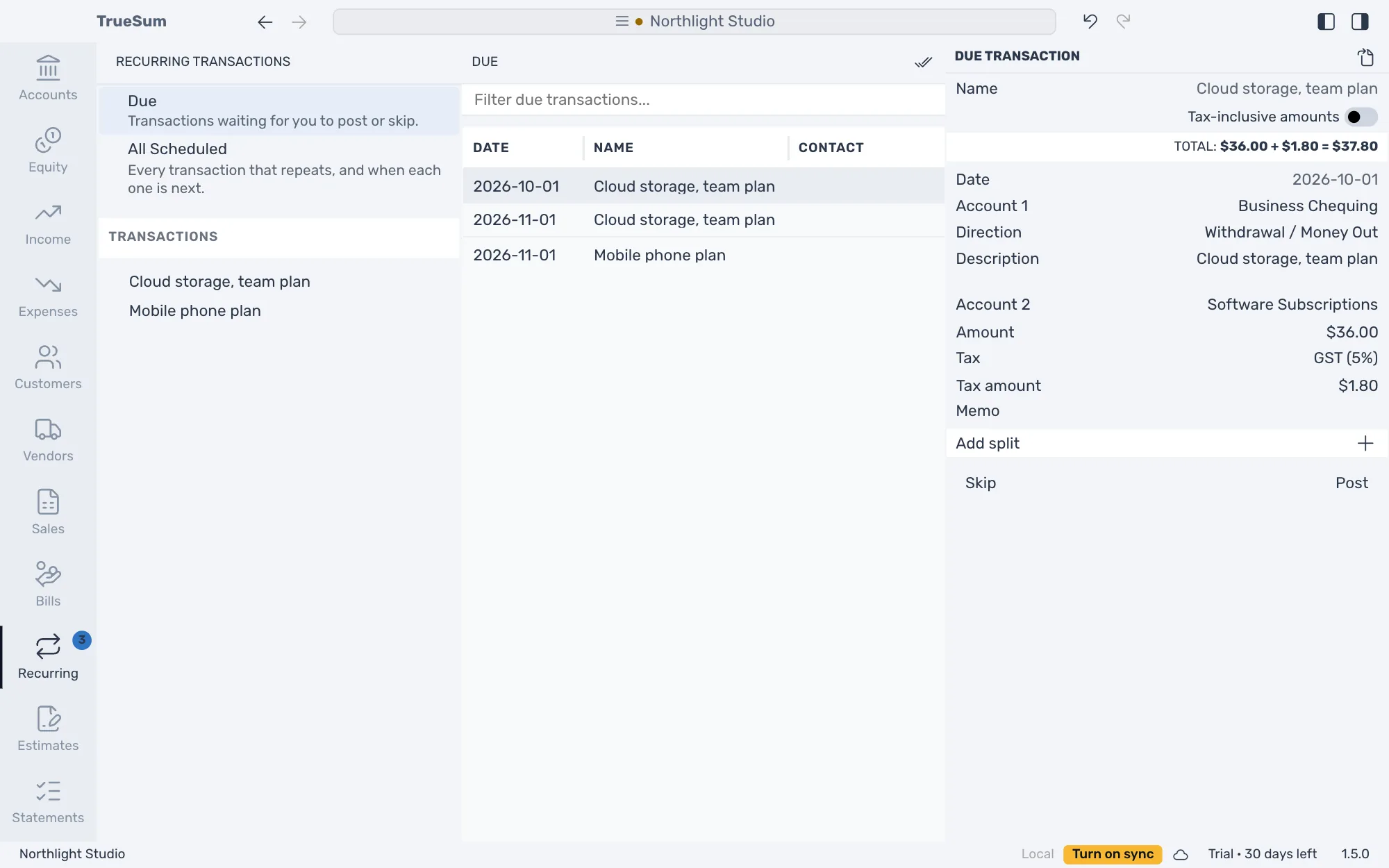
Any transaction can repeat
Make an expense, a deposit, a bill or an invoice repeat. Choose how often on its Repeat line, such as every week or every year, when it starts, and when it ends or that it goes on. A transaction you saved earlier can be made to repeat the same way.
Nothing posts on its own
When a date comes, it waits in Due until you post it or skip it, and you check every one first. If you were away, every date you missed is listed on its own. Post All puts everything that is due in your books at once.
Amounts that change
For a utility bill that is different every month, change the due one's amount and post it. The date stays the day it was due, and the next one starts from the usual amount again. When rent goes up, use the new amount for every date still to come.
Pause, change or stop it
Pause rent for the months you are away, and the dates that pass never come due. Change how often it repeats from today on. Delete it, and every transaction it posted stays in your books.
A history for each one
Each one lists every date it was posted, skipped or paused. A heading in the sidebar lists the history of all your transactions, bills or invoices that repeat, together.
Undo any of it
Undo takes back a post, a skip, a pause or a deletion, and a whole Post All in one step. Redo does it again.
30 days free, no account or credit card required.