Know what you owe, and to whom
A bill is a purchase on the vendor's account. Pay it in full or in part, or pay several with one payment.
A bill is what a vendor charges you for something you bought. Press the Vendors icon, choose the vendor and press the plus at the top of their list. Enter the bill line by line, and saving it adds the total to what you owe that vendor and records the cost.
A bill from Granville Paper Supply for $640.00 of uncoated stock, with GST at 5%, comes to $672.00. It reads Unpaid until you pay it. Press Record Payment on the bill, choose the account the money came from, and it reads Paid.
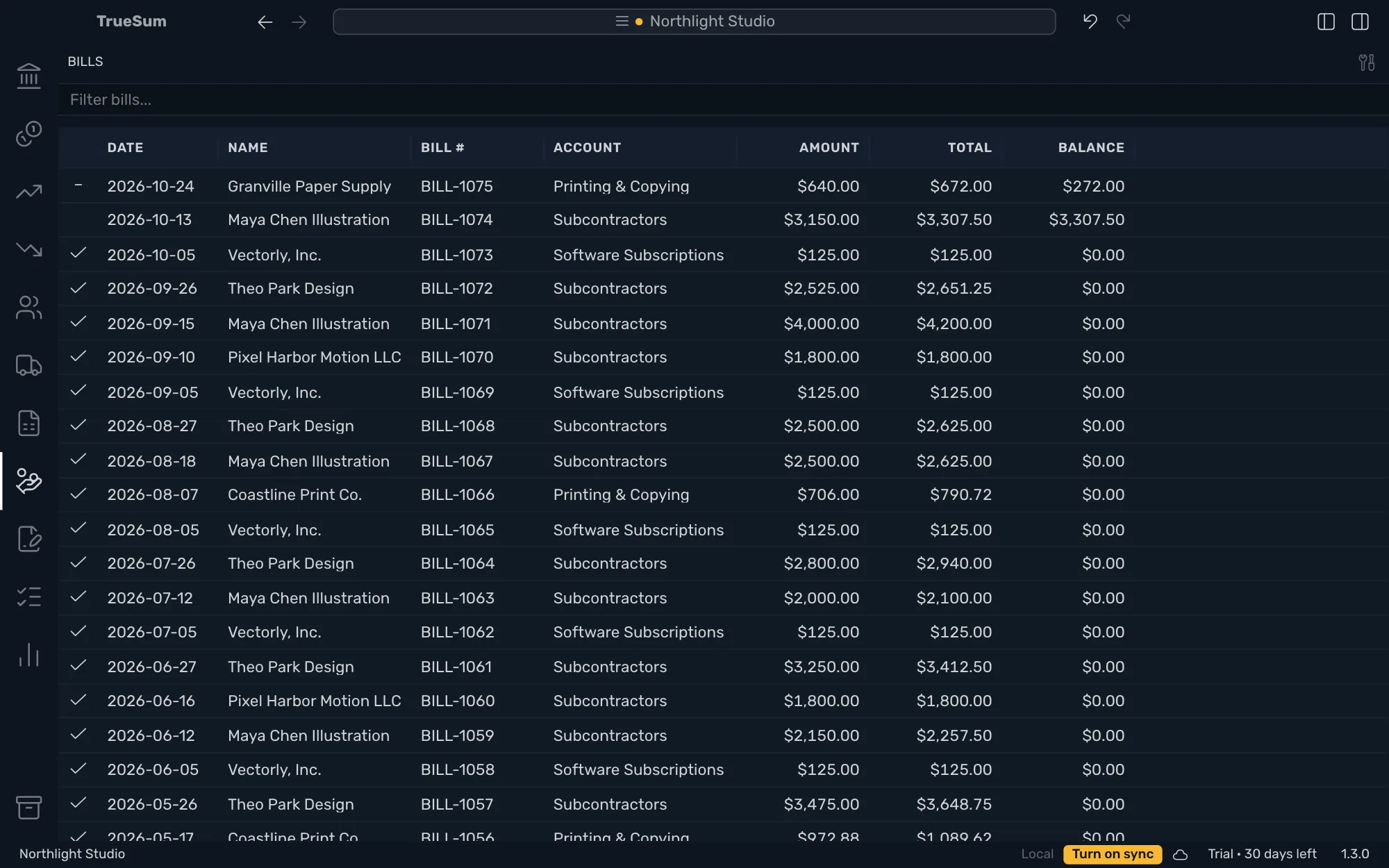
The Bills list marks each bill paid, part paid or overdue, and the Vendor Debt by Age report shows what you owe each vendor and for how long. A bill is a record of what you owe, not a page you send, and it has no preview.
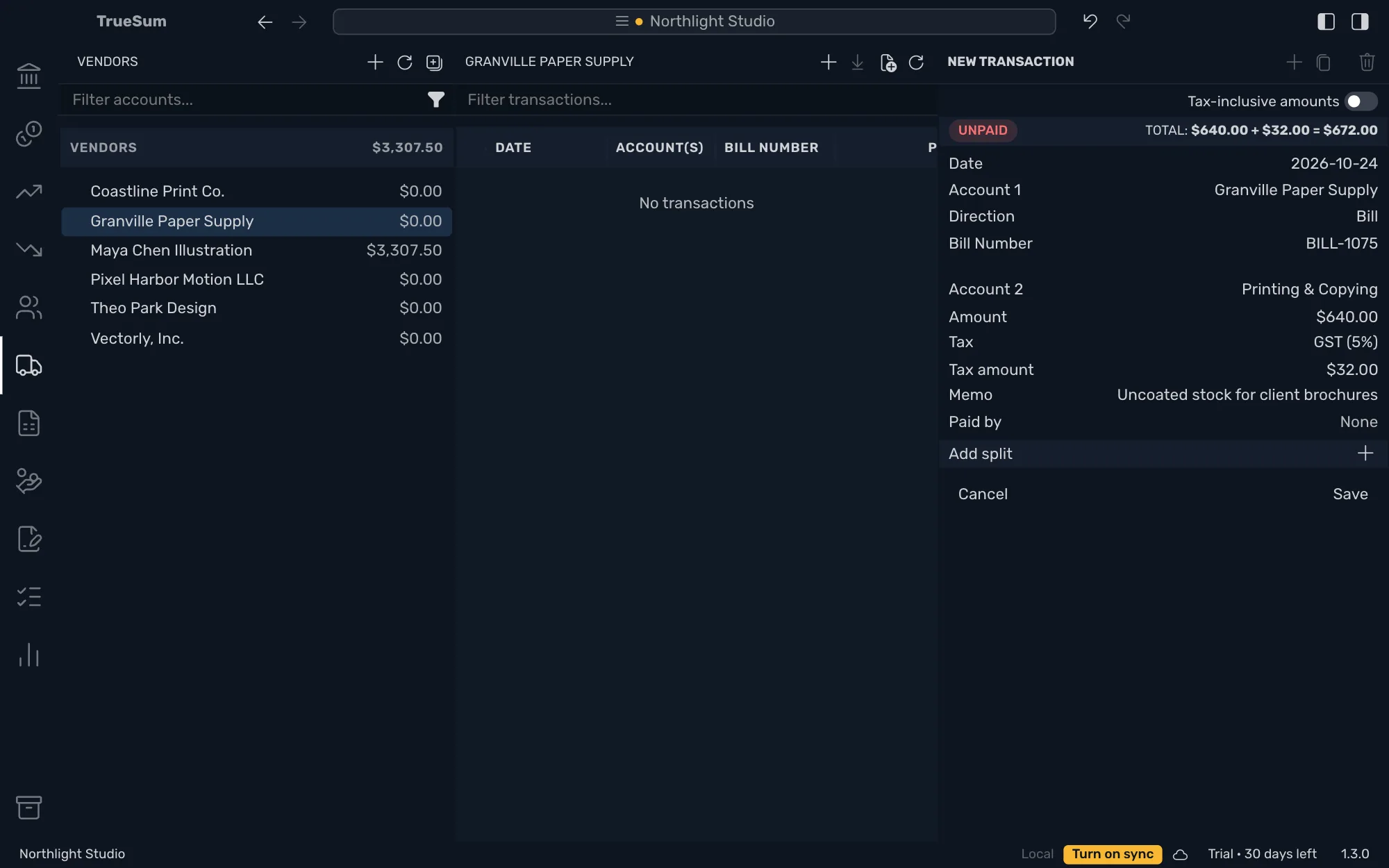
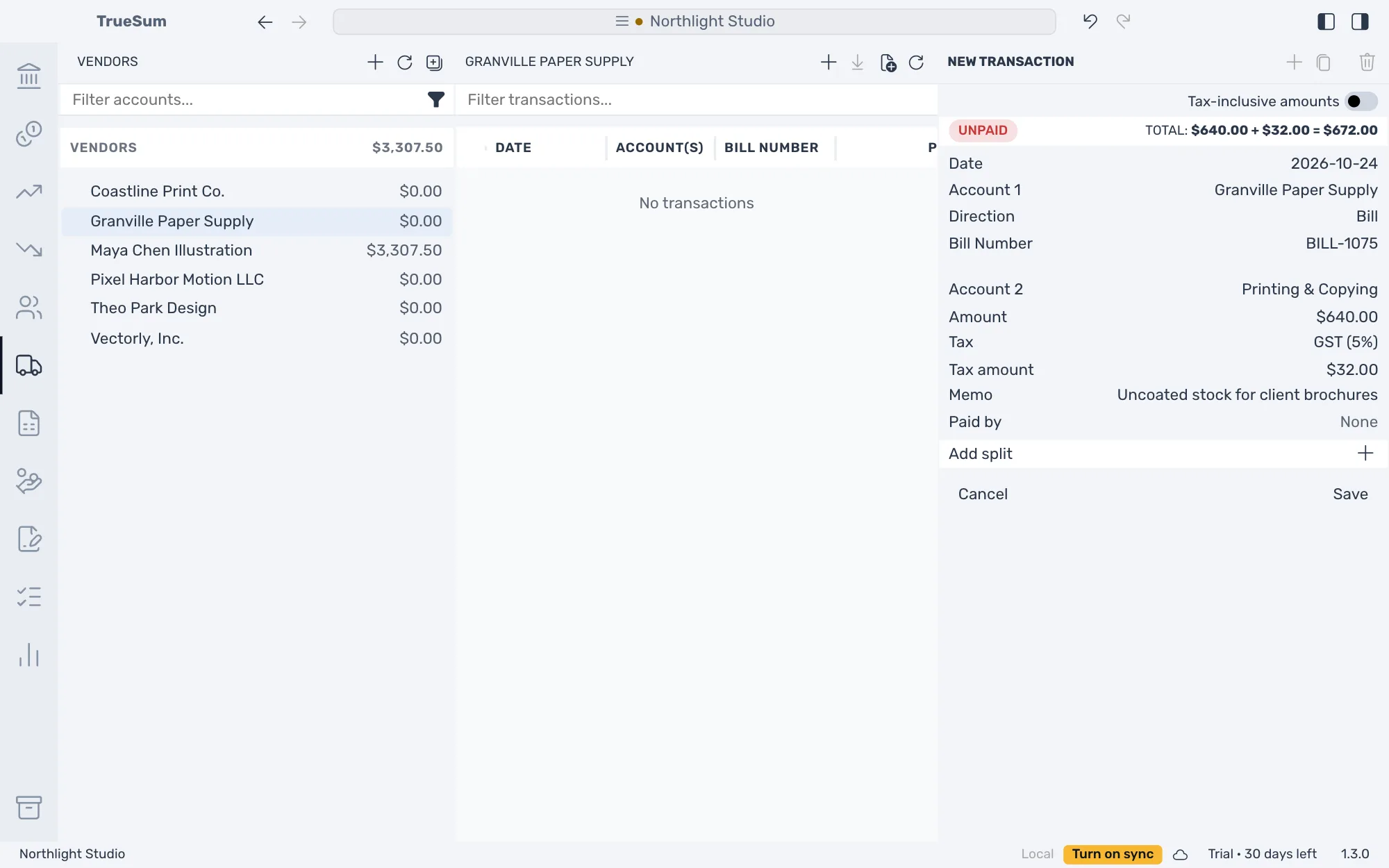
A bill on the vendor's account
Enter what a vendor billed you line by line, each on the account for what you bought, and type the number on the vendor's bill to find it later. What you owe that vendor goes up by the total, and the cost is recorded. The bill stays open until a payment pays it.
Tax on each line
Tax on a bill is added to the total you owe the vendor. Choose the rate on each line, or type a price with the tax already included if that is what the bill shows.
Pay in full or in part
Open the bill and press Record Payment. The payment opens with the amount still owed and the bill on its Pays line, and you choose the date and the account the money came from. The bill reads Paid, or Partially paid until you pay the rest.
One payment for several bills
Start from the vendor, set the direction to Payment and press Pays to tick the bills the payment covers. It goes to the oldest first, up to what each owes. A line says what is left.
See what you owe
What you owe each vendor is beside their name, and the Bills list marks every bill with a check, a dash or a red clock. Vendor Debt by Age splits what you owe each vendor by how long it is past due. Turn on Show individual entries to list the bills under each vendor.
30 days free, no account or credit card required.