Invoice customers and see who has paid
An invoice is a sale on the customer's account. Record a payment and it is matched to the invoices it pays.
To invoice a customer, press the Customers icon, choose the customer and press the plus at the top of their list. Enter what you sold, one line for each income account. Saving the invoice adds the total to what the customer owes you and records the income.
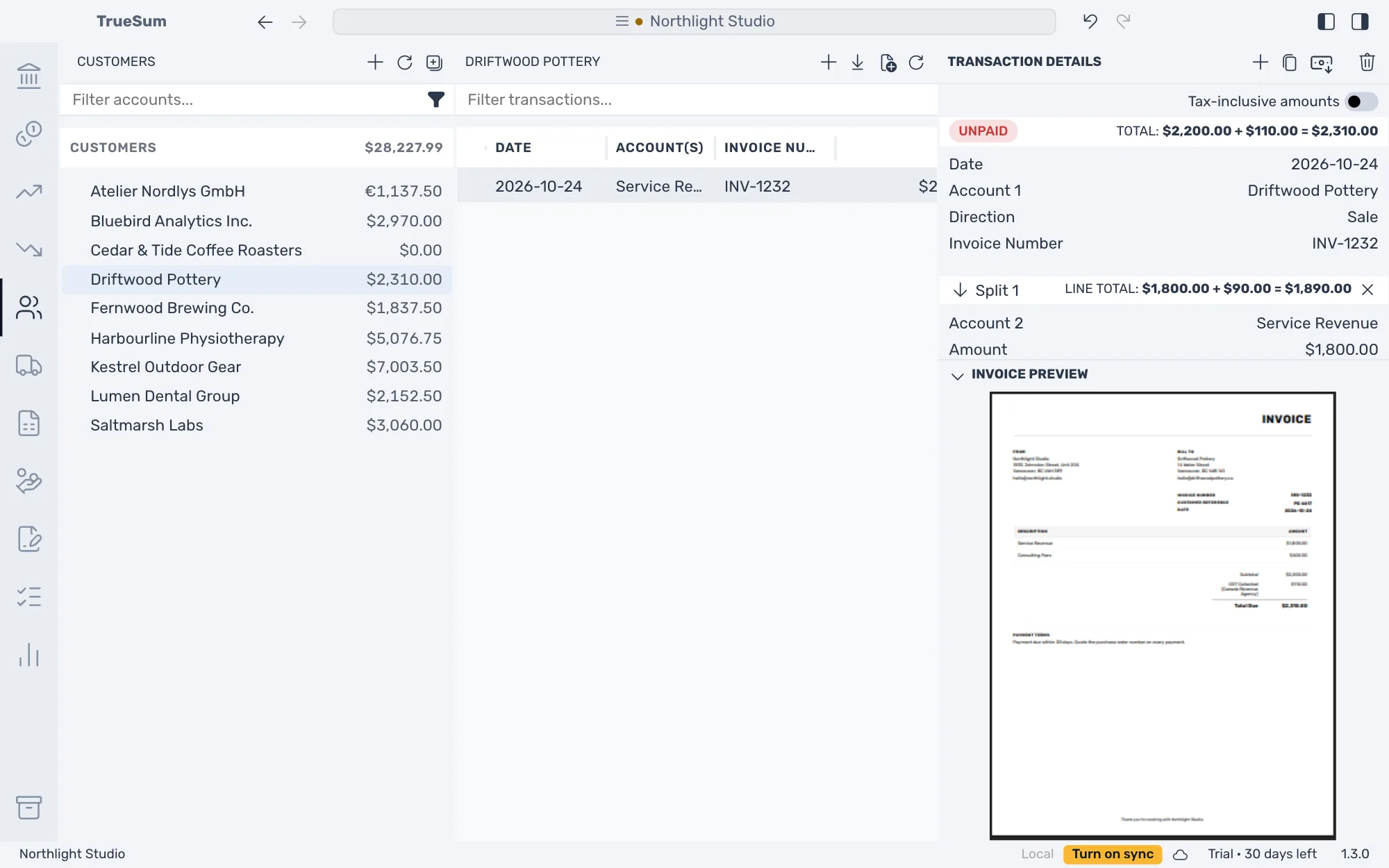
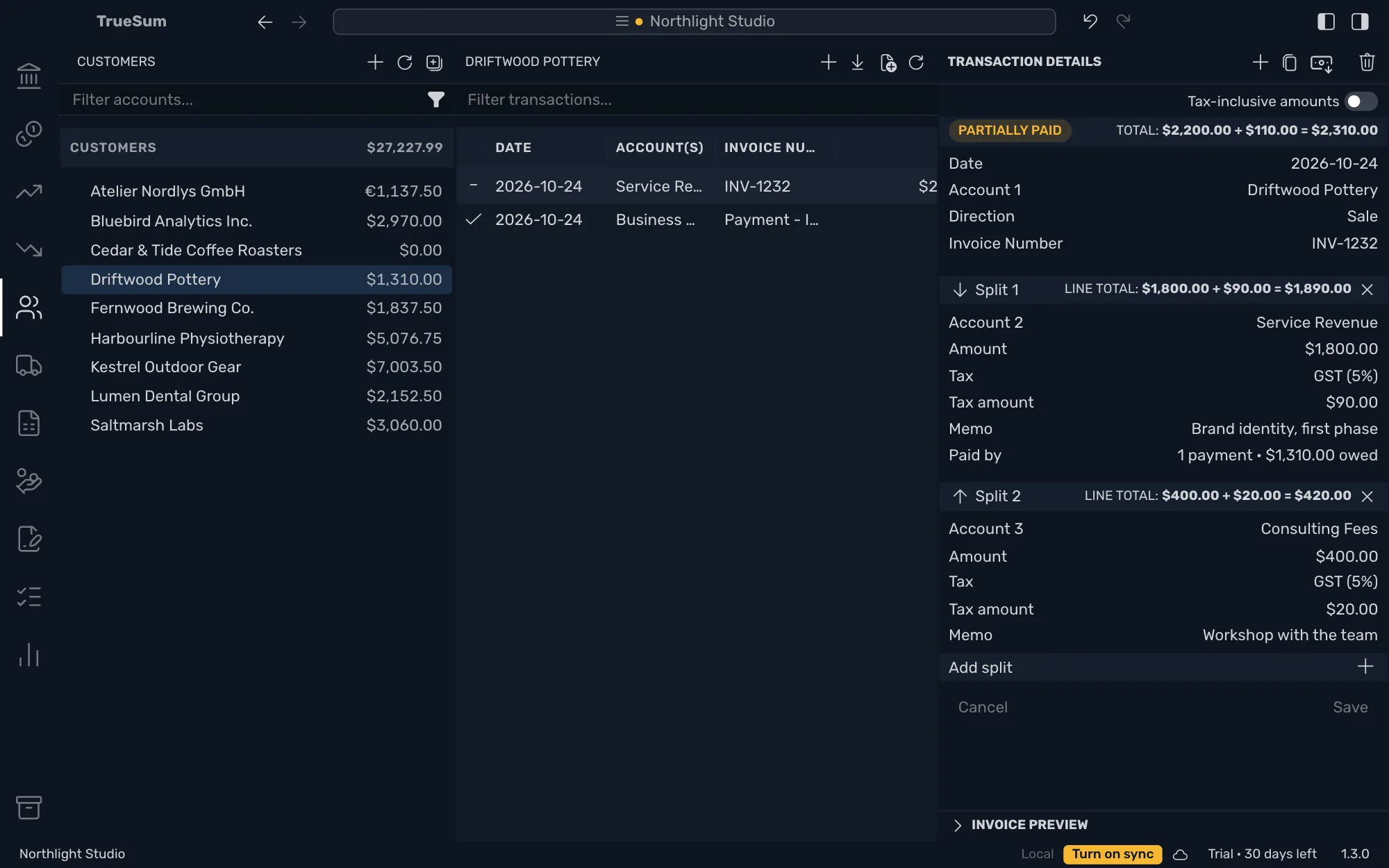
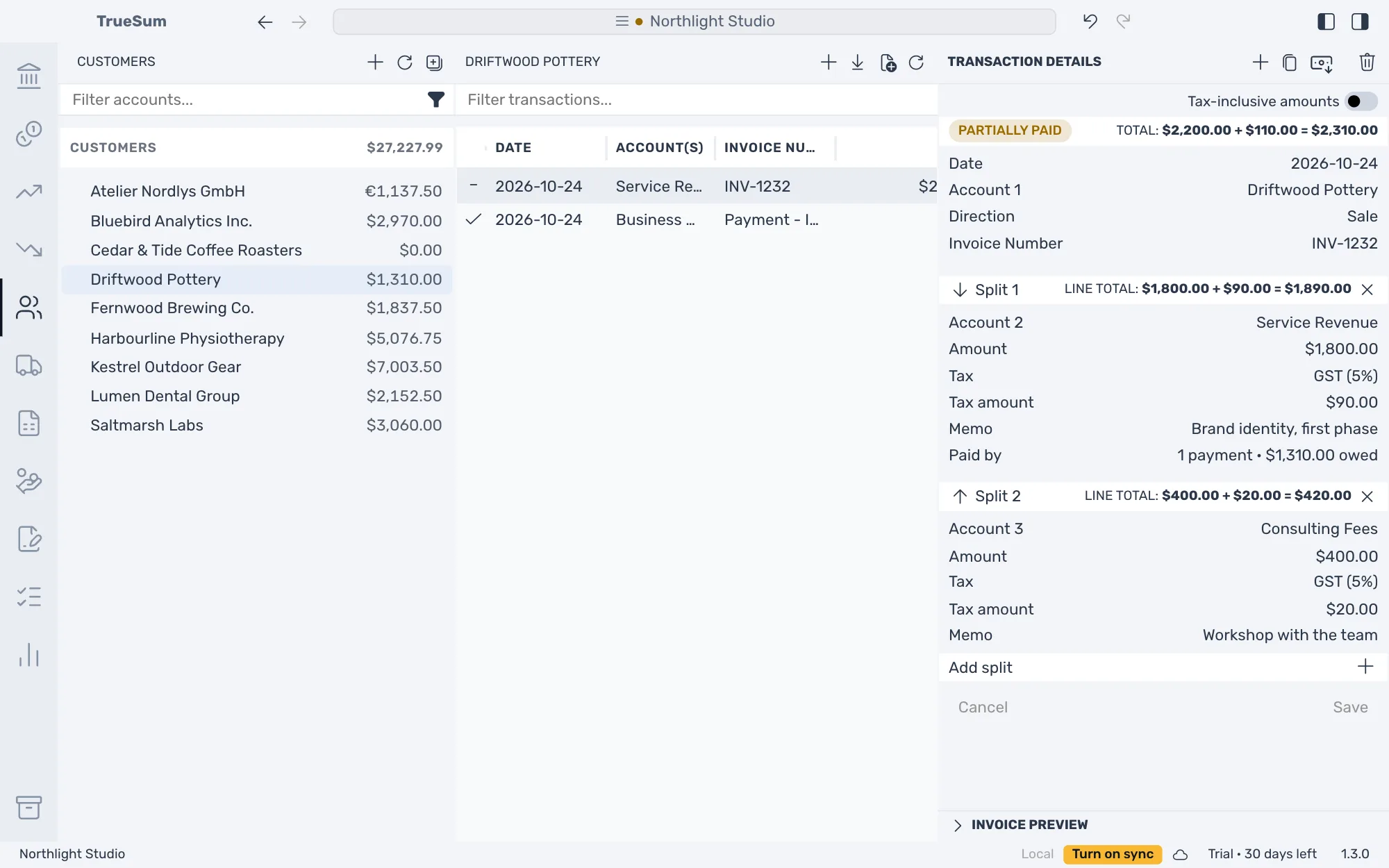
Take an invoice to Driftwood Pottery for $2,200.00 before tax, with $110.00 of GST, which makes $2,310.00. It reads Unpaid until a payment pays it, and the Invoice Preview under the form draws it as the customer will see it, ready to save as a PDF.
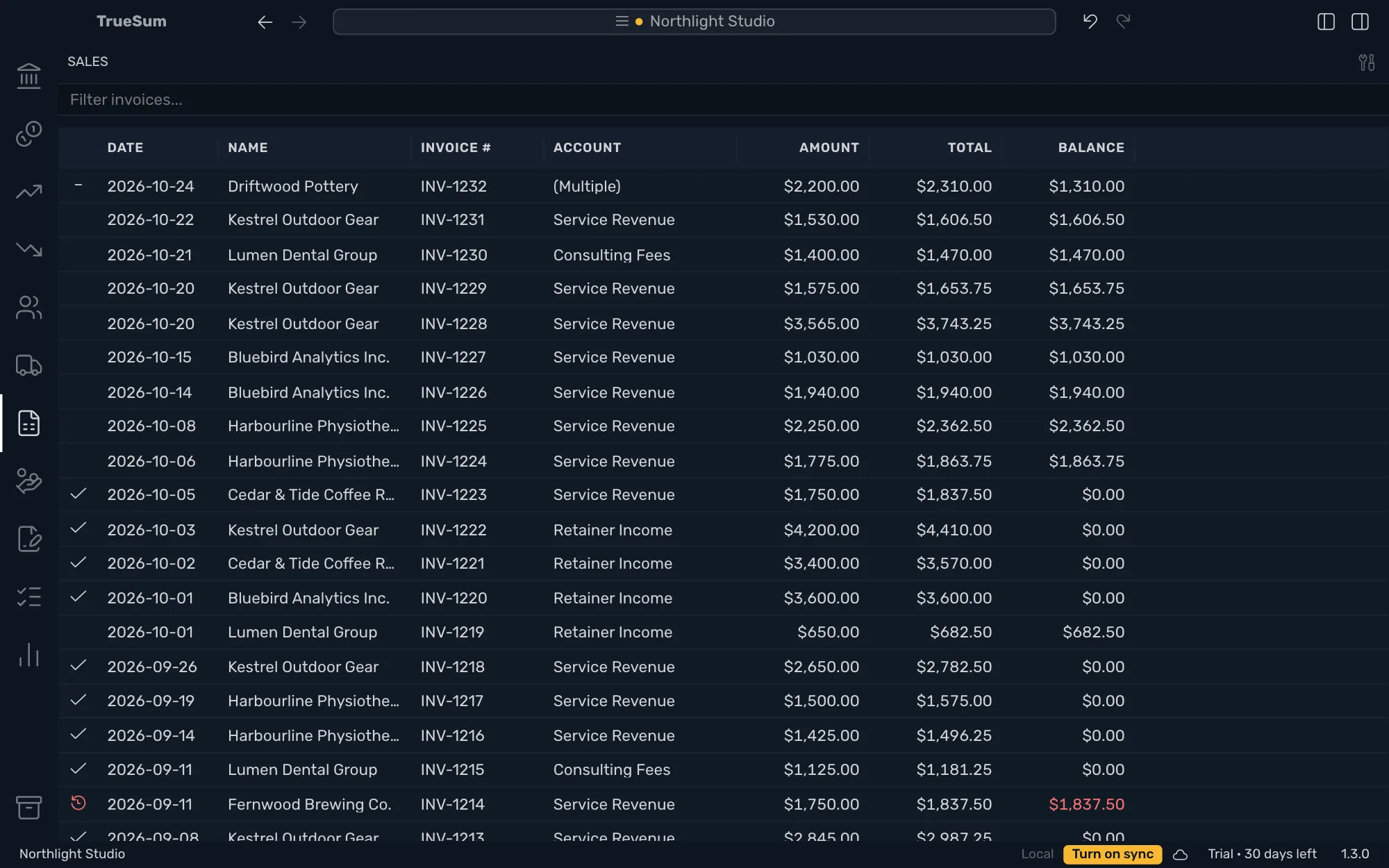
When the customer pays, record the payment from the invoice and it is matched to what it pays. The Sales list marks every invoice paid, part paid or overdue, and Customer Debt by Age shows who is late and by how long. An estimate quotes a job before you do it and changes no balance.
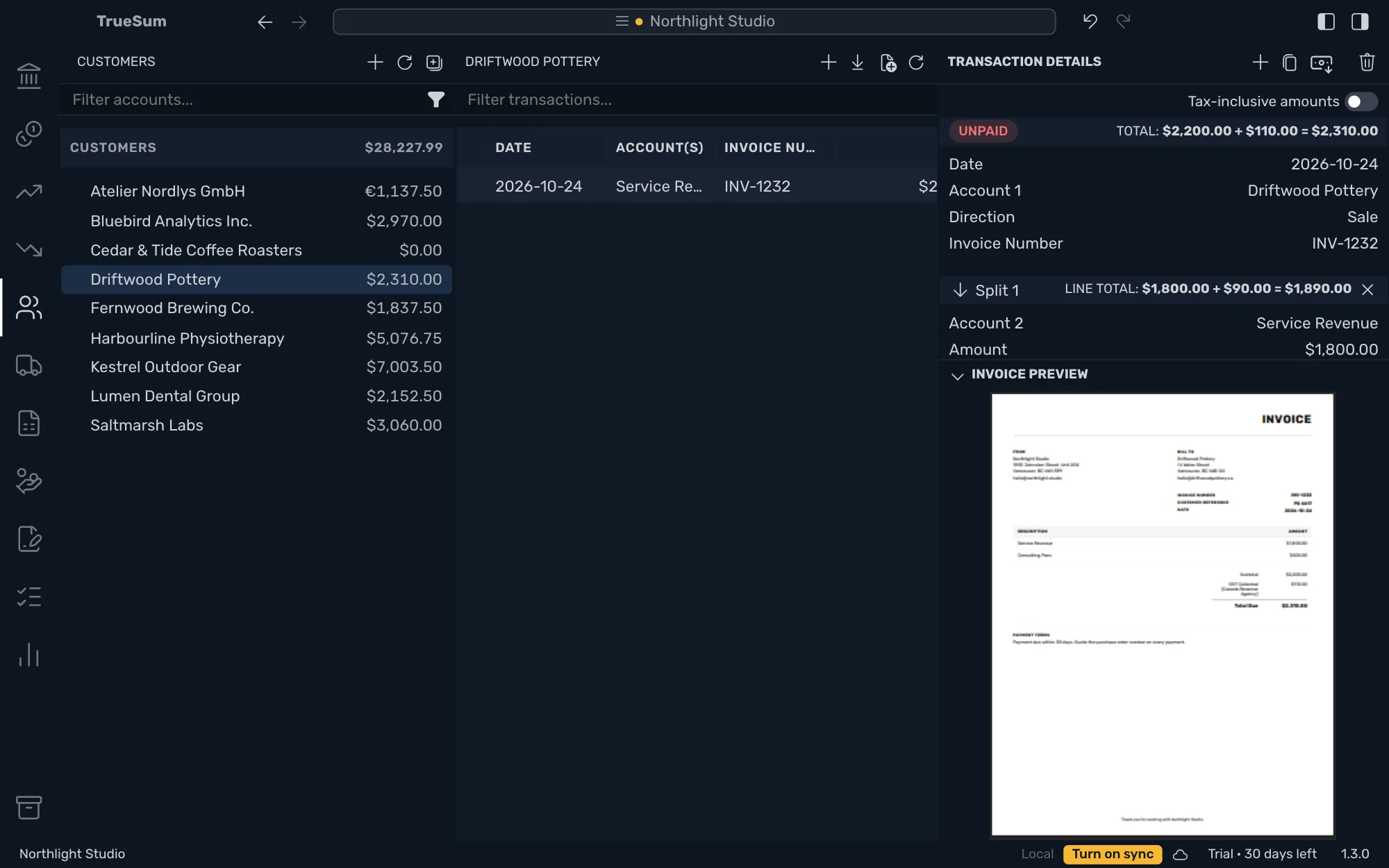
A sale on the customer's account
Enter what you sold line by line, each on an income account whose name reads well to your customer, with a tax rate on each line. The customer's balance goes up by the total, and your income is recorded. The invoice stays open until a payment pays it.
Preview, print or save as a PDF
Every saved invoice has an Invoice Preview under its form, drawn as the PDF your customer would get. Press the magnifier to open it at full size, then save the PDF or print it. Attach the PDF to your own email, because the app does not send email.
Payments matched to invoices
Open an invoice and press Record Payment. The payment opens with the amount still owed and the invoice already on its Pays line. An invoice reads Partially paid until the rest arrives, and one payment can pay several invoices, oldest first.
See who owes you
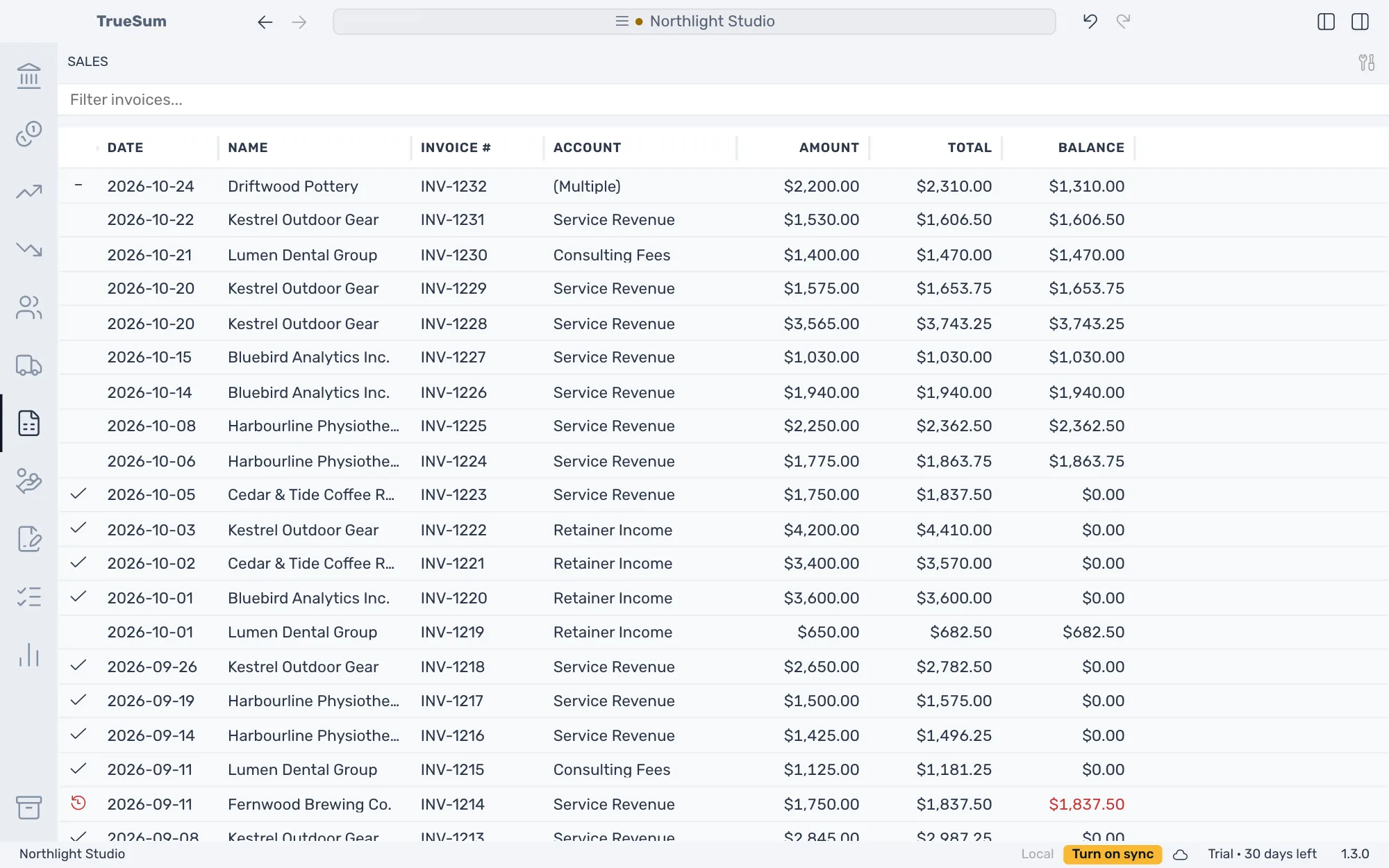
Each customer's balance is beside their name, and the Sales list marks every invoice with a check, a dash or a red clock. Customer Debt by Age splits each balance by how long it is past due. Customer Statement lists one customer's invoices and payments with a running balance.
Estimates
Quote a job before you do it. An estimate has its own numbers, EST-1001 onward, reads Open or Expired and changes no account and no balance. It has the same preview as an invoice. When the customer accepts, create the invoice.
Your logo, address and terms
Add a logo, an address, payment terms, a footer and a signature once, in Invoice Settings. Every invoice and estimate shows them, old ones included, because they are read each time. Choose a PNG or JPEG for the logo and the signature.
30 days free, no account or credit card required.