Record money in and out in one form
Every expense, sale and transfer goes in the same form. Both sides of each one always match, with no difference allowed.
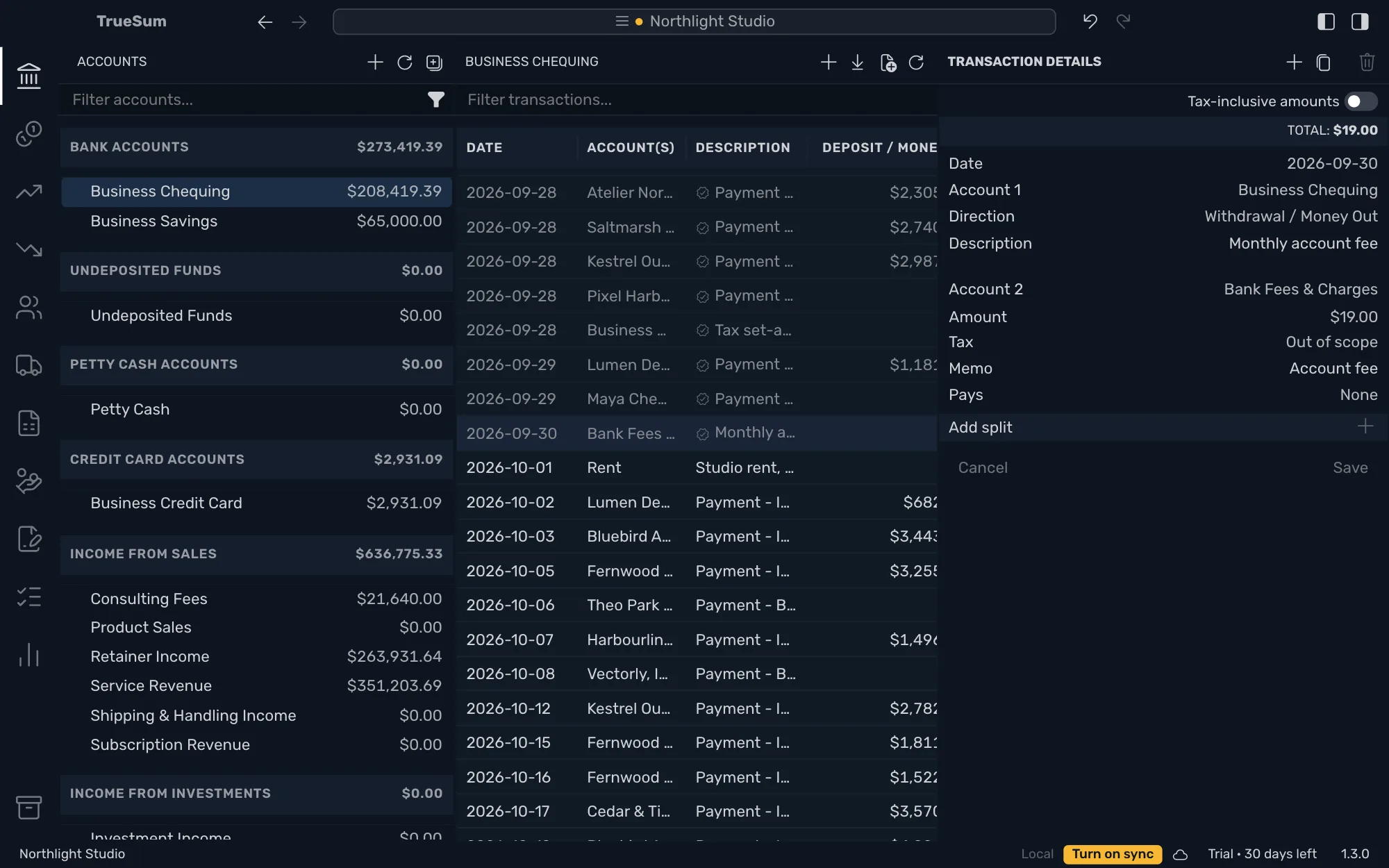
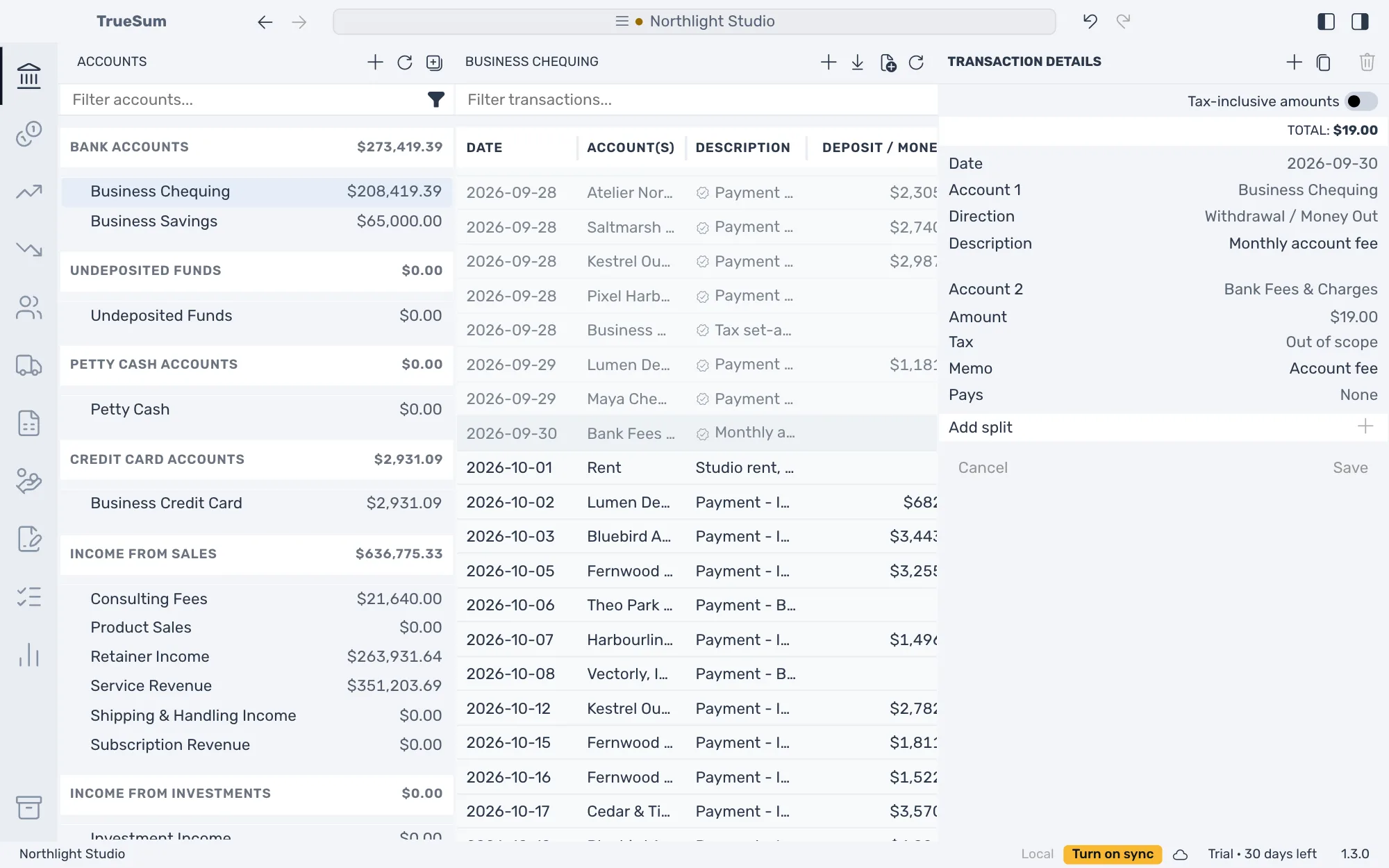
Most of bookkeeping is writing down the money that came in and the money that went out. Press an account in the sidebar, such as Business Chequing, and its list shows every deposit and withdrawal with a running balance. Press the plus at the top of the list and the form opens beside it.
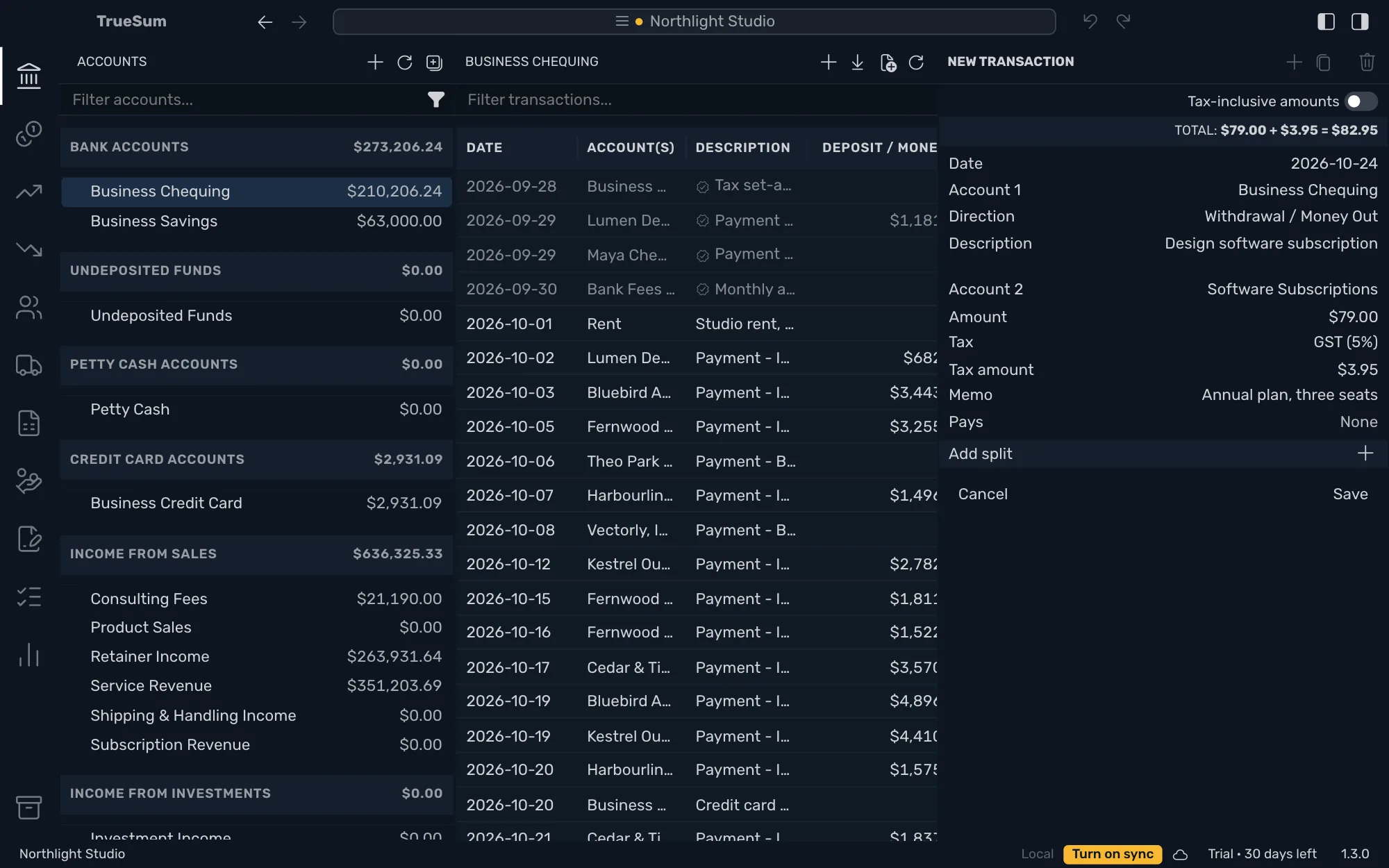
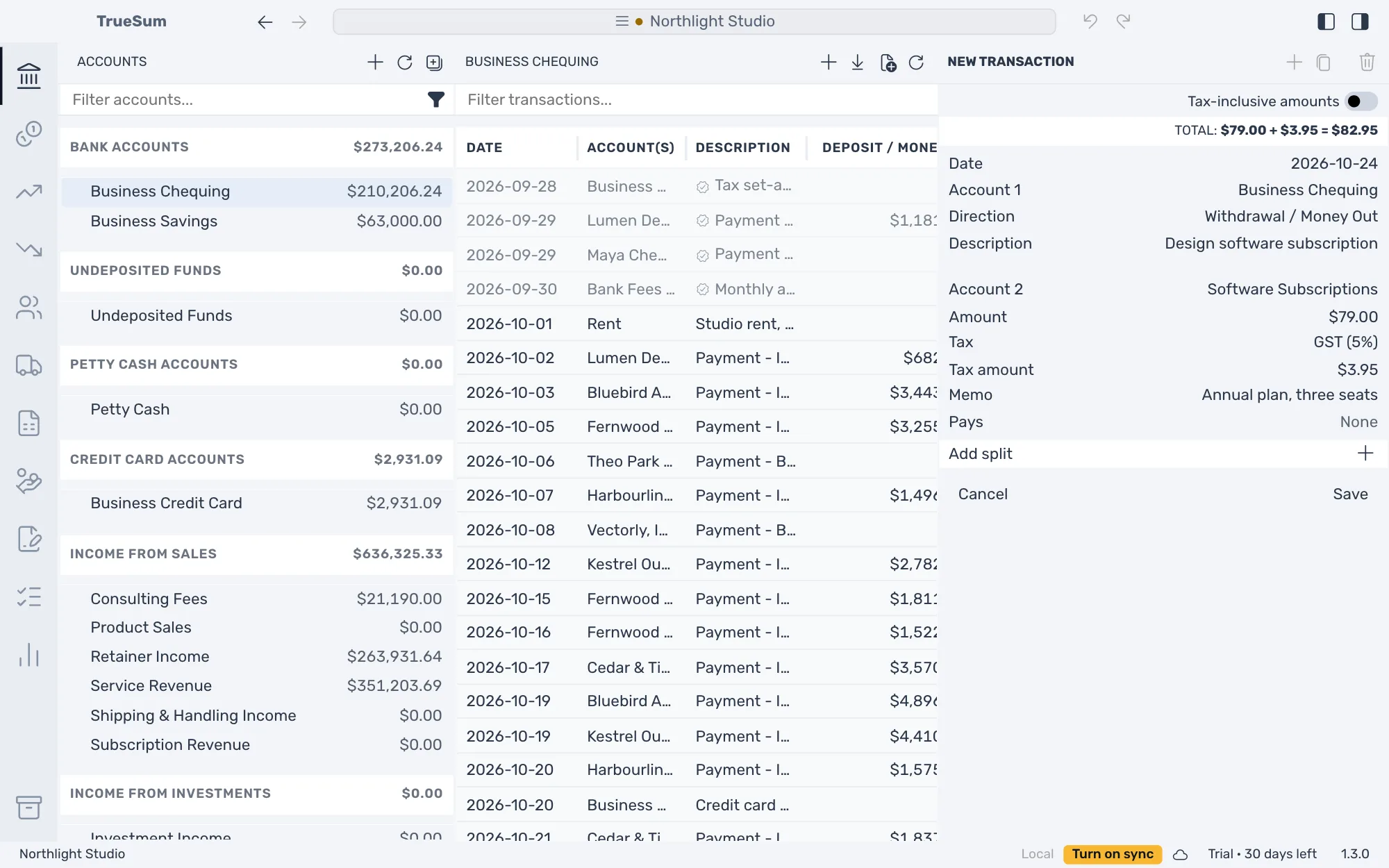
Pay $79.00 plus $3.95 of GST for design software from Business Chequing and press Save. The bank account goes down by $82.95, Software Subscriptions goes up by $79.00 and the tax goes to its own account, because every transaction is written on accounts that match. The same form records a deposit, a transfer and a credit card charge.
What you end up with is a list you can filter, change and undo, and books that always add up. Months you have checked against the bank statement are locked and stay as they were.
Record an expense or a deposit
Enter the date, the account that paid, what the money was spent on, the amount, the tax and a memo. Save stays dimmed until the form is complete, and a line under the buttons lists what is missing. A sale paid on the spot, a refund and money you put into the business go in the same form, and a credit card account works the same way.
Split a payment
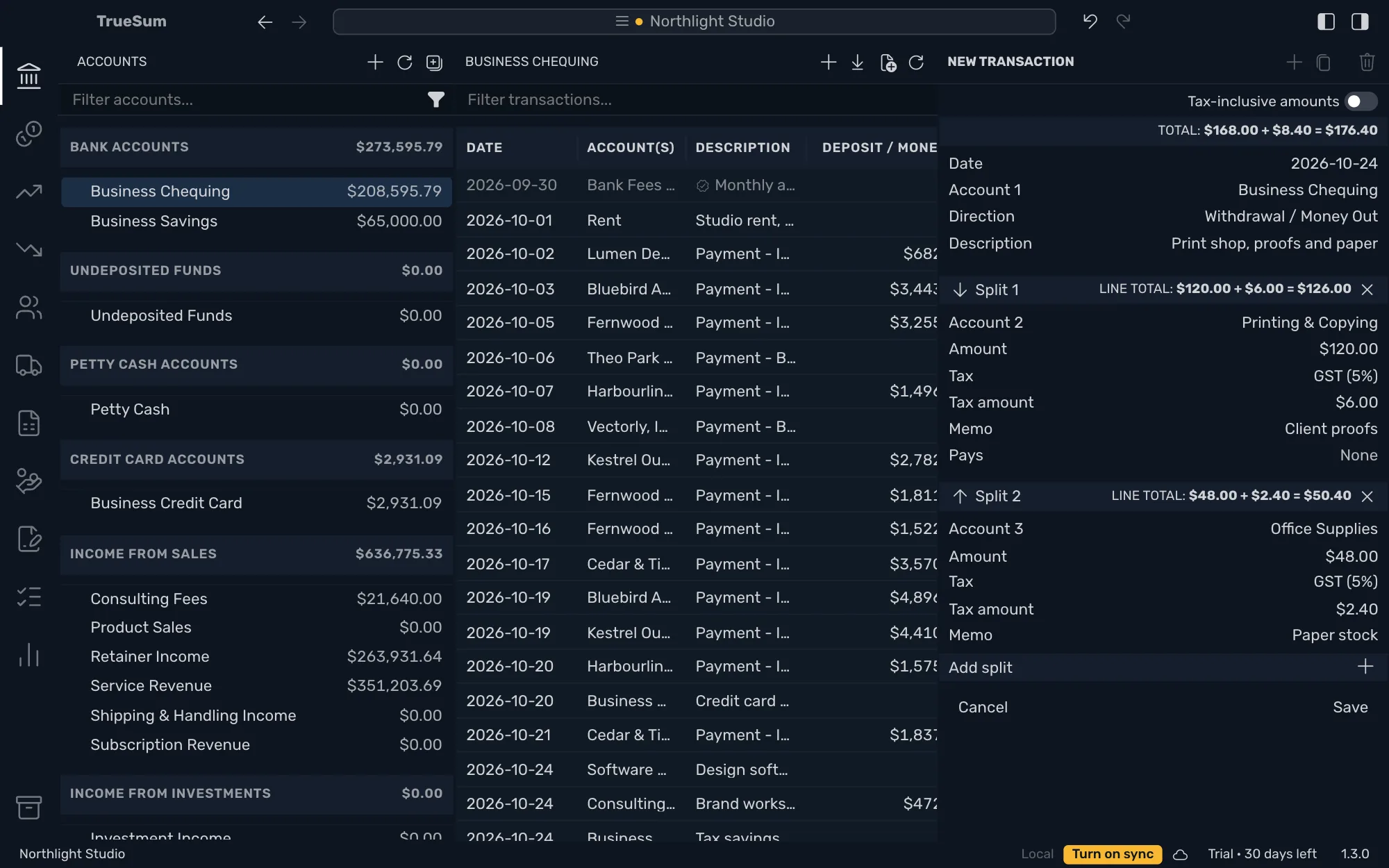
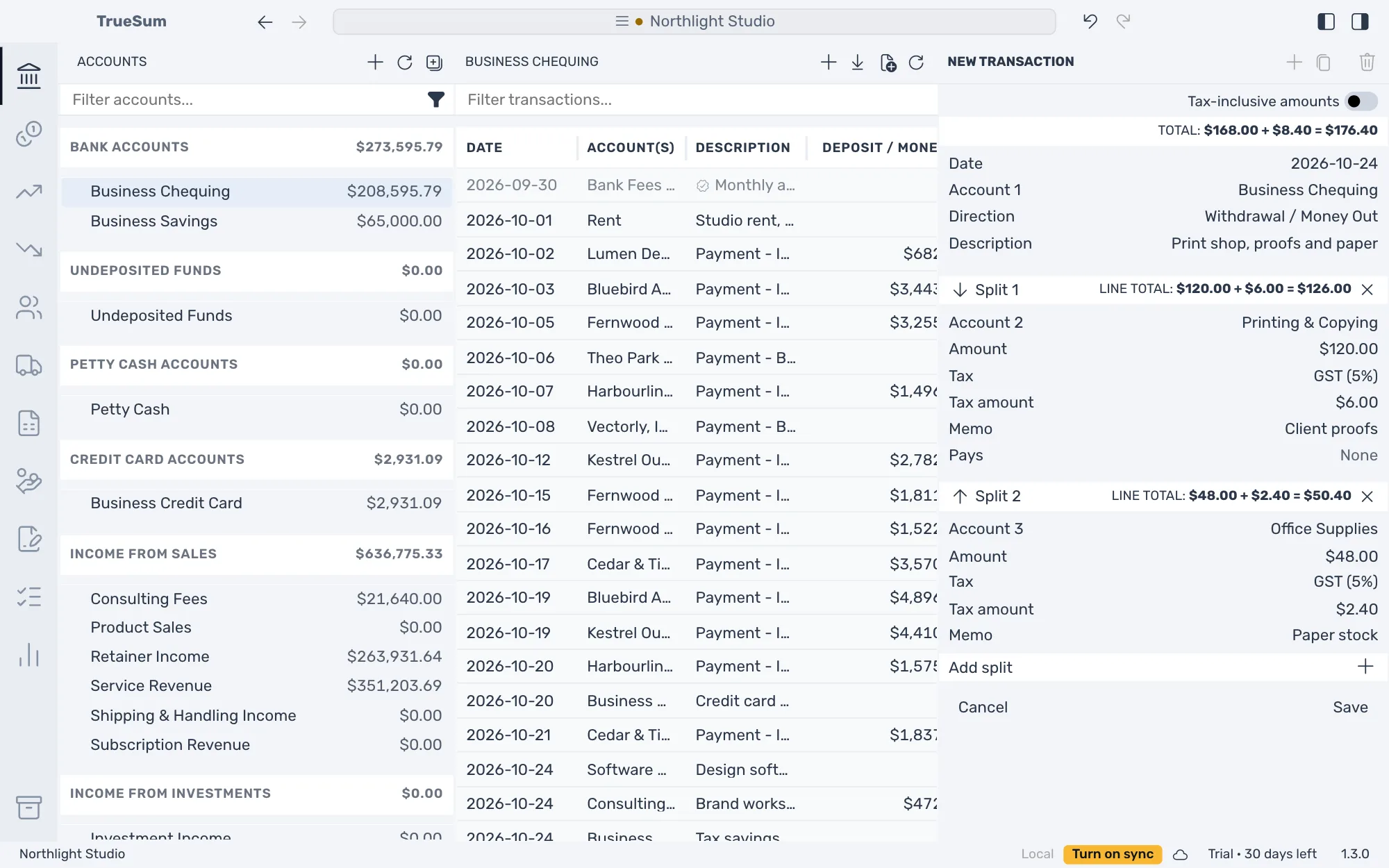
Divide one payment across several accounts, such as $120.00 of printing and $48.00 of paper on one print shop invoice. Each part has its own amount, tax and memo, and the form adds up the total. The account that paid shows one transaction for the full amount, and each part is in the list of its own account.
Transfer between accounts
Put money aside in savings or pay a credit card from your bank account. A transfer is not income and not an expense, and your profit stays as it was. It is in the list of both accounts.
Change, delete and undo
Fix a date, an amount or an account at any time. A change reaches every account the transaction touches, and Delete removes the whole transaction from every account. Undo and Redo, in the title bar and the Edit menu, take back or repeat what you saved or deleted, one step at a time.
Find a transaction
Type in the filter above an account's list and the rows narrow as you type. It looks at the date, the accounts, the description, the amounts and the balance. Clear the box to see the whole list again.
Finished months stay finished
Transactions on a completed bank statement are locked, with a check mark on their rows that names the statement when you point at it. In a locked transaction you can still change the description and the memo. A transaction in a closed fiscal year is locked the same way.
30 days free, no account or credit card required.